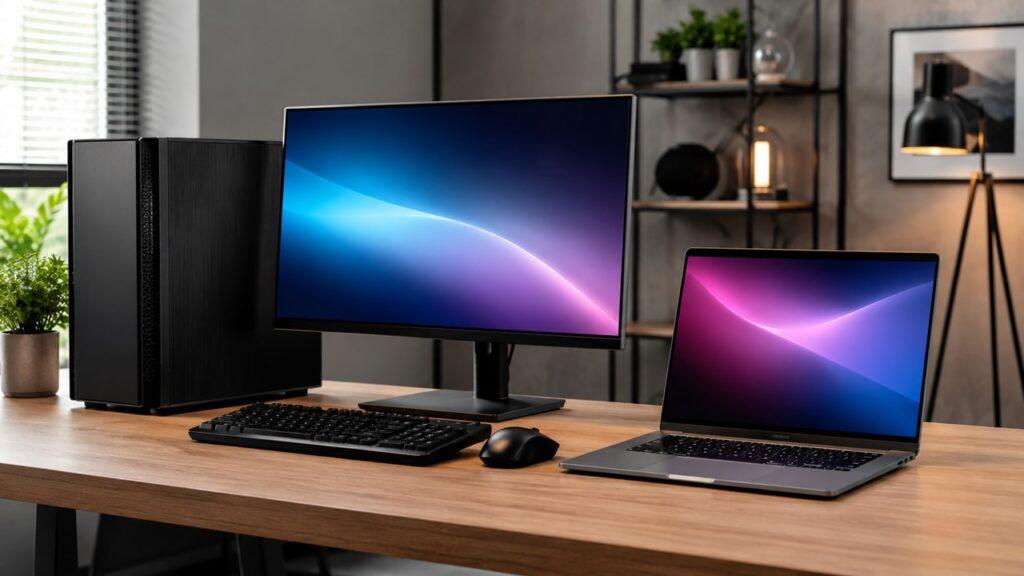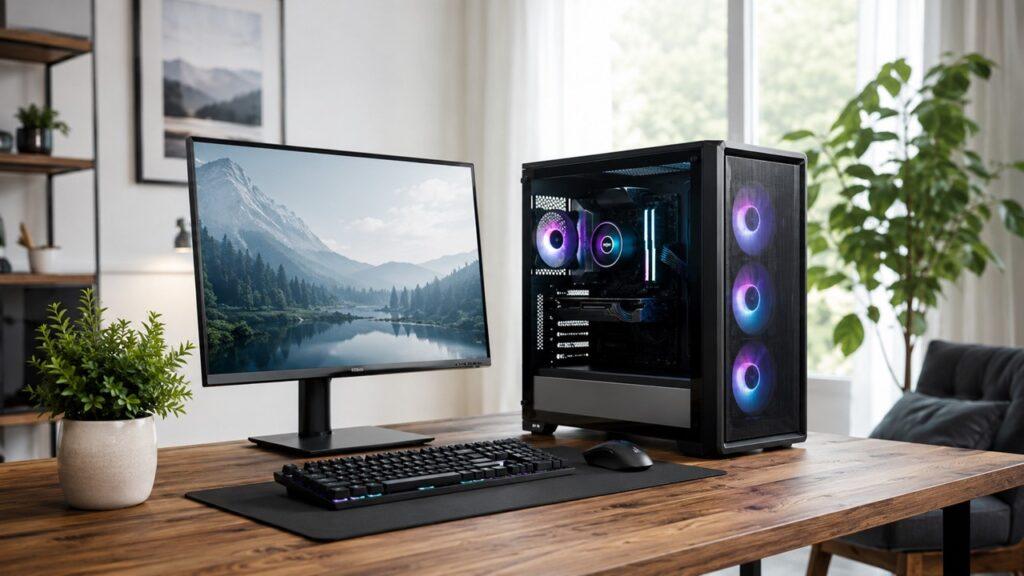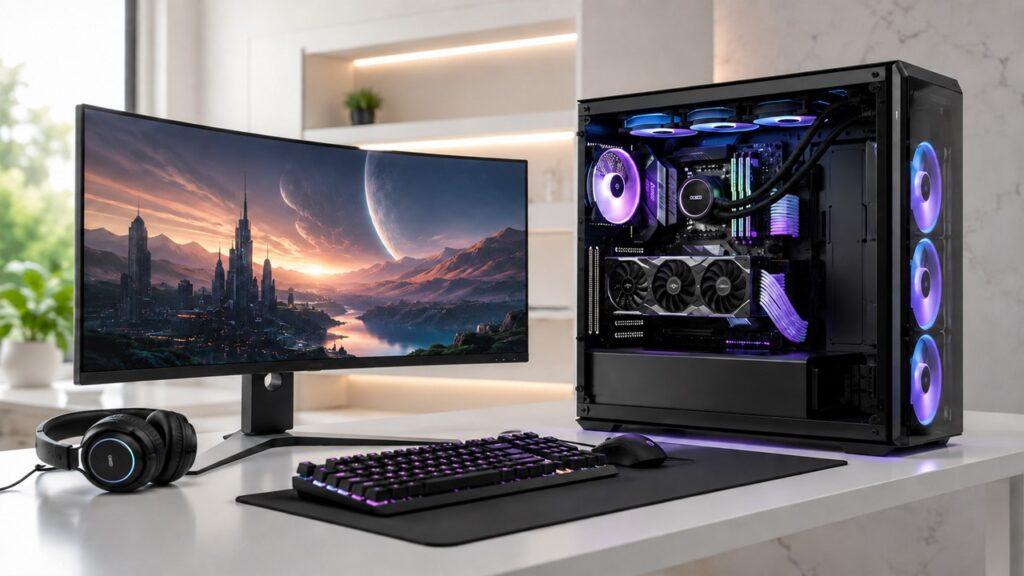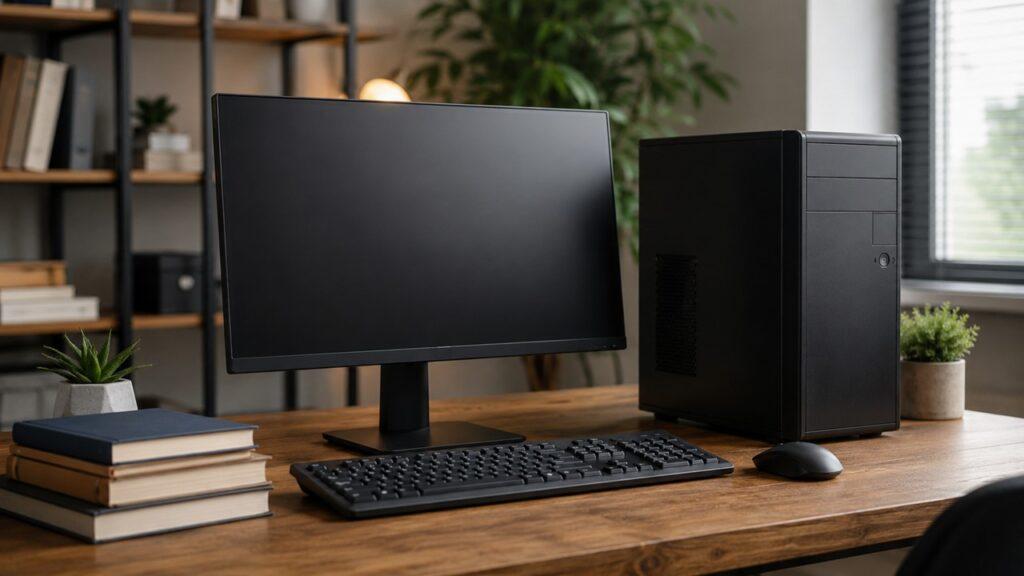
Gaming PCs and business PCs may look similar, but they serve different purposes. Gaming PCs focus on graphics performance and high frame rates, while business PCs prioritize reliability, security, and everyday productivity.
The right choice depends on your daily tasks. Gaming PCs suit graphics-heavy work, while business PCs are better for office tasks like email, spreadsheets, and video calls.
Key Takeaways
- Gaming PCs are designed for high performance, especially for graphics-heavy tasks like gaming, streaming, and video editing.
- Business PCs are built for reliability, efficiency, and everyday office tasks such as email, spreadsheets, and web browsing.
- The biggest difference between a gaming PC vs business PC is the dedicated graphics card in most gaming systems.
- Gaming PCs are usually more expensive because they use powerful GPUs, stronger cooling, and larger power supplies.
- Business PCs are usually more affordable, quieter, and better suited for professional environments.
- A gaming PC can easily handle business tasks, but a business PC may struggle with modern games or creative workloads.
- The best choice depends on your daily needs, not just raw performance.
Quick Answer: Gaming PC vs Business PC
A gaming PC is better for modern games, graphics-heavy work, streaming, video editing, and future upgrades. A business PC is better for office work, web browsing, email, accounting, video calls, quiet operation, security, and lower cost. If you do not play modern games or use creative software, a business PC is usually enough.
| Feature | Gaming PC | Business PC |
| Main purpose | Gaming and graphics-heavy tasks | Office work and business productivity |
| Graphics | Dedicated GPU | Integrated graphics or basic GPU |
| Performance focus | High FPS and visual quality | Stability and multitasking |
| Design | Larger, RGB, airflow-focused | Compact, simple, professional |
| Cooling | Stronger cooling system | Quiet, efficient cooling |
| Upgradability | Usually easier to upgrade | Often limited or proprietary |
| Cost | Usually higher | Usually lower |
| Best for | Gamers, streamers, creators | Offices, students, businesses |
What Is a Gaming PC?
A gaming PC is a computer built to run games smoothly. Its most important part is usually the dedicated graphics card, also called a GPU. The GPU helps the computer render 3D worlds, lighting, textures, shadows, and high frame rates.
Gaming PCs are designed for performance. They usually include stronger processors, faster RAM, better cooling, larger power supplies, and upgrade-friendly cases. These parts help the system handle demanding games and graphics-heavy software.
A gaming PC usually includes:
- Dedicated graphics card
- Faster CPU
- More powerful cooling
- High-speed RAM
- Fast SSD storage
- Larger power supply
- Upgrade-friendly case
- RGB lighting or gaming-style design
Gaming PCs are not only for games. A good gaming PC can also handle school work, office tasks, video editing, streaming, multitasking, and content creation. The main issue is cost. If you only need a computer for basic work, most of that gaming power may go unused.
What Is a Business PC?
A business PC is a computer built for everyday productivity. It is designed for office software, web browsing, email, video calls, accounting, data entry, customer management tools, and company workflows.
Business PCs usually focus on reliability instead of extreme performance. They are often quiet, compact, simple, and easy to manage in office environments. Many business desktops also include security features, warranty options, and professional support that matter to companies.
A business PC commonly includes:
- Integrated graphics
- Quiet operation
- Compact case
- Lower power use
- Business-grade security features
- Professional warranty options
- Simple design
- Reliable performance for long work hours
Business PCs are not weak. They are simply optimized for different tasks. A good business PC can feel fast and smooth for normal work, even if it cannot run modern games at high settings.
Gaming PC vs Business PC: Main Differences
Gaming PCs and business PCs differ in graphics, speed, cooling, design, cost, support, and upgrade options. These differences matter because they affect how the computer performs in real life.
1. Graphics Performance
Graphics performance is the biggest difference between a gaming PC and a business PC. A gaming PC usually has a dedicated GPU. A business PC often uses integrated graphics built into the processor.
A dedicated GPU helps a gaming PC run modern games, 3D software, video editing tools, and streaming workloads. Integrated graphics are fine for documents, spreadsheets, browsing, video calls, and media playback, but they are not ideal for heavy visual tasks.
In simple terms:
- Gaming PCs need GPUs for 3D graphics and high FPS.
- Business PCs do not need powerful GPUs for Word, Excel, browsers, email, or Zoom.
- A business PC may struggle with modern AAA games, 3D rendering, or GPU-heavy editing.
If your work or hobby depends on graphics power, choose a gaming PC or workstation. If your work is mostly office-based, a business PC is usually enough.
2. Processor and Speed
Both gaming PCs and business PCs can have good processors. The difference is how that power is used.
Gaming PCs usually prioritize higher performance for games and demanding tasks. Many gaming systems use fast CPUs that help with high frame rates, multitasking, streaming, and creative work.
Business PCs prioritize stable performance for long workdays. They are built to handle office apps, browsers, cloud tools, emails, spreadsheets, and meetings without unnecessary power consumption.
A high-end business workstation is different from a normal business desktop. A workstation may use powerful CPUs for CAD, 3D design, engineering, scientific work, or large datasets. A normal business PC is usually built for daily productivity, not heavy professional workloads.
3. RAM and Multitasking
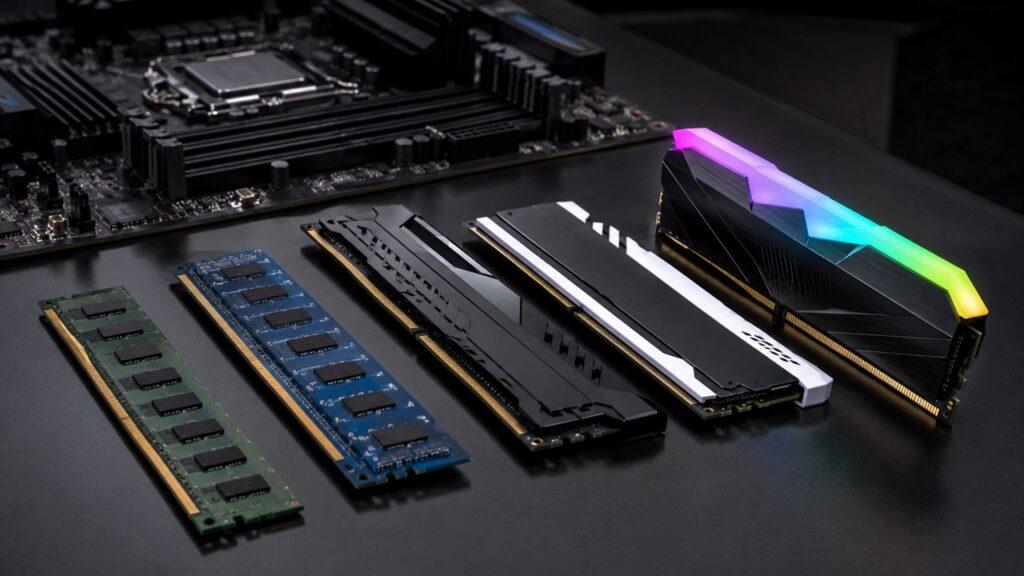
RAM affects how many apps and browser tabs your PC can handle at the same time. A business PC with enough RAM can feel very smooth for office work. A gaming PC usually needs more RAM if it handles gaming, streaming, editing, and background apps together.
For most users, 16GB RAM is a strong starting point in 2026. It gives enough room for browsers, office apps, video calls, and multitasking. Gamers and creators may benefit from 32GB, especially when using large games, editing software, or streaming tools.
| Use Case | Recommended RAM |
| Basic office work | 8GB to 16GB |
| Heavy office multitasking | 16GB to 32GB |
| Gaming | 16GB to 32GB |
| Streaming, editing, and gaming together | 32GB or more |
| Professional workstation tasks | 32GB to 128GB+ |
RAM does not make a weak GPU powerful. However, enough RAM prevents slowdowns when multiple programs run together.
4. Storage
Both gaming PCs and business PCs can use SSDs. An SSD makes the computer boot faster, open apps faster, and feel more responsive.
Gaming PCs often need larger SSDs because modern games can take a lot of space. A 1TB NVMe SSD is a practical choice for many gaming systems because it can store Windows, apps, and several large games.
Business PCs usually need fast and reliable storage for documents, business apps, cloud syncing, and local files. A 512GB SSD is enough for many office users, especially when the company uses Google Drive, OneDrive, Dropbox, or other cloud storage tools.
Storage speed matters for both systems. Storage capacity matters more for gamers, editors, and users with large local files.
5. Cooling and Noise
Gaming PCs generate more heat because they use more powerful CPUs and GPUs. That heat must be removed from the case to keep performance stable.
Business PCs usually run cooler and quieter because they use lower-power components. This makes them better for offices, reception desks, classrooms, and shared workspaces.
The cooling difference is simple:
- Gaming PCs generate more heat because of powerful GPUs and CPUs.
- Business PCs are usually quieter and more power-efficient.
- Gaming PCs often use more fans, larger cases, or liquid cooling.
A loud gaming PC may not bother a gamer wearing headphones. The same noise may feel distracting in a quiet office.
6. Design and Appearance
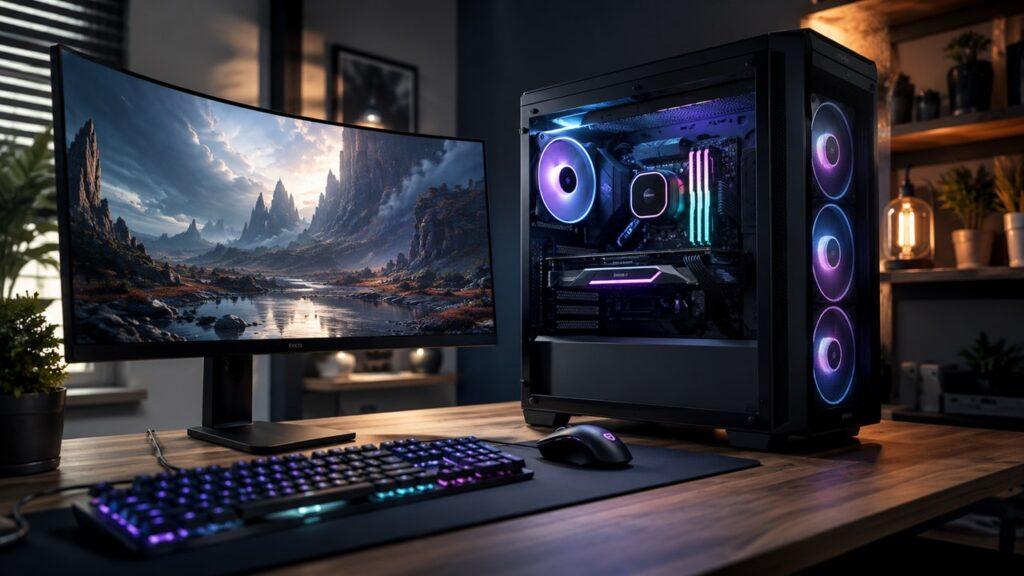
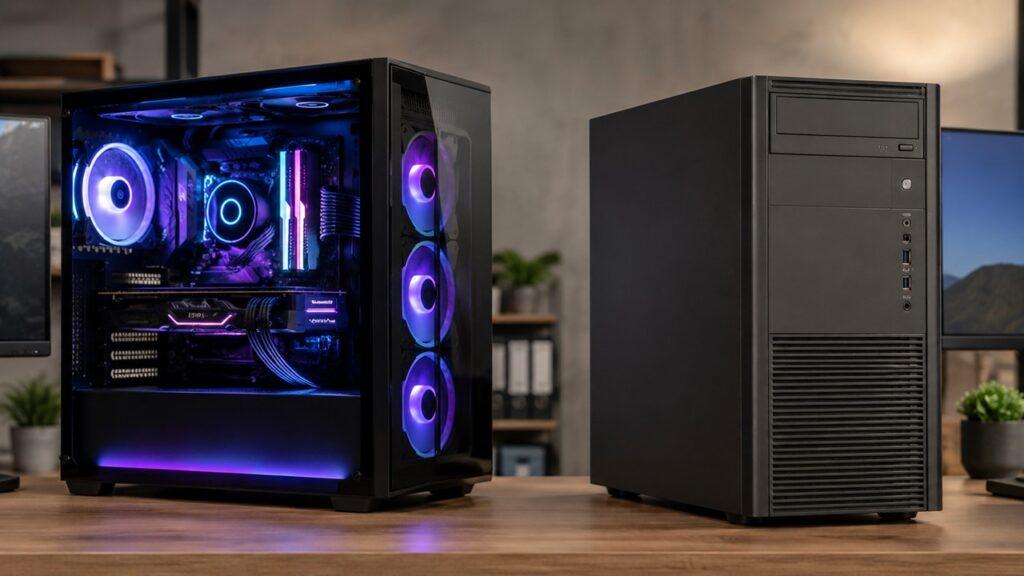
Gaming PCs often look bold. Many use RGB lighting, glass side panels, large cases, visible fans, and aggressive styling. The design helps with airflow, customization, and gaming aesthetics.
Business PCs look simple and professional. Many use compact black or silver cases that fit under desks or beside monitors. Their design is made to blend into offices, not stand out.
Neither design is automatically better. A gaming design is better for personal setups and performance builds. A business design is better for offices, schools, clinics, shops, and professional spaces.
7. Upgradability
Gaming PCs are usually easier to upgrade. Most gaming desktops use standard parts, larger cases, and stronger power supplies. This makes it easier to replace or add parts later.
Common gaming PC upgrades include:
- GPU
- RAM
- SSD
- Cooling
- Power supply
- Case fans
Business PCs are often harder to upgrade. Many compact business desktops use smaller cases, custom power supplies, and proprietary motherboards. You may still upgrade RAM or storage, but GPU and power supply upgrades can be limited.
If you want to improve your PC over time, a gaming PC is usually the safer choice.
8. Reliability and Support
Business PCs often provide better support for companies. They may include business warranty options, easier IT management, security tools, and stable driver support.
Gaming PCs focus more on speed, graphics, cooling, and customization. That does not mean gaming PCs are unreliable. It means they are built for a different buyer.
For a company buying 10, 50, or 100 computers, support matters. A business PC with warranty coverage and simple management can save time. For a gamer or creator buying one system, performance and upgrade options may matter more.
9. Price and Long-Term Value
Gaming PCs usually cost more because the dedicated graphics card is expensive. They also need stronger cooling, better airflow, larger cases, and more powerful power supplies.
Business PCs are usually more affordable because they skip gaming-grade graphics. For office work, this makes sense. You do not need to pay for GPU power if your team mainly uses email, spreadsheets, browsers, and cloud software.
| Buyer Type | Better Value |
| Office worker | Business PC |
| Student | Business PC |
| Casual gamer | Business PC or entry-level gaming PC |
| Modern gamer | Gaming PC |
| Video editor | Gaming PC or workstation |
| Business owner buying many PCs | Business PC |
| Streamer | Gaming PC |
The best value is not the cheapest PC. The best value is the PC that matches the workload without wasting money.
Gaming PC vs Business PC: Which One Performs Better?
A gaming PC performs better in games and graphics-heavy workloads. A business PC performs well enough for normal office tasks and may be the better value for everyday productivity.
“Better” depends on the task:
- For office work, a business PC is enough.
- For web browsing, both can feel similar.
- For video calls, both can perform well.
- For modern gaming, a gaming PC is much better.
- For creative work, a gaming PC can be much faster.
- For business reliability, a business PC may be better.
- For upgrades, a gaming PC is usually better.
If you open documents, use email, attend meetings, and browse the web, a gaming PC will not make those tasks dramatically better. If you play modern games, edit videos, render graphics, or stream, a business PC may quickly become limiting.
Can You Use a Gaming PC for Business Work?
Yes, a gaming PC can be used for business work. It can run office apps, browsers, accounting software, video calls, project management tools, and multitasking easily.
For normal business tasks, a gaming PC is usually more powerful than needed. It may feel fast, but the extra GPU power may not help much when you are writing documents, checking email, or working in spreadsheets.
The downsides are practical:
- Higher cost
- More power use
- Larger size
- More fan noise
- Gaming design may not fit professional offices
- Extra GPU power may be wasted for simple office work
A gaming PC makes sense for business work if you also game, edit videos, create content, render 3D models, livestream, or want one powerful all-purpose computer. For simple office tasks, a business PC is usually the smarter purchase.
Can You Use a Business PC for Gaming?
Yes, you can use a business PC for gaming, but only within limits. A normal business PC can run browser games, older games, indie games, and some casual esports games at low settings.
A business PC is not ideal for modern AAA games. Most business desktops lack the dedicated GPU needed for high frame rates, high resolutions, and demanding visual settings.
| Game Type | Business PC Performance | Better Choice |
| Browser games | Good | Business PC |
| Older games | Usually okay | Business PC |
| Indie games | Usually okay | Business PC |
| Casual esports | Depends on specs | Entry-level gaming PC |
| Modern AAA games | Poor or unplayable | Gaming PC |
| VR gaming | Not suitable | Gaming PC |
If you only play light games, a business PC may be enough. If you want smooth performance in modern games, choose a gaming PC.
Business PC vs Workstation vs Gaming PC: Don’t Confuse Them
Many people confuse business PCs, workstations, and gaming PCs. They are related, but they are not the same.
Business PC
A business PC is built for office productivity. It handles communication, browsing, spreadsheets, presentations, CRM tools, accounting software, cloud apps, and everyday company tasks.
A business PC is usually affordable, quiet, compact, and professional-looking. It is the right choice for most employees, students, administrators, reception desks, and small business setups.
Workstation PC
A workstation is a high-performance professional computer. It is built for demanding work such as CAD, engineering, 3D modeling, scientific computing, large datasets, professional video production, and design software.
Workstations may include:
- ECC RAM
- Certified GPUs
- Professional drivers
- Enterprise support
- Higher pricing
A workstation is not just a “better business PC.” It is a specialized professional system. It makes sense when accuracy, stability, software certification, and long workload reliability matter.
Gaming PC
A gaming PC is optimized for real-time graphics, frame rates, visual quality, and performance flexibility. It is designed to run games smoothly, but it can also handle creative work and general productivity.
A gaming PC is usually easier to upgrade than a compact business desktop. It is the better choice for gamers, streamers, creators, and users who need strong graphics performance without buying a professional workstation.
| Type | Best For | Main Strength |
| Business PC | Office work | Reliability and affordability |
| Workstation | Professional workloads | Accuracy and stability |
| Gaming PC | Gaming and creative use | Graphics performance |
Who Should Choose a Business PC?
Choose a business PC if:
- You mostly use Word, Excel, PowerPoint, email, and browsers.
- You run a small office or business.
- You need many affordable computers for employees.
- You want a quiet and compact desktop.
- You do not play modern games.
- You want lower electricity usage.
- You need business warranty and support.
- You already use cloud tools for most work.
A business PC is the smarter choice when graphics performance is not important. It gives you the speed you need for everyday productivity without making you pay for gaming hardware.
Who Should Choose a Gaming PC?
Choose a gaming PC if:
- You play modern games.
- You want higher frame rates.
- You use a high-refresh-rate monitor.
- You edit videos or create content.
- You stream games.
- You use 3D software.
- You want easier upgrades.
- You want one PC for both work and entertainment.
A gaming PC is worth it when the GPU will actually be used. If gaming, editing, streaming, or 3D work is part of your routine, the extra cost can make sense.
When Is a Gaming PC Overkill for Business Use?
A gaming PC is overkill when your work does not need graphics power. Many office tasks depend more on a decent CPU, enough RAM, and an SSD than on a powerful gaming GPU.
A gaming PC is often unnecessary for:
- Web browsing
- Google Docs
- Microsoft Office
- Accounting software
- Online meetings
- CRM tools
- Basic photo editing
For these tasks, you may not notice a major real-world difference between a good business PC and a gaming PC. A business PC with a modern processor, 16GB RAM, and an SSD can feel fast for normal work.
When Is a Business PC Not Enough?
A business PC is not enough when your workload needs graphics power, heavy processing, or large memory capacity. This is where a gaming PC or workstation becomes a better choice.
A business PC can become limiting for:
- 4K video editing
- 3D modeling
- CAD
- Game development
- AI tools
- Modern gaming
- Livestreaming
- Multiple monitors with heavy workloads
- Large creative projects
If your computer slows down during visual or creative work, the issue may not be the business PC itself. The issue may be that your workload has grown beyond what the machine was built to handle.
Gaming PC vs Business PC for Common Users
This table shows the core rule. Choose a business PC for normal productivity. Choose a gaming PC when graphics performance matters. Furthermore, choose a workstation when professional software and certified hardware matter.
| User Type | Recommended PC | Why |
| Office worker | Business PC | Handles daily work easily |
| Student | Business PC | Affordable and practical |
| Small business owner | Business PC | Lower cost and easier support |
| Casual gamer | Business PC or budget gaming PC | Depends on game type |
| Competitive gamer | Gaming PC | Needs high FPS |
| Video editor | Gaming PC or workstation | Needs CPU and GPU power |
| 3D designer | Workstation or gaming PC | Depends on software |
| Streamer | Gaming PC | Handles gaming and encoding |
| Programmer | Business PC or gaming PC | Depends on workload |
| Home user | Business PC | Covers normal daily use |
Buying Guide: What Specs Should You Look For?
The right specs depend on your use case. A business PC does not need the same hardware as a gaming PC. A hybrid PC needs a balanced mix of both.
Recommended Business PC Specs
For most office users, focus on smooth multitasking, fast storage, enough ports, and business support.
Recommended business PC specs:
- CPU: Intel Core i5/i7 or AMD Ryzen 5/7
- RAM: 16GB for smooth multitasking
- Storage: 512GB SSD or more
- Graphics: Integrated graphics for normal office work
- Ports: Enough USB, HDMI, DisplayPort, and Ethernet
- Security: TPM, BIOS security, and business warranty
- Form factor: Mini tower, small form factor, or mini PC
A business PC does not need a large GPU unless your work includes graphics-heavy software.
Recommended Gaming PC Specs
For gaming, the graphics card matters most. The CPU, RAM, storage, cooling, and power supply must also support the GPU properly.
Recommended gaming PC specs:
- CPU: Intel Core i5/i7/i9 or AMD Ryzen 5/7/9
- GPU: Dedicated NVIDIA GeForce or AMD Radeon graphics
- RAM: 16GB minimum, 32GB preferred
- Storage: 1TB NVMe SSD
- Cooling: Good airflow or liquid cooling
- PSU: Reliable power supply with upgrade headroom
- Case: Upgrade-friendly design
A gaming PC should not only be powerful today. It should also leave room for future upgrades.
Recommended Hybrid PC Specs
A hybrid PC is for users who want one computer for work and gaming. It should be powerful enough for creative tasks but practical enough for daily productivity.
Recommended hybrid PC specs:
- CPU: Modern 6-core or 8-core processor
- GPU: Mid-range dedicated graphics card
- RAM: 32GB
- Storage: 1TB SSD plus optional extra storage
- Cooling: Good airflow
- Ports: Enough display and USB ports
- Warranty: At least 2 to 3 years if used for work
A hybrid PC is a good choice for freelancers, students, creators, streamers, and home users who want one machine for everything.
Cost Comparison: How Much Should You Spend?
Gaming PCs usually cost more than business PCs because they include dedicated graphics cards and stronger cooling. Business PCs are cheaper because they focus on productivity instead of graphics performance.
| PC Type | Typical Budget Range | Best For |
| Basic business PC | $400 to $700 | Office, school, browsing |
| Premium business PC | $700 to $1,200 | Heavy multitasking and business use |
| Entry gaming PC | $800 to $1,200 | 1080p gaming |
| Mid-range gaming PC | $1,200 to $2,000 | 1440p gaming and creative work |
| High-end gaming PC | $2,000+ | 4K gaming, streaming, editing |
| Workstation | $1,500 to $5,000+ | CAD, 3D, engineering, enterprise work |
These ranges can change by country, brand, GPU generation, processor generation, and market availability. Always compare current specs before buying.
Pros and Cons of Gaming PCs
Gaming PCs are powerful and flexible, but they are not always necessary.
Pros
- Excellent gaming performance
- Strong creative performance
- Better graphics power
- Easier upgrades
- Great for streaming and editing
- Can handle normal work easily
Cons
- More expensive
- Uses more power
- Can be louder
- Larger case
- Gaming design may not fit offices
- Overkill for simple tasks
A gaming PC is best when performance matters. It is not the best value when the workload is simple.
Pros and Cons of Business PCs
Business PCs are practical, affordable, and reliable for everyday work. However, they are not built for heavy gaming or advanced creative workloads.
Pros
- Affordable
- Reliable for office work
- Quiet and efficient
- Professional design
- Compact size
- Better for bulk office buying
- Often includes business support
Cons
- Weak gaming performance
- Limited graphics power
- Harder to upgrade
- May use proprietary parts
- Not ideal for creative workloads
- Shorter performance lifespan for demanding tasks
A business PC is best when productivity matters more than graphics power.
Common Mistakes to Avoid
Many buyers choose the wrong PC because they focus on labels instead of real use.
Avoid these mistakes:
- Buying a gaming PC only for email and browsing
- Buying a business PC and expecting modern gaming performance
- Ignoring the graphics card
- Choosing 8GB RAM for heavy multitasking
- Buying a compact business PC without checking upgrade options
- Overspending on RGB instead of performance
- Ignoring warranty and support for business use
- Confusing a normal business PC with a professional workstation
The safest approach is simple. List your daily tasks first, then choose the PC that fits those tasks.
Final Verdict
Choose a business PC if you mainly need a computer for office work, school, browsing, email, spreadsheets, video calls, accounting, and business productivity. It is usually cheaper, quieter, simpler, and more professional for everyday work.
Choose a gaming PC if you play modern games, stream, edit videos, create content, use 3D software, or want easier upgrades. It costs more, but the extra graphics power can be worth it when your workload actually uses it.
Choose a workstation if your professional software requires certified hardware, ECC memory, professional GPUs, or enterprise-grade reliability.
In short:
- Choose a business PC for office work, school, browsing, email, and business productivity.
- Choose a gaming PC for modern games, streaming, video editing, 3D work, and future upgrades.
- Choose a workstation if your professional software requires certified hardware, ECC memory, or enterprise-grade reliability.
The best PC is not the most powerful one. The best PC is the one that matches your real workload.
Related FAQs
Can a Gaming PC Be Used as a Business PC?
Yes. A gaming PC can handle office work, email, browsing, video calls, and business software easily. However, it may cost more than necessary for basic work.
Is a Business PC Good for Gaming?
A business PC is fine for light, older, or browser-based games. For modern AAA games or high-FPS gaming, a gaming PC is the better choice.
What Is the Biggest Difference Between a Gaming PC and Business PC?
The biggest difference is the graphics card. Gaming PCs usually have dedicated GPUs, while business PCs often use integrated graphics for normal office tasks.
Is a Gaming PC Worth It for Office Work?
Usually, no. A gaming PC is overkill for simple office work unless you also game, edit videos, stream, or use graphics-heavy software.
Do Business PCs Last Longer Than Gaming PCs?
Business PCs can last a long time for office work because they run cooler and use less power. Gaming PCs may need upgrades sooner if you want to keep playing new games smoothly.
Which Is Better for Video Editing, Gaming PC or Business PC?
A gaming PC is usually better for video editing because it has a stronger CPU, dedicated GPU, and faster storage. A professional workstation is better for advanced commercial editing.
Should a Small Business Buy Gaming PCs for Employees?
Most small businesses do not need gaming PCs for employees. Business PCs are cheaper, quieter, easier to manage, and powerful enough for normal office work.
What Specs Are Enough for a Business PC?
For most users, a modern Core i5 or Ryzen 5 processor, 16GB RAM, and a 512GB SSD are enough for smooth business performance.
What Specs Are Enough for a Gaming PC?
A good gaming PC should have a dedicated GPU, 16GB to 32GB RAM, a fast SSD, strong cooling, and a reliable power supply.
Can One PC Be Good for Both Gaming and Business?
Yes. A mid-range or high-end gaming PC can work well for both gaming and business tasks, especially if you need performance for creative work too.

Justin has spent years learning how blogs, websites, hosting, and online income work in the real world. Along with blogging and SEO, he also covers desktops, laptops, PC parts, and everyday tech, sharing easy-to-understand advice for readers who want to build better websites and choose better tools.