
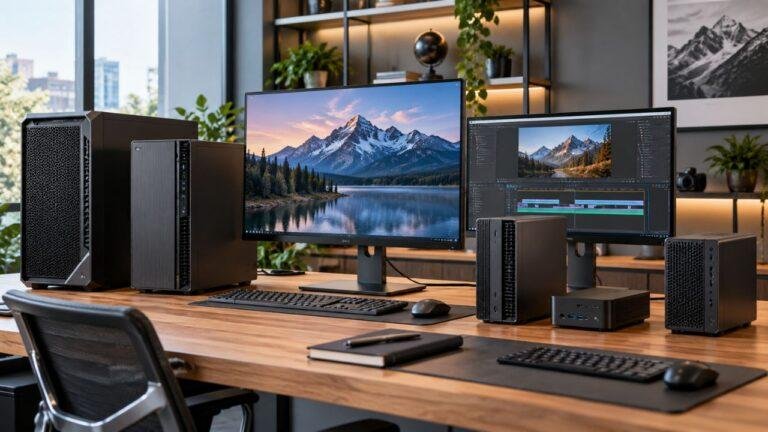
If you are looking for the best desktop workstations, you need more than a basic office PC. The right workstation gives you stronger processing power, more memory, faster storage, and better graphics...
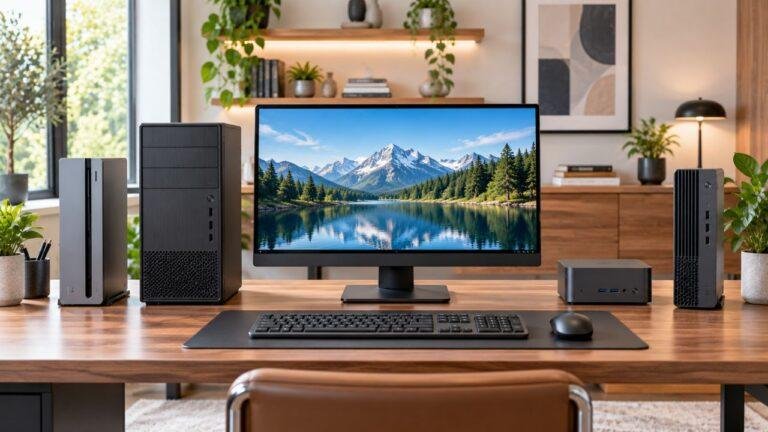
If you are looking for the best desktop computers for home office use, focus on performance, multitasking, storage, and connectivity. The right desktop should handle everyday work smoothly without...
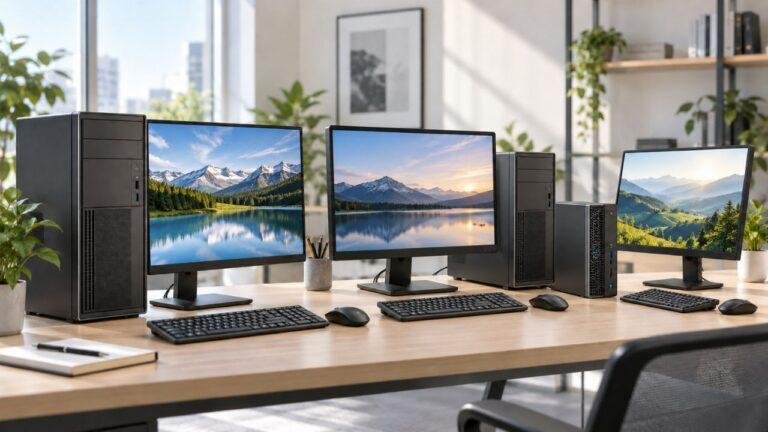
If you are looking for the best tower business desktop computer, focus on speed, reliability, upgradeability, and the right features for your workload. A good business tower PC should handle daily...
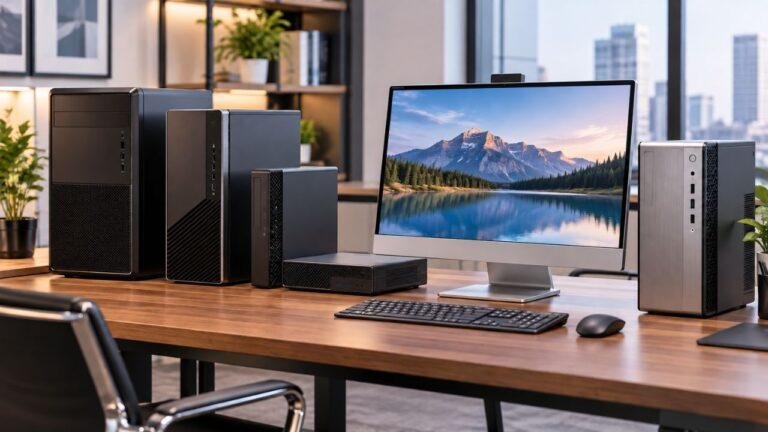
If you are looking for the best business desktop computers in 2026, prioritize performance, memory, storage, security, and upgradeability. The right business desktop should handle daily work smoothly...
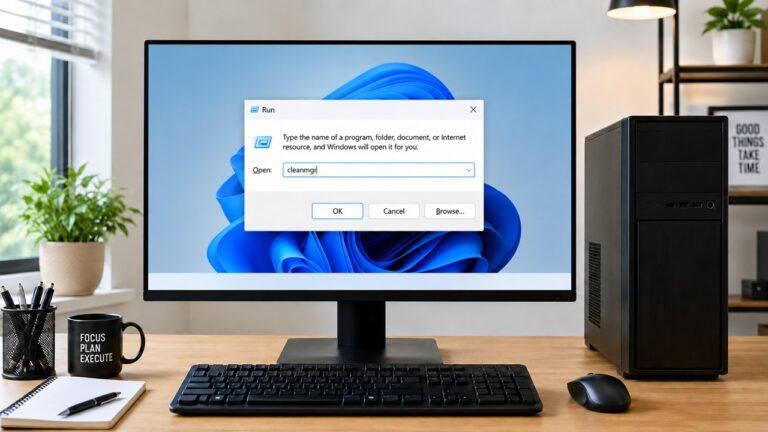
To clean a desktop computer safely, shut it down completely, unplug every cable, move it to a clean non-carpeted workspace, and use the right tools. For the outside, use a microfiber cloth. For the...
For most desktop PCs, you should clean the outside every 1–2 weeks, clean dust filters and vents every 1–3 months, and do a deeper internal cleaning every 3–6 months. If your PC sits on the floor, you...
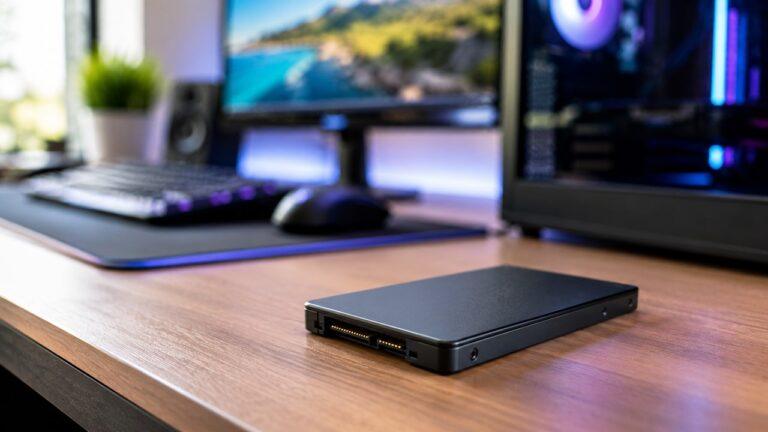
Most modern SSDs last around 5 to 10 years under normal use. Many can last even longer, especially if you are using your computer for browsing, work, gaming, streaming, school tasks, or general file...
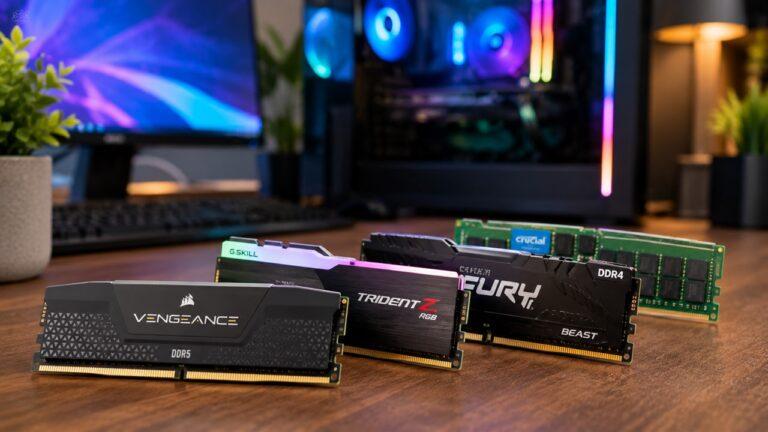
RAM usually lasts 8 to 10+ years under normal use, and many memory sticks can keep working for much longer. Since RAM has no moving parts, it often becomes outdated or too small for modern software...
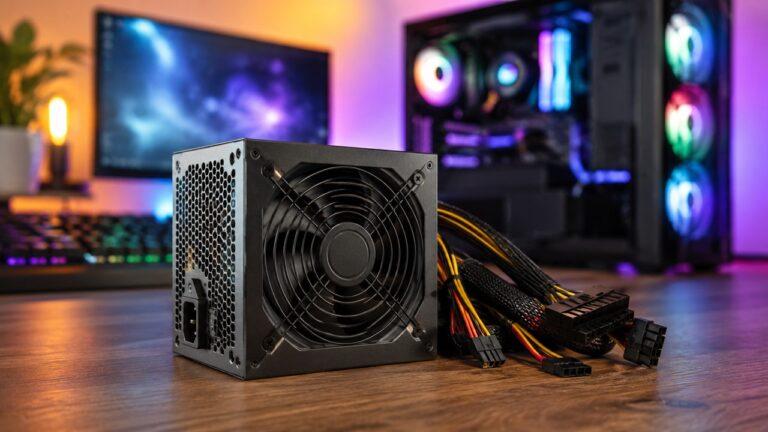
Yes, a power supply can affect PC performance, but not by directly increasing FPS or making your computer faster. A good PSU helps your CPU, GPU, motherboard, storage, and fans receive stable power. A...