
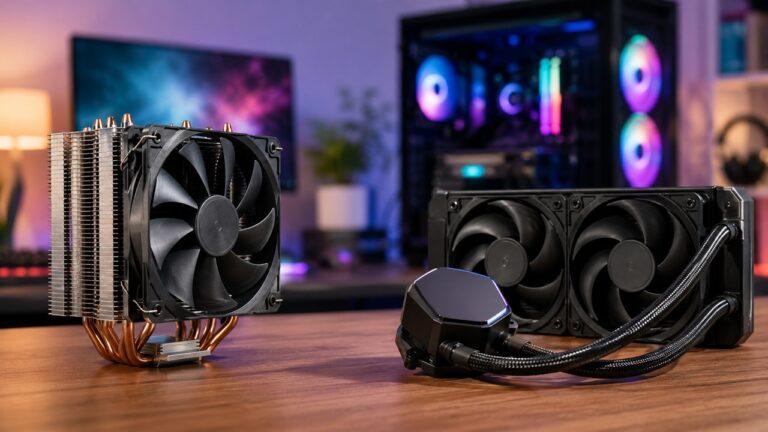
Air cooling is the better choice for most PC builders because it is affordable, reliable, easy to install, and strong enough for normal gaming, office work, and everyday use. Liquid cooling is better...
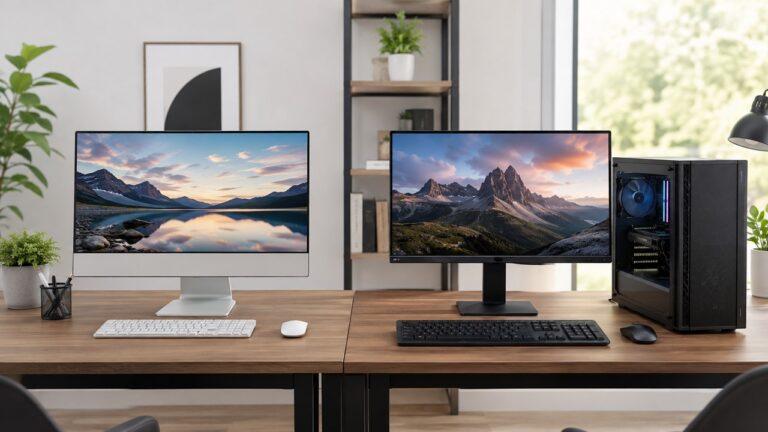
An All-in-One PC is better if you want a clean, compact, and easy-to-set-up computer for everyday use. A desktop PC is better if you want stronger performance, easier upgrades, better repair options...
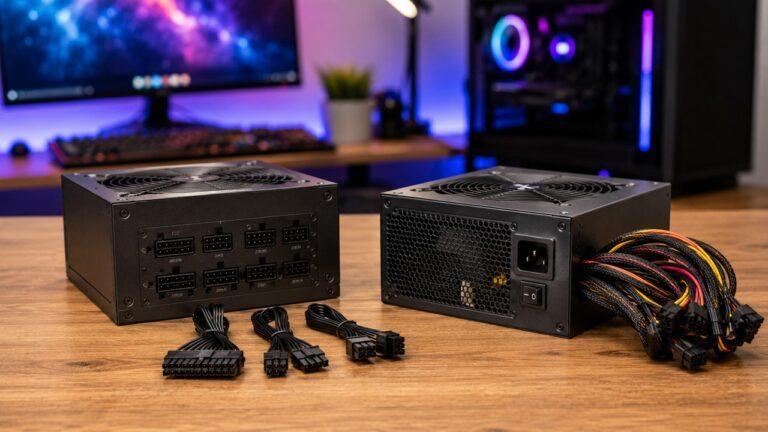
A modular power supply lets you connect only the cables your PC needs, while a non-modular power supply comes with every cable permanently attached. The main difference is not gaming performance or...
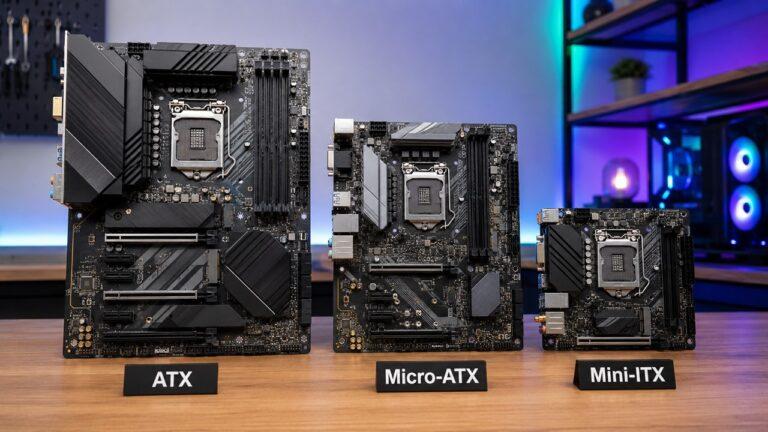
ATX, Micro-ATX, and Mini-ITX are motherboard sizes that decide how big your PC can be, what case you can use, and how much room you get for RAM, storage, graphics cards, cooling, and future upgrades...
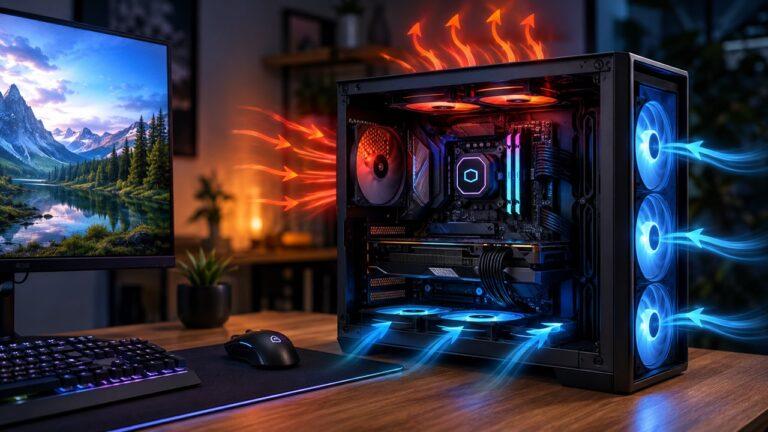
Airflow is important in a PC because it moves cool air into the case and pushes hot air out, helping components like the CPU, GPU, SSD, motherboard, RAM, and power supply stay within safe operating...
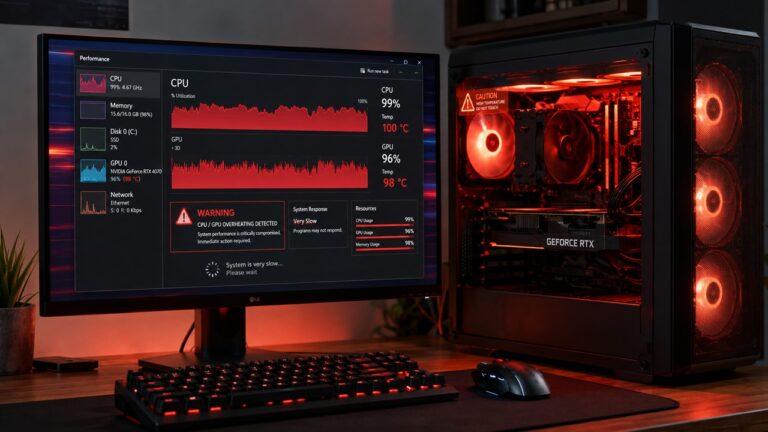
Your PC is overheating because its internal parts are producing more heat than the cooling system can remove. This usually happens because of dust buildup, blocked vents, weak fans, dried thermal...
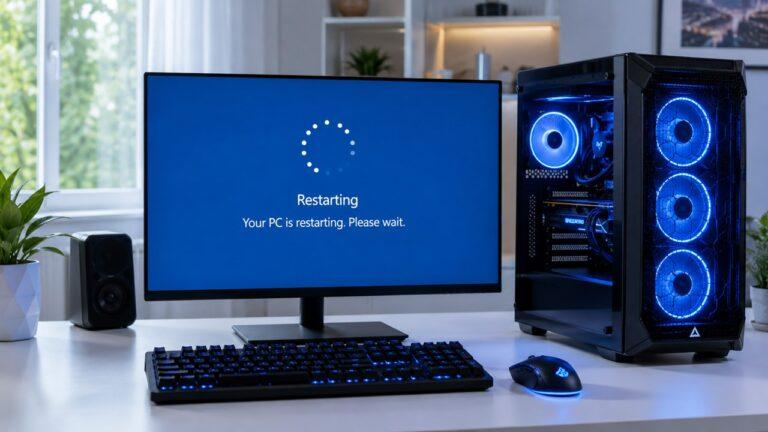
A computer usually keeps restarting because of overheating, power supply problems, faulty RAM, corrupted drivers, malware, Windows update settings, or system file errors. In many cases, the restart is...
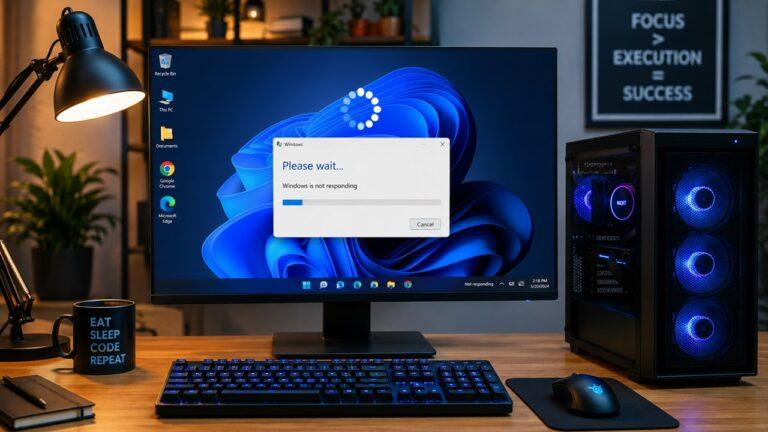
Your computer usually keeps freezing because something is overloading the system, overheating the hardware, corrupting Windows, conflicting with drivers, or failing inside the machine. In simple...
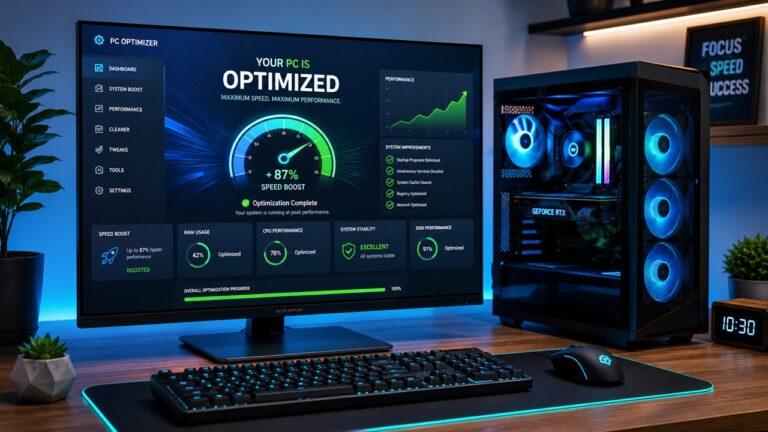
You can make a computer faster without buying new parts by disabling unnecessary startup apps, uninstalling unused programs, clearing temporary files, scanning for malware, updating software, reducing...