If you are looking for the best desktops for small business, a reliable computer can make daily work easier. From accounting and spreadsheets to office multitasking, the right desktop helps improve productivity.
The Dell 2026 Edition Desktop Computers Tower PC handles everyday office work, while the Lenovo ThinkCentre 55q Gen 6 MFF AMD Ryzen 5 220 saves space. The Dell 27″ All-in-One Desktop FHD keeps desks organized, the ASUS V500 AI Business Desktop Computer suits multitasking, and the Dell Tower Desktop Computer 2026 RTX 5060 handles creative workloads.
After reviewing 12 desktop computers for small business, we’ve compared performance, memory, storage, and connectivity. This guide helps you choose the right computer for your business needs and budget.
We’re reader-supported. When you buy through links on our site, we may earn an affiliate commission. As an Amazon Associate, we earn from qualifying purchases at no extra cost to you.
Best Desktop Computers for Small Business: Our Top Picks
- Best Overall: Dell 2026 Edition Desktop Computers Tower PC
- Best Compact AMD Desktop: Lenovo ThinkCentre 55q Gen 6 MFF AMD Ryzen 5 220
- Best All-in-One Desktop: Dell 27″ All-in-One Desktop FHD
- Best Value for Multitasking: ASUS V500 AI Business Desktop Computer
- Best for Heavy Office Workloads: Dell Tower Desktop Intel Core Ultra 7-265
- Best for Multi-Monitor Productivity: Dell Pro Tower Plus Business Desktop
- Best High-Performance Mini PC: ASUS V500 Home & Business Tower Desktop
- Best for Creative Small Businesses: Dell Tower Desktop Computer 2026 RTX 5060
- Best for Basic Office Productivity: Dell Pro Tower Desktop PC Business Computer
- Best Entry-Level Business Desktop: Dell Tower Desktop ECT1250
- Best Micro Desktop for Small Offices: Dell Pro Micro QCM1250 AI PC
- Best Small Form Factor Desktop: Dell Pro Slim QCS1250 SFF Desktop
1. Best Overall: Dell 2026 Edition Desktop Computers Tower PC
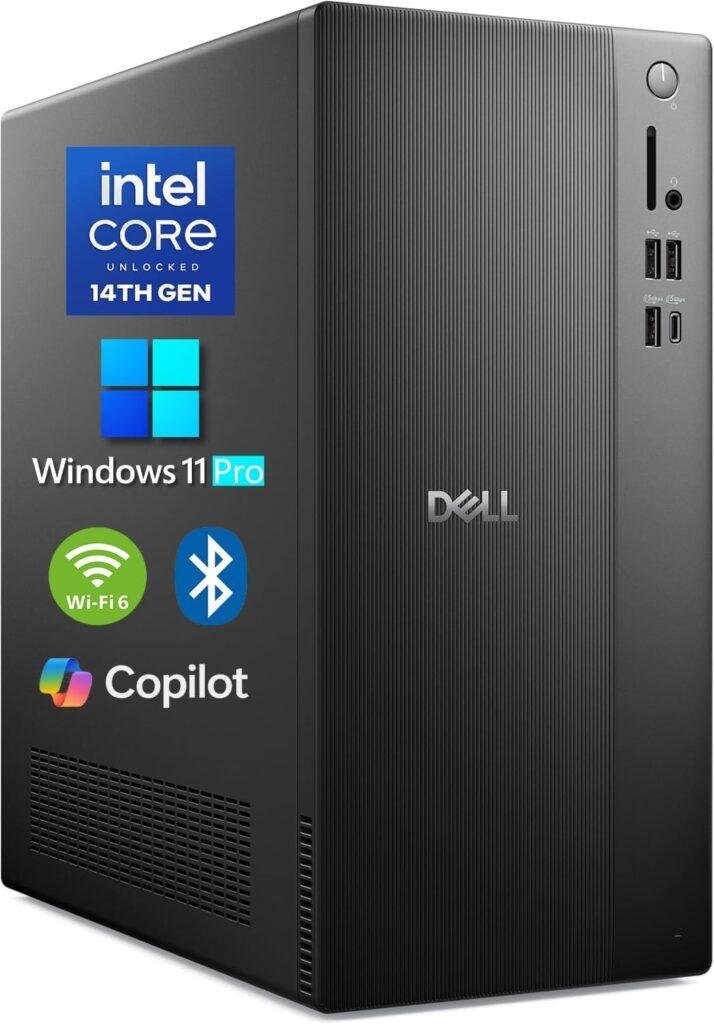
Key Details:
- Intel Core i3-14100 processor, 4 cores, 8 threads, up to 4.7GHz
- 16GB DDR5 RAM and 1TB PCIe SSD
- Integrated Intel UHD Graphics 730
- Supports multiple FHD or dual 4K monitors
- Wi-Fi 6, Bluetooth, USB-C, HDMI, and DisplayPort
- Windows 11 Pro with business security features
If you’re looking for a reliable desktop for small business, the Dell 2026 Edition Tower PC is a solid choice. Its 14th-generation Intel Core i3-14100 processor handles everyday office work, accounting software, spreadsheets, and business applications without requiring expensive hardware.
What we like is the combination of 16GB DDR5 RAM and a 1TB PCIe SSD. You can manage multiple browser tabs, Excel files, and customer records while keeping applications responsive. The integrated Intel UHD 730 graphics also support multiple monitors for better office productivity.
When setting up a small office, its compact tower design makes placement relatively easy. You’ll find Wi-Fi 6, Bluetooth, USB-C, HDMI, DisplayPort, and Ethernet connections for essential peripherals. Windows 11 Pro adds useful business security features, including BitLocker support and remote desktop capabilities.
In our opinion, this Dell business desktop offers a practical balance of performance, storage, and everyday usability. It’s especially suitable for small business owners, accountants, and office administrators. However, its four-core processor and integrated graphics aren’t intended for demanding creative workloads.
Pros:
- Reliable Intel Core i3 processor for everyday business tasks.
- 16GB DDR5 RAM and spacious 1TB SSD.
- Windows 11 Pro with professional security features.
- Multi-monitor support and versatile connectivity.
Cons:
- Integrated graphics limit demanding creative applications.
- Four-core processor has limited capacity for heavier workloads.
2. Best Compact AMD Desktop: Lenovo ThinkCentre 55q Gen 6 MFF AMD Ryzen 5 220
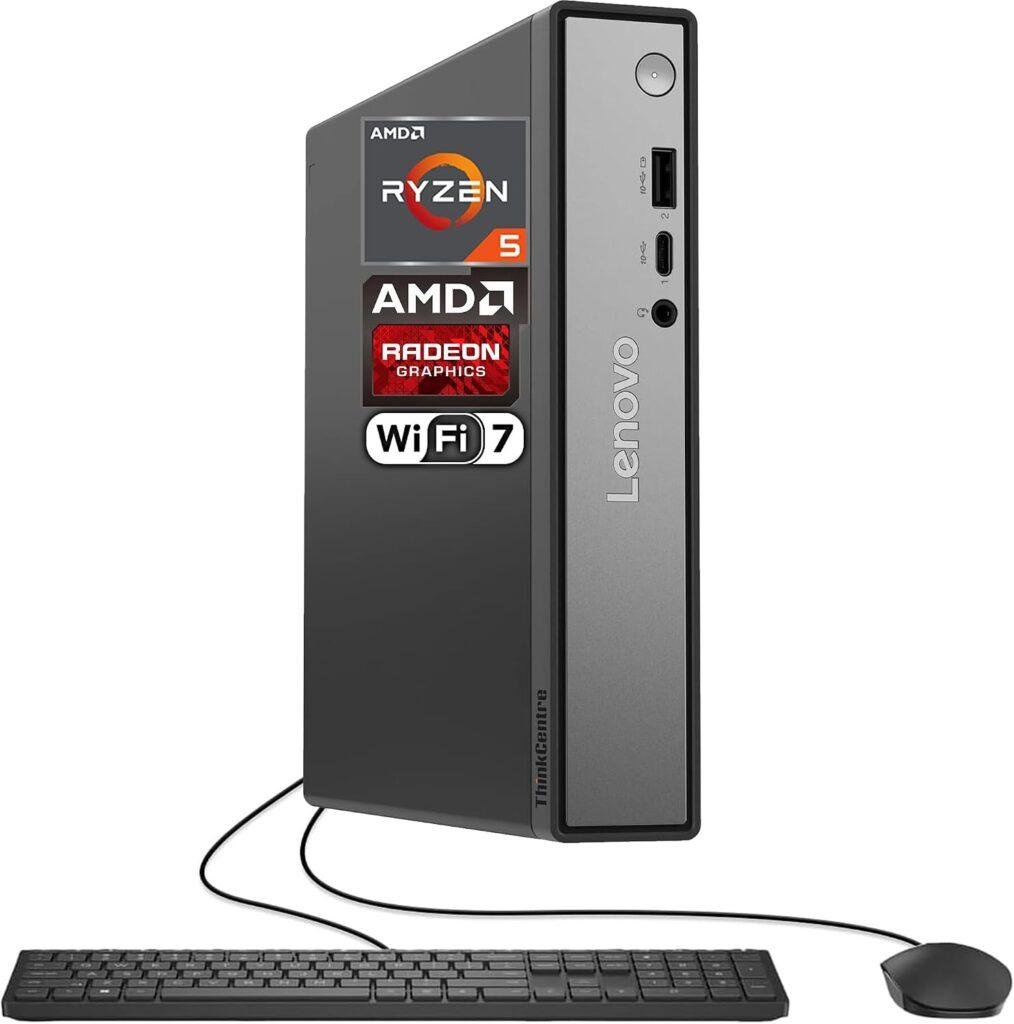
Key Details:
- AMD Ryzen 5 220 processor, 6 cores, 12 threads, up to 4.9GHz
- 16GB DDR5 RAM listed in the detailed specifications
- 512GB PCIe NVMe SSD
- Integrated AMD Radeon 740M graphics
- Dual 4K monitor support
- Wi-Fi 7, Bluetooth, Ethernet, and Windows 11 Pro
Small offices often struggle with limited desk space, and the Lenovo ThinkCentre 55q Gen 6 MFF addresses that problem. Its AMD Ryzen 5 220 processor offers six cores and twelve threads, making this compact business desktop suitable for accounting, spreadsheets, and everyday office multitasking.
When working with multiple applications, DDR5 memory and a 512GB NVMe SSD provide a responsive setup. The integrated Radeon graphics support dual 4K monitors, giving you extra room for financial reports and business dashboards. However, the listing mentions both 16GB and 32GB RAM, so confirm the configuration.
You will also find Wi-Fi 7, Bluetooth, Gigabit Ethernet, and multiple USB connections for office peripherals. We particularly like its small form factor, which fits comfortably on reception counters and compact desks. The included keyboard and mouse make setting up a basic workstation easier.
From our standpoint, the Lenovo ThinkCentre 55q Gen 6 is a sensible mini desktop for small business owners who value workspace efficiency. It suits administrative offices, retail businesses, and professional workstations. The main limitation is its 512GB storage, which may require expansion for larger business files.
Pros:
- Six-core Ryzen processor supports everyday multitasking.
- Compact mini PC design saves office space.
- Wi-Fi 7 and dual 4K monitor support.
- Windows 11 Pro for professional business use.
Cons:
- 512GB SSD may be restrictive for large files.
- RAM configuration requires verification before purchase.
3. Best All-in-One Desktop: Dell 27″ All-in-One Desktop FHD
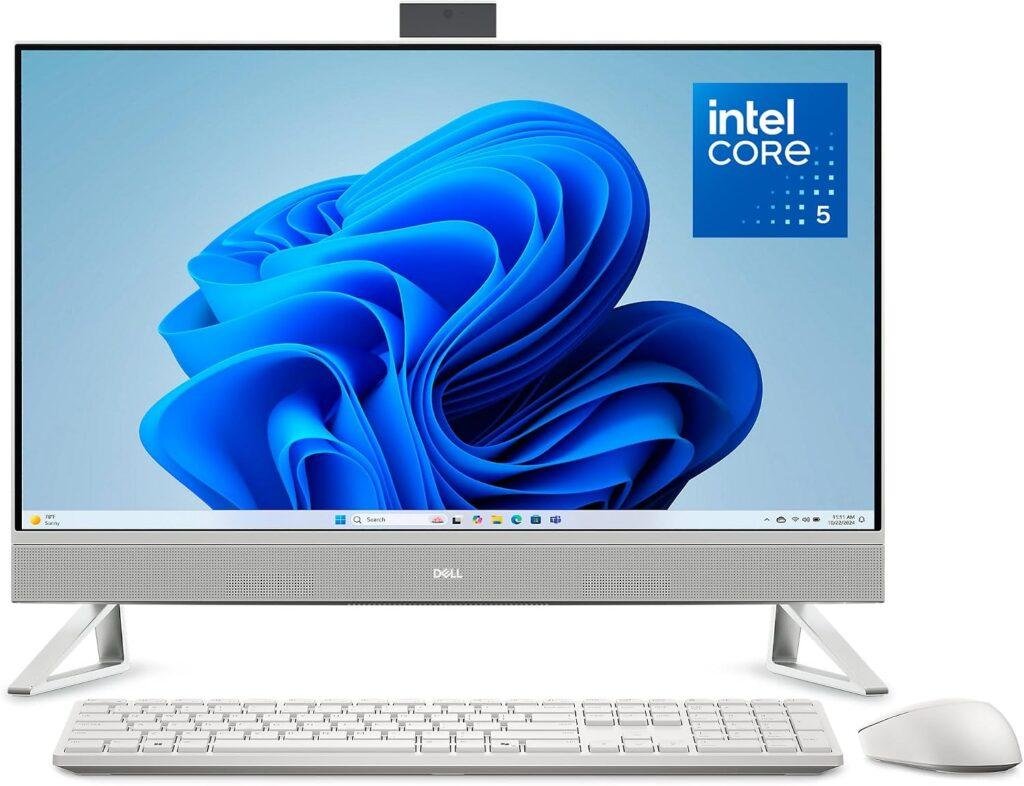
Key Details:
- Intel Core 5 120U processor
- 16GB RAM with integrated Intel Graphics
- 27-inch Full HD IPS display
- Dell ComfortView Plus for reduced blue light exposure
- Built-in 5MP IR camera with HDR and privacy mechanism
- Windows 11 Home and integrated Bluetooth speakers
If you prefer a clean office setup without a separate tower, the Dell 27-Inch All-in-One Desktop is worth considering. It combines an Intel Core 5 120U processor, 16GB RAM, and a built-in display, making it practical for office administration, business meetings, and everyday productivity.
What stands out is its 27-inch Full HD IPS screen, offering plenty of viewing space for documents and spreadsheets. Dell ComfortView Plus helps reduce blue light exposure during extended work sessions. You’ll also find a 5MP IR camera with HDR, useful for video conferences and client meetings.
When organizing a small office desk, this all-in-one computer keeps things relatively simple. Its space-saving stand allows you to tuck the keyboard underneath, while built-in speakers reduce additional equipment. We also appreciate the retractable camera, which provides convenient privacy when video calls end.
In our opinion, this Dell All-in-One is particularly suitable for reception desks, customer service teams, and small business offices. It provides a complete workstation with fewer separate components. However, Windows 11 Home lacks certain business management features, and the Full HD resolution is modest for a 27-inch screen.
Pros:
- Integrated 27-inch display saves workspace.
- Intel Core 5 processor handles daily office applications.
- Built-in 5MP IR camera for professional meetings.
- Clean design with convenient keyboard storage.
Cons:
- Windows 11 Home lacks some business management tools.
- Full HD resolution is limited for detailed visual work.
4. Best Value for Multitasking: ASUS V500 AI Business Desktop Computer
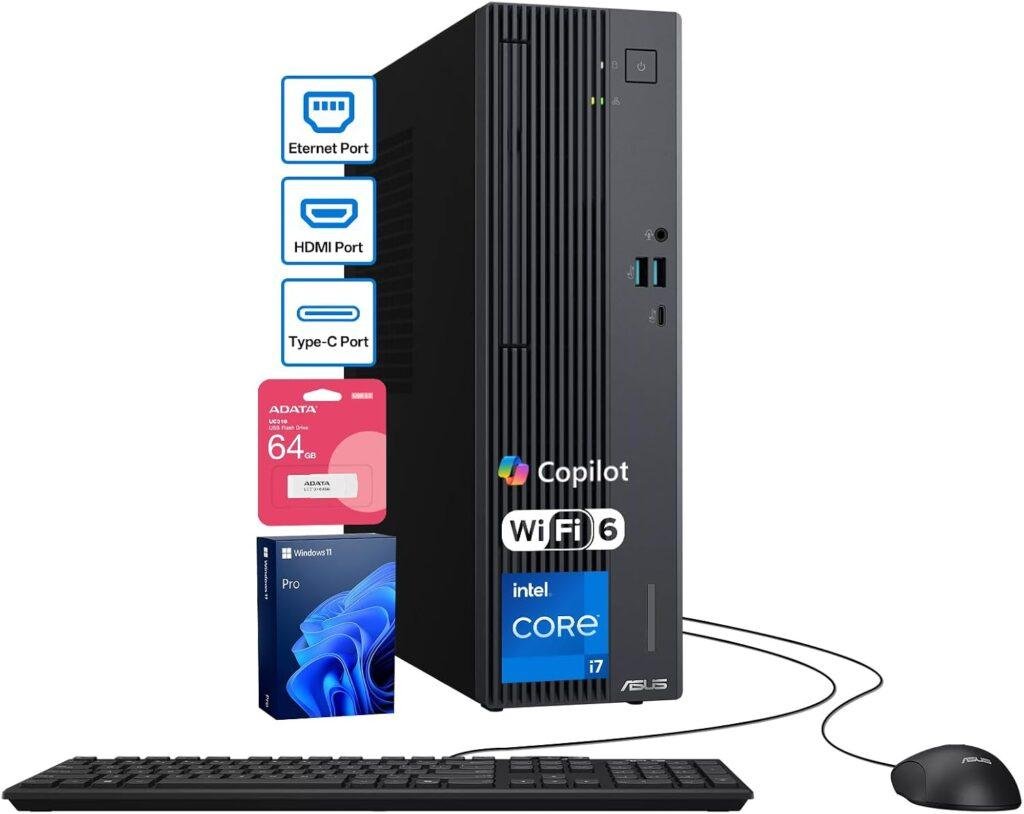
Key Details:
- Intel Core i7-13620H processor, 10 cores, 16 threads, up to 4.9GHz
- 16GB DDR5 RAM and 1TB PCIe M.2 SSD
- Integrated Intel UHD Graphics
- Compact 15-liter tower design
- Wi-Fi 6, Bluetooth 5.4, seven USB ports, HDMI, and DisplayPort
- Windows 11 Pro with BitLocker support
For small businesses managing demanding office workloads, the ASUS V500 AI Business Desktop Computer offers strong processing capability. Its Intel Core i7-13620H processor features ten cores and sixteen threads, making it suitable for accounting applications, programming, large spreadsheets, and regular multitasking.
You’ll find 16GB DDR5 RAM and a 1TB PCIe SSD, providing a good balance of memory and storage. Switching between business applications should feel responsive, while the SSD offers room for documents and project files. Integrated Intel UHD graphics also handle everyday presentations and office visuals.
Another feature we like is its compact 15-liter tower design, which fits into smaller business workspaces. The ASUS V500 includes seven USB ports, Wi-Fi 6, Bluetooth 5.4, HDMI, and DisplayPort. Windows 11 Pro also provides useful security and management tools for professional environments.
From our perspective, this ASUS business desktop is a good fit for developers, office managers, and growing businesses needing extra processing power. Its Core i7 processor makes it more capable than basic entry-level desktops for parallel workloads. However, integrated graphics and the 180W power supply limit demanding graphics tasks and major GPU upgrades.
Pros:
- Ten-core Intel Core i7 processor for demanding office work.
- 16GB DDR5 RAM and spacious 1TB SSD.
- Compact tower with extensive USB connectivity.
- Windows 11 Pro for business security and productivity.
Cons:
- Integrated graphics aren’t ideal for demanding 3D work.
- 180W power supply restricts major hardware upgrades.
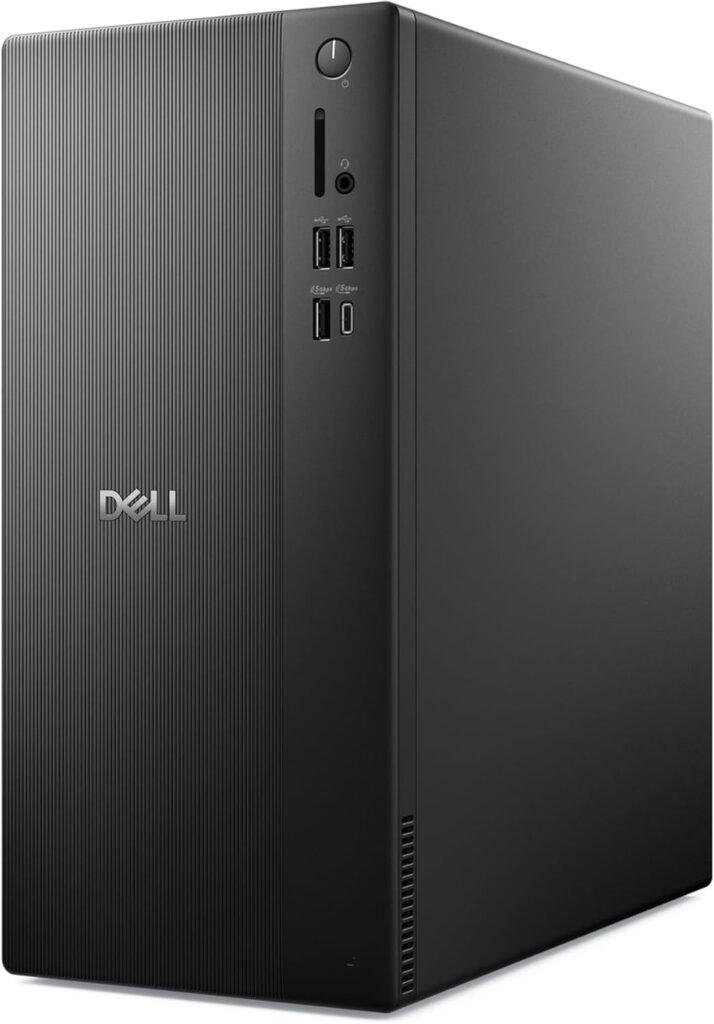
5. Best for Heavy Office Workloads: Dell Tower Desktop Intel Core Ultra 7-265
Key Details:
- Intel Core Ultra 7-265 processor with built-in AI acceleration
- 32GB RAM for demanding business multitasking
- Integrated Intel UHD Graphics
- Supports multiple FHD or dual 4K monitors
- Tool-less tower design for easier hardware upgrades
- Windows 11 Home with hardware TPM security
If your small business handles demanding office workloads, the Dell Tower Desktop with Intel Core Ultra 7-265 is worth considering. Its powerful processor and 32GB RAM make it suitable for large spreadsheets, accounting software, business databases, and heavy multitasking. It’s a capable desktop for professionals who need more processing power.
When working across several applications, the generous 32GB memory helps maintain responsiveness. The Intel Core Ultra processor also includes AI acceleration for compatible productivity software. We also like its multi-monitor support, which makes managing financial reports, customer records, and multiple business dashboards more convenient.
Another practical advantage is the tool-less tower design, allowing easier access to internal components for maintenance or upgrades. Dell also includes a hardware TPM chip, security lock slot, and padlock loop for additional protection. However, the preinstalled Windows 11 Home lacks some professional management features available with Windows 11 Pro.
In our opinion, this Dell business desktop is particularly suitable for accountants, analysts, and growing businesses managing heavier workloads. It offers more processing capability and memory than basic office computers. However, its integrated graphics and Windows 11 Home edition may limit its appeal for certain professional environments.
Pros:
- Powerful Intel Core Ultra 7 processor for demanding business tasks.
- 32GB RAM supports heavy office multitasking.
- Tool-less tower design simplifies hardware access.
- Multiple monitor support and useful security features.
Cons:
- Windows 11 Home lacks some business management features.
- Integrated graphics limit demanding creative applications.
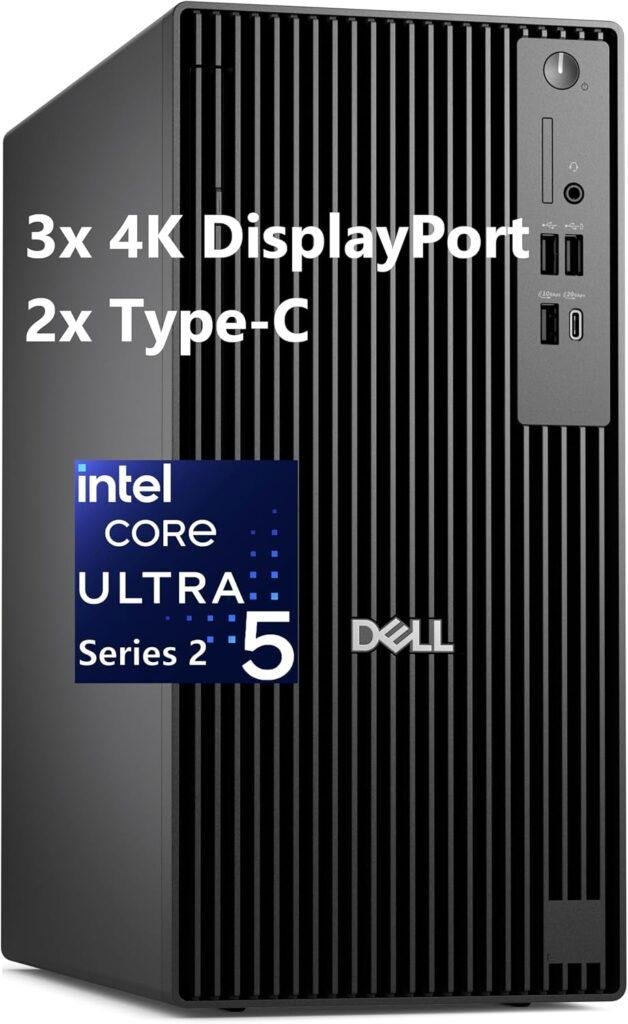
6. Best for Multi-Monitor Productivity: Dell Pro Tower Plus Business Desktop
Key Details:
- Intel Core Ultra 5 235 processor with 13 TOPS NPU
- 16GB DDR5 RAM and 1TB SSD
- Integrated Intel Graphics
- Advertised support for three 4K monitors
- Gigabit Ethernet and built-in DVD-RW drive
- Windows 11 Pro for business security and management
Managing several business applications becomes easier with the Dell Pro Tower Plus Business Desktop. Its Intel Core Ultra 5 235 processor handles office productivity, accounting software, spreadsheets, and professional multitasking. This business desktop computer is particularly useful for professionals who need a reliable workstation with multiple displays.
What we like most is its advertised support for three 4K monitors. You can keep financial reports, customer databases, and communication tools on separate screens. The 16GB DDR5 RAM and 1TB SSD also provide a practical combination for everyday business applications, multitasking, and storing important office documents.
Beyond its processing capability, this Dell desktop includes an NPU for compatible AI-powered applications. Gigabit Ethernet supports stable wired networking for cloud-based business software and video meetings. A built-in DVD-RW drive is another useful addition, especially for offices that still work with optical media.
From our standpoint, the Dell Pro Tower Plus is a good option for accountants, financial analysts, and office managers who use multiple monitors. Windows 11 Pro adds useful security and management features. However, the 16GB RAM may need upgrading for memory-intensive workloads, and triple-display compatibility depends on the monitor connections.
Pros:
- Intel Core Ultra 5 processor for professional office workloads.
- Advertised triple 4K display support improves productivity.
- 1TB SSD provides substantial business file storage.
- Windows 11 Pro and Gigabit Ethernet connectivity.
Cons:
- 16GB RAM may limit demanding professional multitasking.
- Triple-monitor compatibility depends on the display setup.
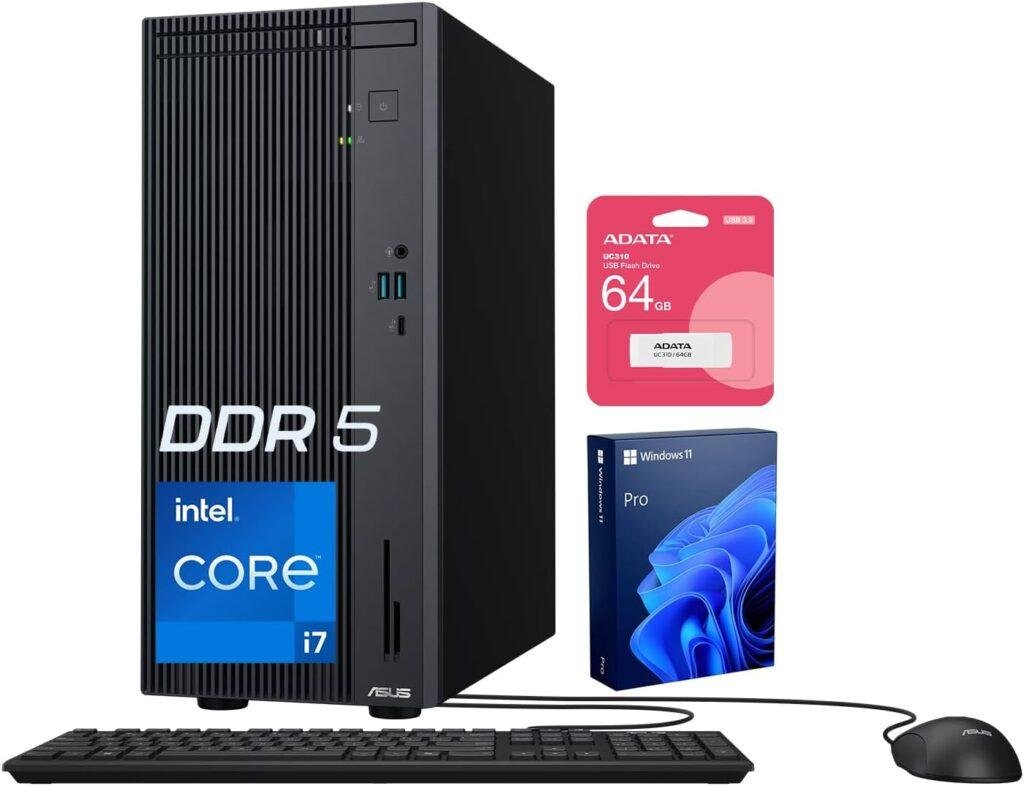
7. Best High-Performance Mini PC: ASUS V500 Home & Business Tower Desktop
Key Details:
- Intel Core Ultra 5 225H processor, 14 cores, up to 4.9GHz
- 32GB DDR5 RAM and 1TB SSD
- Integrated Intel Graphics
- Supports up to four 4K monitors
- Wi-Fi 7, Bluetooth 5.4, Thunderbolt 4, and 2.5Gb Ethernet
- Windows 11 Pro with compact, tool-less chassis
For businesses that need powerful computing in limited space, the ASUS NUC 15 Business Mini Desktop offers an appealing solution. Its Intel Core Ultra 5 225H processor features fourteen cores, making it capable of handling demanding business applications, large spreadsheets, and professional multitasking without requiring a full-size tower.
The combination of 32GB DDR5 RAM and a 1TB SSD is another advantage for small business productivity. When managing several programs, the generous memory provides useful multitasking capacity. We also appreciate its support for up to four 4K monitors, particularly for financial dashboards and professional workstations.
Despite its small size, the ASUS NUC 15 offers impressive connectivity. Thunderbolt 4, HDMI 2.1, Wi-Fi 7, Bluetooth 5.4, and 2.5Gb Ethernet support modern office equipment and networking. Its tool-less design also simplifies compatible hardware upgrades, making this mini business desktop practical for changing workplace requirements.
In our opinion, the ASUS NUC 15 is especially suitable for developers, analysts, and small businesses needing a compact but capable workstation. Its memory, processor, and display support make it more versatile than many entry-level mini PCs. However, integrated graphics and limited internal expansion remain important considerations.
Pros:
- Fourteen-core Intel Core Ultra processor supports heavy multitasking.
- 32GB DDR5 RAM and 1TB SSD offer strong capacity.
- Compact mini PC with Thunderbolt 4 and Wi-Fi 7.
- Supports up to four 4K monitors.
Cons:
- Integrated graphics limit GPU-intensive applications.
- Compact chassis restricts major hardware expansion.
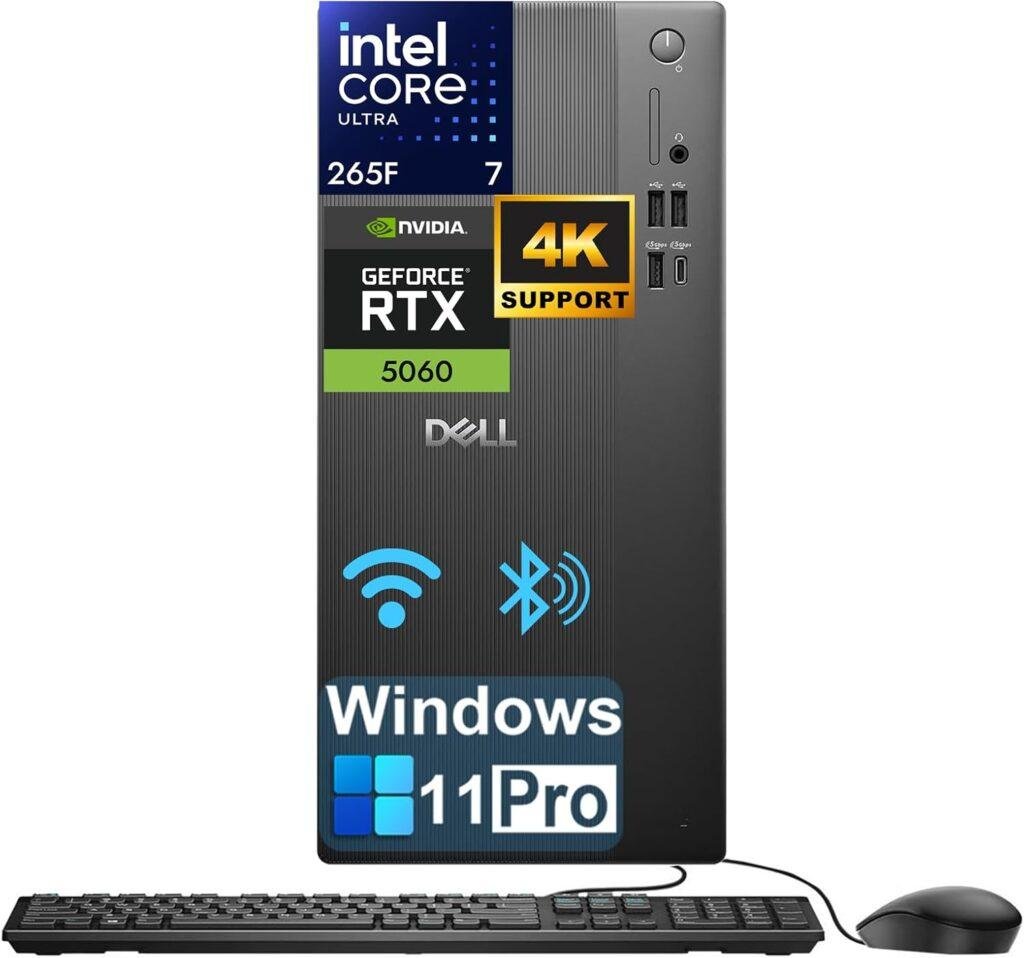
8. Best for Creative Small Businesses: Dell Tower Desktop Computer 2026 RTX 5060
Key Details:
- Intel Core Ultra 7 265F processor with 20 cores
- 32GB DDR5 RAM and 1TB NVMe SSD
- NVIDIA GeForce RTX 5060 with 8GB GDDR7
- Dedicated graphics for creative applications
- Wi-Fi 6, Bluetooth 5.4, USB-C, HDMI, and DisplayPort
- Tool-less tower design with removable side panel
Creative businesses often need more graphics performance than standard office computers provide. The Dell Tower Desktop with RTX 5060 combines a powerful Intel Core Ultra 7 265F processor with dedicated NVIDIA graphics. This makes it a practical choice for video editing, graphic design, 3D work, and other demanding creative applications.
When working with large media files, the 32GB DDR5 RAM and 1TB NVMe SSD provide useful multitasking and storage capacity. The RTX 5060 also includes 8GB GDDR7 memory for GPU-accelerated applications. We particularly like this configuration for businesses managing video production, visual content, and professional editing software.
The traditional tower chassis provides better access to internal components than most compact desktops. Its tool-less removable side panel makes compatible upgrades and maintenance more convenient. Dell also includes Wi-Fi 6, Bluetooth 5.4, USB-C, HDMI, DisplayPort, and an SD card reader for cameras, external storage, and other business peripherals.
From our perspective, this Dell desktop is better suited to marketing agencies, video editors, and creative professionals than basic administrative offices. Its dedicated graphics card offers a meaningful advantage for supported visual workloads. However, businesses mainly using spreadsheets, accounting software, and email probably won’t benefit much from the additional graphics hardware.
Pros:
- Powerful 20-core Intel Core Ultra 7 processor.
- Dedicated RTX 5060 graphics for creative workloads.
- 32GB DDR5 RAM supports demanding multitasking.
- Tool-less tower design allows easier hardware access.
Cons:
- Dedicated GPU is unnecessary for basic office applications.
- 8GB graphics memory may limit demanding 3D projects.
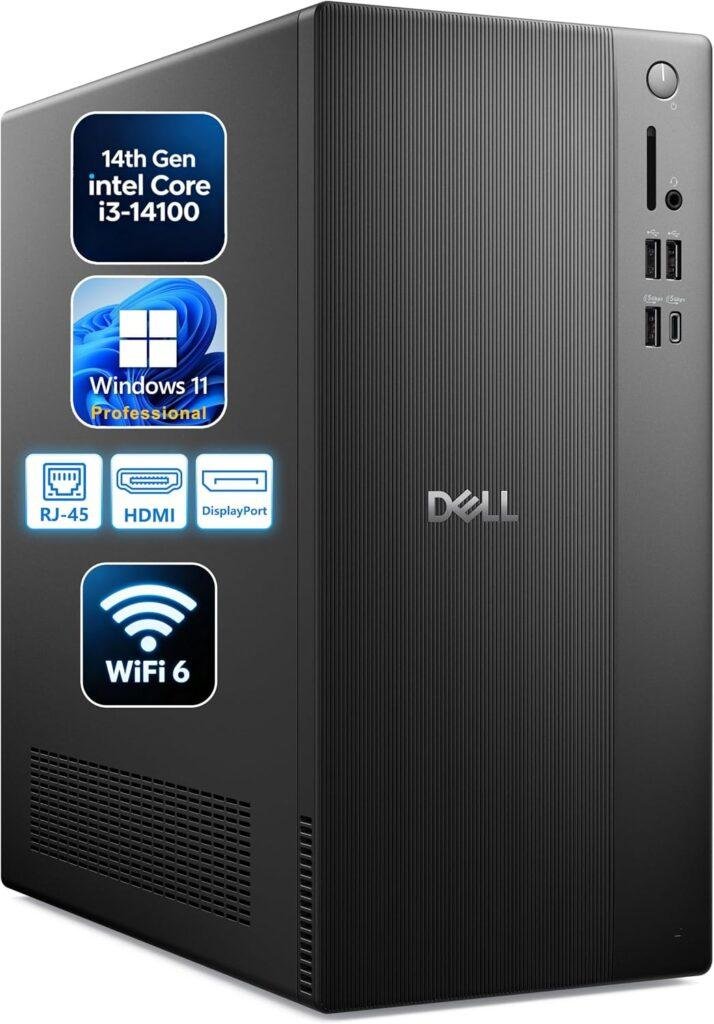
9. Best for Basic Office Productivity: Dell Pro Tower Desktop PC Business Computer
Key Details:
- Intel Core i3-14100 processor, 4 cores, 8 threads, up to 4.7GHz
- 8GB DDR5 RAM and 512GB PCIe SSD
- Integrated Intel UHD Graphics 730
- Dual-monitor support through HDMI and DisplayPort
- Wi-Fi 6, Bluetooth, USB-C, and Gigabit Ethernet
- Windows 11 Pro with business security features
If your small business mainly handles everyday office work, the Dell Pro Tower Desktop PC is worth considering. Its listed Intel Core i3-14100 processor handles spreadsheets, accounting software, email, and web-based applications. The four-core configuration is suitable for basic office productivity without requiring expensive hardware.
What we like is the combination of DDR5 memory and a 512GB PCIe SSD. It provides responsive storage for everyday business applications and documents. When tested with your regular office workload, the 8GB RAM is worth monitoring, especially if you frequently use multiple browser tabs and programs.
The compact tower design also makes this Dell business computer convenient for smaller office setups. It includes Wi-Fi 6, Bluetooth, USB-C, HDMI, DisplayPort, and Ethernet connectivity. Windows 11 Pro adds useful business security features, while dual-monitor support helps organize spreadsheets, customer records, and communication tools.
In our opinion, this Dell desktop is suitable for reception areas, administrative offices, and small retail businesses. It covers essential office computing needs without unnecessary extras. However, the listing mentions both Core i3 and Core i5 processors, so confirming the exact configuration before purchasing is important.
Pros:
- Suitable Intel processor for basic office productivity.
- 512GB SSD supports responsive everyday performance.
- Windows 11 Pro with professional security features.
- Compact tower with versatile connectivity options.
Cons:
- 8GB RAM may limit heavier multitasking.
- Conflicting processor specifications need verification.
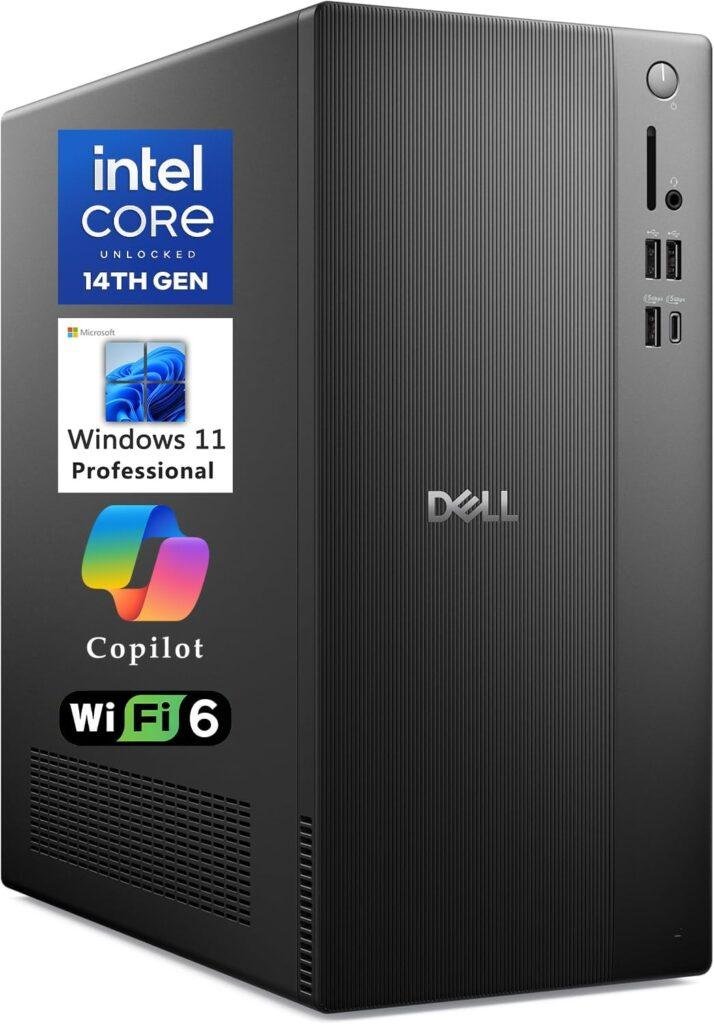
10. Best Entry-Level Business Desktop: Dell Tower Desktop ECT1250
Key Details:
- Intel Core i3-14100 processor, 4 cores, 8 threads
- 8GB DDR5 RAM and 512GB PCIe NVMe SSD
- Integrated Intel UHD Graphics 730
- HDMI 2.1 and DisplayPort 1.4 for dual monitors
- Wi-Fi 6, Bluetooth, USB-C, and Gigabit Ethernet
- Windows 11 Pro with BitLocker support
For startups and smaller offices, the Dell Tower Desktop ECT1250 offers a practical entry-level business computer. Its 14th-generation Intel Core i3-14100 processor handles everyday tasks such as bookkeeping, web browsing, spreadsheets, and customer management. It’s a sensible option when your business doesn’t require demanding processing hardware.
When it comes to everyday performance, the 8GB DDR5 RAM and 512GB NVMe SSD provide a decent starting point. The SSD helps applications and files load quickly. After testing your regular business software during setup, you can decide whether additional memory would improve multitasking.
Another advantage is its relatively compact tower design, which fits comfortably beneath most office desks. We also appreciate the Wi-Fi 6, Bluetooth, Gigabit Ethernet, USB-C, and dual-monitor connectivity. Windows 11 Pro provides useful security and remote desktop features for managing professional business operations.
From our standpoint, the Dell ECT1250 is a good choice for small business owners who need an affordable office desktop for routine work. It suits administrative employees, retail counters, and home-based businesses. However, the limited RAM and integrated graphics make it less suitable for demanding applications.
Pros:
- Intel Core i3 processor handles everyday business applications.
- 512GB NVMe SSD provides fast storage access.
- Windows 11 Pro includes useful business security tools.
- Compact design with Wi-Fi 6 and dual-monitor support.
Cons:
- 8GB RAM restricts demanding multitasking.
- Integrated graphics aren’t suitable for heavy creative workloads.
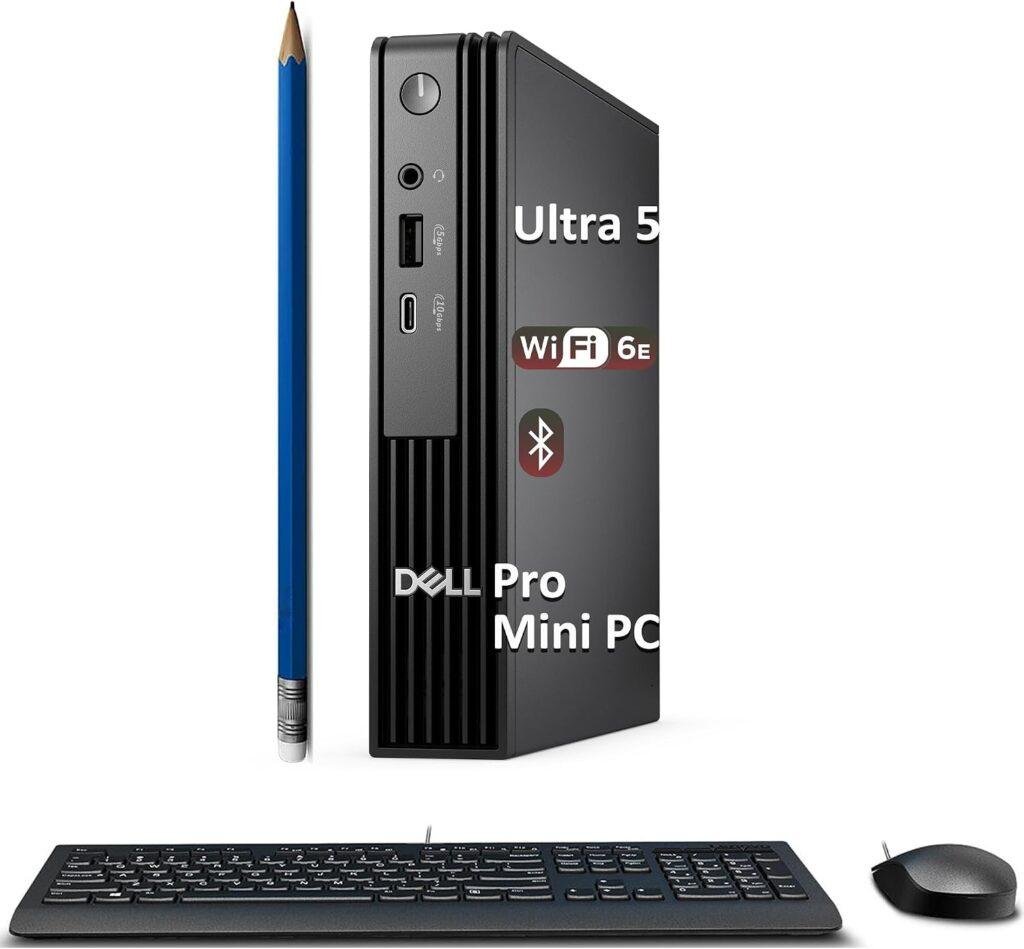
11. Best Micro Desktop for Small Offices: Dell Pro Micro QCM1250 AI PC
Key Details:
- Intel Core Ultra 5 235T processor with 14 cores
- DDR5 RAM configurations from 16GB to 64GB
- PCIe NVMe SSD storage options up to 2TB
- Integrated Intel Graphics with dual 4K display support
- Wi-Fi 6E, Bluetooth, USB-C, HDMI, and DisplayPort
- Windows 11 Pro with compact micro form factor
If you’re setting up a small office with limited desk space, the Dell Pro Micro QCM1250 AI PC is an interesting option. Its Intel Core Ultra 5 235T processor features fourteen cores, offering capable performance for office software, spreadsheets, accounting applications, and professional multitasking in an exceptionally compact design.
One thing we like is its flexible DDR5 memory and SSD configuration. Depending on the selected version, you can choose additional RAM and storage for demanding business applications. When tested with your actual office programs, memory usage and multitasking responsiveness can help determine which configuration suits your workload.
At approximately 2.56 pounds, this Dell micro desktop takes up considerably less space than a traditional tower. It also supports dual 4K monitors through compatible connections. Wi-Fi 6E, Bluetooth, Ethernet, and multiple USB ports make it practical for reception desks, retail workstations, and professional offices.
In our opinion, the Dell Pro Micro QCM1250 is particularly suitable for businesses that prioritize compact hardware and modern processing power. Windows 11 Pro adds useful security and management capabilities. However, its micro chassis limits internal expansion, and buyers should confirm the exact reseller-customized memory and storage specifications.
Pros:
- Fourteen-core Intel Core Ultra 5 processor for office multitasking.
- Extremely compact design saves valuable desk space.
- Flexible memory and storage configurations.
- Windows 11 Pro with dual 4K monitor support.
Cons:
- Limited internal expansion compared with larger towers.
- Custom configurations require specification verification.
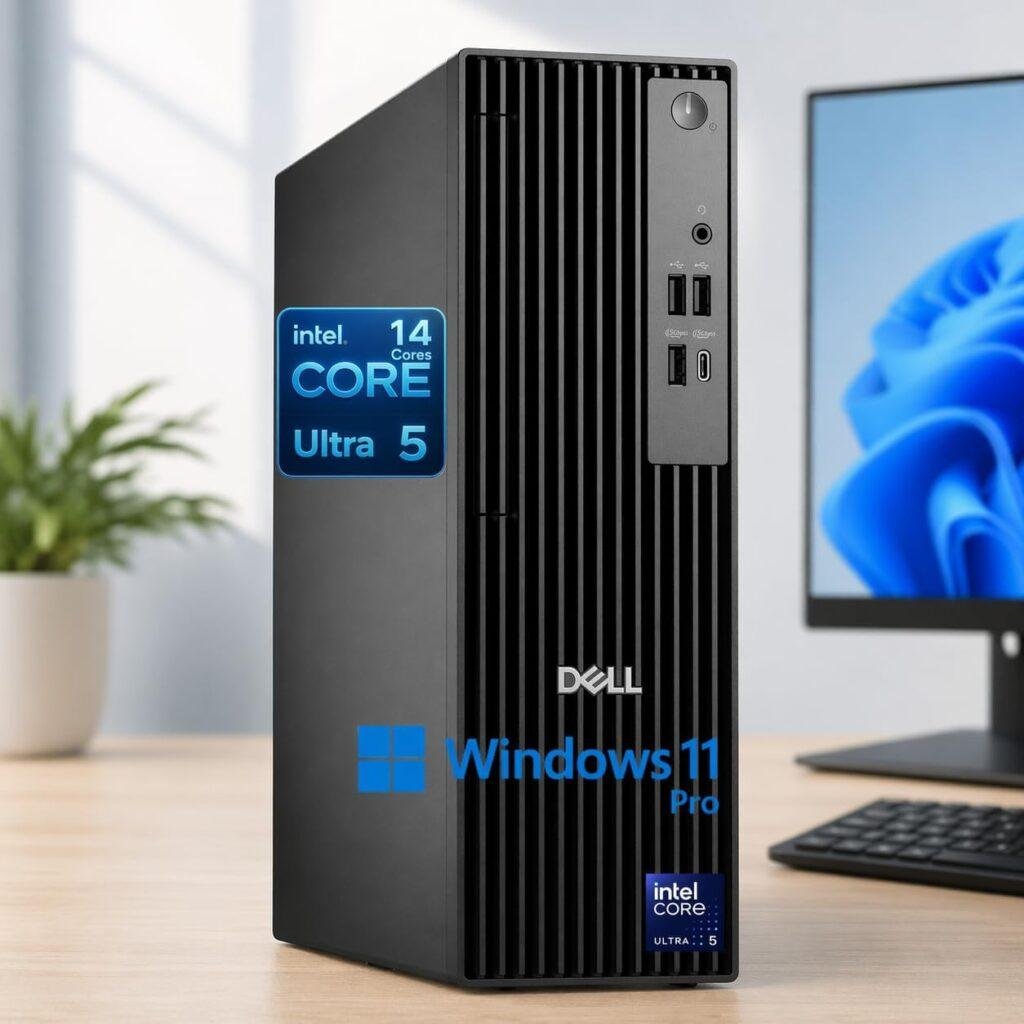
12. Best Small Form Factor Desktop: Dell Pro Slim QCS1250 SFF Desktop
Key Details:
- Intel Core Ultra 5 235 processor
- 32GB DDR5 RAM and 1TB PCIe SSD
- Integrated Intel Graphics
- Dual-monitor support through HDMI and DisplayPort
- Wi-Fi 6, Bluetooth, USB-C, and multiple USB ports
- Windows 11 Pro with compact SFF chassis
Small businesses needing a powerful yet space-saving office computer should consider the Dell Pro Slim QCS1250 SFF. Its Intel Core Ultra 5 235 processor handles business applications, accounting software, spreadsheets, and demanding multitasking. The slim small form factor design also makes it practical for offices with multiple workstations.
What stands out is the combination of 32GB DDR5 RAM and a 1TB PCIe SSD. This configuration provides generous memory for running several business applications simultaneously. When tested with your typical office workload, it offers more memory headroom than entry-level 8GB or 16GB configurations.
We also like its practical connectivity and compact design. The Dell Pro Slim includes HDMI, DisplayPort, USB-C, Wi-Fi 6, and Bluetooth for everyday office equipment. Dual-monitor support helps manage spreadsheets and business dashboards, while Windows 11 Pro provides useful security and professional management features.
From our perspective, this Dell business desktop is a solid choice for growing companies, accountants, and office managers handling demanding daily tasks. It balances processing capability, memory, and workspace efficiency. However, its integrated graphics and smaller chassis make it less flexible for graphics-intensive work and major hardware upgrades.
Pros:
- Intel Core Ultra 5 processor for professional business tasks.
- 32GB DDR5 RAM provides excellent multitasking capacity.
- 1TB SSD offers substantial business file storage.
- Compact SFF design with Windows 11 Pro.
Cons:
- Integrated graphics limit demanding visual applications.
- Slim chassis restricts some hardware upgrades.
What Is a Small Business Desktop Computer?
A small business desktop computer is designed to handle everyday commercial tasks like accounting, spreadsheets, inventory management, customer records, and office communication. These computers typically offer reliable processing power, sufficient memory, and multiple connectivity options for professional work.
Unlike regular home computers, business desktops often prioritize security, manageability, connectivity, and long-term usability. Many also include Windows 11 Pro, making them practical for offices, retail businesses, startups, and professional workstations.
Why Choose a Desktop Computer for Small Business?
If your business operates from a fixed workspace, a desktop computer can be a practical investment. It offers reliable performance, flexible hardware options, and better workstation connectivity for everyday office productivity.
- Reliable Business Performance: Handles accounting software, spreadsheets, inventory systems, and everyday office applications.
- Better Multitasking: Supports multiple programs, browser tabs, and business tools without frequent slowdowns when properly configured.
- Hardware Upgrade Options: Many tower desktops allow RAM and storage upgrades as your business grows.
- Multiple Monitor Support: Makes managing spreadsheets, emails, customer records, and dashboards easier.
- Business Security: Features like TPM, encryption, and Windows 11 Pro help protect company information.
- Long-Term Value: Desktop computers can offer better performance and upgrade flexibility for fixed office workstations.
How to Choose the Best Desktop Computer for Small Business
Choosing the best desktop for small business depends on your workload, office space, and budget. You don’t necessarily need the most powerful computer. Instead, focus on the specifications that make your daily business operations easier.
Processor and Business Performance
The processor determines how efficiently your desktop handles business applications. An Intel Core i3 or AMD Ryzen 3 works for basic office tasks, while Core i5, Core Ultra 5, and Ryzen 5 processors suit regular multitasking. For demanding spreadsheets, programming, and creative workloads, consider Core i7, Core Ultra 7, or Ryzen 7 options.
RAM for Multitasking and Office Applications
For basic office work, 8GB RAM can handle lighter applications. However, we recommend 16GB for most small business desktop computers. If you frequently work with large spreadsheets, databases, or several demanding applications, 32GB provides more breathing room.
SSD Storage and Data Management
An SSD makes your business computer feel more responsive by reducing startup and application loading times. A 512GB SSD is sufficient for many office workstations, while 1TB offers more space for business documents and software. NVMe SSDs provide especially fast file access.
Desktop Form Factor and Available Office Space
When choosing a desktop, consider where you’ll place it. Tower PCs provide more room for hardware upgrades, while small form factor and mini desktops save valuable desk space. All-in-one computers combine the display and system into one unit, making them convenient for reception areas.
Integrated vs. Dedicated Graphics
Integrated Intel or AMD graphics are sufficient for accounting, spreadsheets, presentations, and everyday office applications. However, if your business handles video editing, 3D design, or demanding creative software, a dedicated NVIDIA or AMD graphics card is usually the better choice.
Windows 11 Pro vs. macOS for Business
Windows 11 Pro is particularly useful for businesses that need BitLocker, Remote Desktop hosting, and centralized device management. Meanwhile, macOS works well for businesses using Apple devices and compatible creative software. Choose based on your existing applications, employee preferences, and IT requirements.
Business Security and Data Protection
Keeping company information secure should be a priority. Look for hardware TPM support, drive encryption, secure login options, and regular security updates. We also recommend using multifactor authentication, reliable backups, and appropriate employee access controls.
Ports, Connectivity, and Multi-Monitor Support
A good business desktop should include enough USB ports for keyboards, printers, scanners, and external drives. HDMI and DisplayPort connections are useful for multiple monitors, while Ethernet provides stable office networking. Wi-Fi 6 or newer wireless connectivity is another convenient feature.
Upgradeability and Long-Term Reliability
If you plan to use your business desktop for several years, consider future hardware upgrades. Traditional tower computers often provide easier access to RAM, SSDs, and other components. Mini PCs and all-in-one desktops may have more limited upgrade options, so check before purchasing.
Budget and Total Ownership Cost
The most expensive desktop isn’t always the right choice for a small business. Consider the processor, RAM, storage, and necessary accessories before buying. Monitor costs, software subscriptions, electricity, maintenance, and potential hardware upgrades also affect long-term ownership expenses.
What Desktop Specifications Do Small Businesses Need?
Different businesses require different levels of computing power. A basic administrative workstation doesn’t need the same hardware as a video editing or data analysis computer. Here’s a quick guide to choosing suitable specifications.
| Business Workload | Recommended Processor | RAM | SSD Storage | Graphics |
| Basic Office & Administration | Core i3 / Ryzen 3 | 8–16GB | 256–512GB | Integrated |
| Accounting & Financial Management | Core i5 / Ryzen 5 | 16GB | 512GB | Integrated |
| Sales, Customer Service & CRM | Core i5 / Ryzen 5 | 16GB | 512GB | Integrated |
| Heavy Multitasking & Data Analysis | Core i7 / Ryzen 7 | 32GB | 1TB | Integrated or dedicated |
| Graphic Design & Content Creation | Core i7 / Ryzen 7 | 32GB or more | 1TB or more | Dedicated GPU |
For most small businesses, a modern Core i5 or Ryzen 5 desktop with 16GB RAM and a 512GB SSD offers a practical starting point. If you work with demanding applications or large projects, upgrading to 32GB RAM and a more powerful processor may be worthwhile.
Types of Desktop Computers for Small Business
Business desktop computers come in several sizes and designs. Each form factor offers different advantages depending on your workspace, performance needs, and future upgrade plans.
Tower Desktop Computers
Tower desktops are traditional business computers with separate cases and monitors. They typically offer better airflow, more hardware expansion options, and convenient maintenance. These desktops suit growing businesses, accounting offices, and professionals needing flexible workstation configurations.
Small Form Factor (SFF) Desktop Computers
Small form factor desktops provide conventional PC functionality in a slimmer chassis. They take up less space than standard towers while supporting common office applications and peripherals. We consider them practical for professional offices with limited desk space.
Mini Desktop Computers
Mini PCs are compact computers designed for smaller workstations. Despite their size, many modern models handle business software, spreadsheets, and multiple monitors efficiently. They’re particularly useful for reception counters, retail environments, and offices where space matters.
All-in-One Desktop Computers
All-in-one desktops combine the computer and display into one unit. This reduces cable clutter and eliminates the need for a separate tower. They’re convenient for front desks, customer service stations, and businesses that prefer organized workspaces, although hardware upgrades are often limited.
Desktop vs. Laptop for Small Business: Which Is Better?
Both desktops and laptops can handle everyday business operations. However, desktops are generally better for permanent workstations, while laptops suit employees who travel or work remotely.
| Features | Desktop Computer | Laptop |
| Performance | Often offers better sustained performance for the cost | Depends on portable hardware and cooling |
| Portability | Designed for fixed workstations | Easy to carry between locations |
| Workspace | Requires separate components, except all-in-ones | Compact, integrated design |
| Upgradeability | Generally better, especially tower PCs | Usually more limited |
| Peripheral Costs | Monitor and accessories may cost extra | Display, keyboard, and trackpad included |
| Long-Term Value | Often easier to maintain and upgrade | Better flexibility for mobile employees |
In our opinion, a desktop is often the better choice when employees work from the same office every day. However, laptops make more sense for business owners and teams who frequently travel, meet clients, or work from multiple locations.
How Much Should a Small Business Spend on a Desktop Computer?
Your business desktop budget should reflect the applications you use and the performance you actually need. Basic office work requires less processing power than professional video editing or complex data analysis.
- Under $500: Suitable for basic administration, web browsing, email, and lightweight cloud-based applications.
- 500–800: A practical range for everyday office desktops with capable processors, SSD storage, and sufficient memory.
- 800–1,200: Better suited to heavier multitasking, professional applications, and more demanding business workflows.
- Above $1,200: Worth considering for creative work, complex data analysis, specialized software, or higher-performance configurations.
These are approximate budget ranges, not fixed market prices. Remember that monitors, keyboards, software, security tools, and other office equipment may add to the overall cost.
How to Maintain a Small Business Desktop Computer
A business desktop can remain useful for years with proper care. Regular maintenance also helps reduce unexpected downtime, protect important files, and keep office applications running efficiently.
- Keep Software Updated: Install operating system, driver, and business application updates regularly.
- Clean Dust and Air Vents: Remove accumulated dust and maintain proper airflow to prevent overheating.
- Back Up Business Files: Use cloud backups, external drives, or managed backup systems to protect company data.
- Use Surge Protection or a UPS: Protect your desktop from electrical surges and unexpected power interruptions.
- Monitor Storage and Performance: Check available SSD space, system responsiveness, and hardware health periodically.
- Secure Business Accounts: Enable multifactor authentication, use strong passwords, and restrict unnecessary administrative access.
Final Words
Choosing the best desktop for small business comes down to performance, reliability, and everyday usability. The Dell 2026 Edition Desktop Computers Tower PC stands out as our overall recommendation, offering 16GB DDR5 RAM, a 1TB SSD, and Windows 11 Pro for regular business operations.
For startups and small offices with limited budgets, the Dell Tower Desktop ECT1250 is a practical entry-level option. Its Core i3 processor and SSD storage are suitable for basic accounting, administrative work, and office productivity.
When more processing power matters, the Dell Tower Desktop Intel Core Ultra 7-265 is worth considering. Its 32GB RAM and capable processor make it suitable for demanding spreadsheets, data analysis, and professional multitasking.
Ultimately, you don’t need the most expensive business desktop to run your office efficiently. Choose a computer based on your software requirements, available workspace, budget, and potential hardware upgrades. A properly selected desktop can support your business as its needs grow.
Related FAQs
What Is the Best Desktop Computer for a Small Business?
The Dell 2026 Edition Tower PC is our overall pick for everyday small business use. Its Intel Core i3-14100 processor, 16GB RAM, 1TB SSD, and Windows 11 Pro provide a practical balance for regular office workloads.
How Much RAM Does a Small Business Desktop Need?
Most small businesses should consider 16GB RAM for smooth office multitasking. Basic tasks may work with 8GB, while demanding applications, large spreadsheets, and data analysis can benefit from 32GB or more.
Is a Mini PC Good for Small Business Use?
Yes, modern mini PCs can handle accounting software, spreadsheets, cloud applications, and everyday office tasks. They’re particularly useful for small offices, reception areas, and businesses with limited desk space.
Is Windows 11 Pro Necessary for Small Businesses?
Windows 11 Pro isn’t essential for every small business, but it offers useful security and management features. BitLocker, Remote Desktop hosting, and organizational management capabilities make it valuable for professional environments.
How Long Should a Business Desktop Computer Last?
A well-maintained business desktop can remain useful for around five to seven years, depending on hardware quality and workload. Regular cleaning, software updates, and compatible hardware upgrades can help extend its useful life.
Is a Desktop or Laptop Better for a Small Business?
A desktop is generally better for fixed office workstations because of its upgradeability and long-term value. A laptop is more suitable when employees need portability, remote work flexibility, or frequent travel.

Justin has spent years learning how blogs, websites, hosting, and online income work in the real world. Along with blogging and SEO, he also covers desktops, laptops, PC parts, and everyday tech, sharing easy-to-understand advice for readers who want to build better websites and choose better tools.