If you are looking for the best tower business desktop computer, focus on speed, reliability, upgradeability, and the right features for your workload. A good business tower PC should handle daily office tasks smoothly while giving you room to expand.
The Dell Desktop Tower Intel Core i7-12700K is our all-around pick, while the ASUS V500 AI Business Desktop Computer suits smaller workspaces. The Lenovo IdeaCentre works well for budget offices, the Dell Desktop Tower Intel Core i9-12900K targets heavy multitasking, and the Dell Tower Desktop Computer Intel 20-Core Ultra 7 fits creative and graphics-heavy work.
After evaluating the top business desktop computers for performance, memory, storage, connectivity, security, and value, we narrowed the list to 12 options. Whether you need an office tower computer, small-business desktop, or professional workstation, this guide will help you choose the right model.
We’re reader-supported. When you buy through links on our site, we may earn an affiliate commission. As an Amazon Associate, we earn from qualifying purchases at no extra cost to you.
Best Tower Business Desktop Computer: Our Top Picks
- Best Overall: Dell Desktop Tower Intel Core i7-12700K
- Best Compact Tower: ASUS V500 AI Business Desktop Computer
- Best Budget Business Tower: Lenovo IdeaCentre Secure & Productive Business Tower Desktop
- Best for Basic Office Work: HP Desktop Tower 290 G9
- Best for Heavy Multitasking: Dell Desktop Tower Intel Core i9-12900K
- Best for Content Making: Dell Tower Desktop Computer Intel 20-Core Ultra 7
- Best Compact High-Performance Tower: Lenovo Desktop Computer Tower PC
- Best for IT-Managed Businesses: Dell Pro Tower Business Desktop Intel Core i5-14500 vPro
- Best AMD Business Tower: Lenovo IdeaCentre Tower Business Desktop
- Best Value Windows 11 Pro Tower: Dell Pro Tower Business Desktop 14th Gen Intel CPU
- Best for Enterprise Power Users: Dell 2026 Pro Tower Desktop Intel i7-14700T 20-Core
- Best for Graphics-Heavy Business Work: Dell Tower Desktop Computer 2026 GeForce RTX 5060
1. Best Overall: Dell Desktop Tower Intel Core i7-12700K
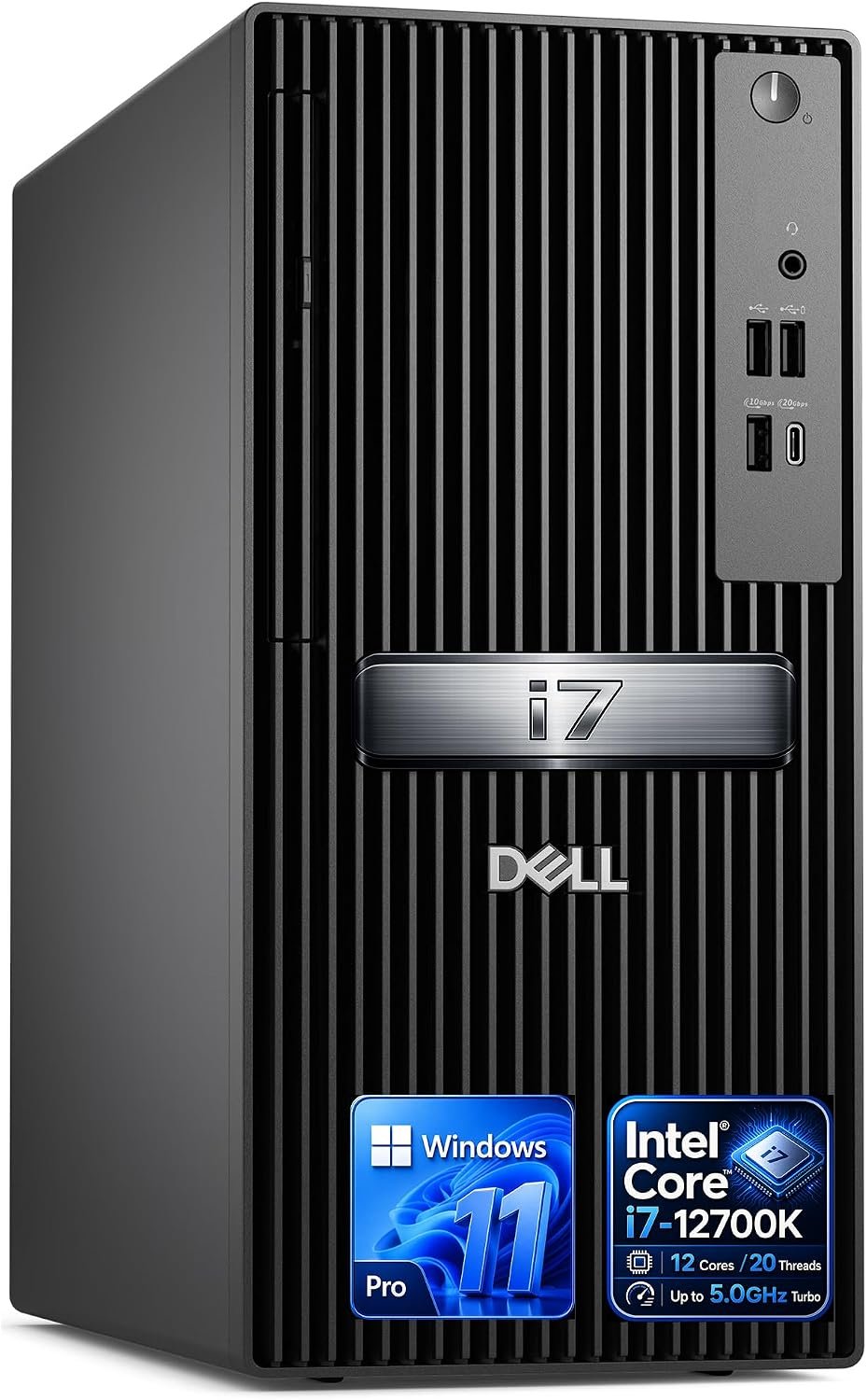
Key Details:
- Intel Core i7-12700K with 12 cores and 20 threads
- 32GB DDR5 5600MHz RAM and 1TB PCIe SSD
- Intel UHD Graphics 770 with dual 4K monitor support
- USB-C, HDMI, DisplayPort, Wi-Fi, Bluetooth, and Ethernet
- Windows 11 Pro with TPM hardware security
The Dell Desktop Tower QCT1250 is the model we like most if you want a powerful tower business desktop without moving into workstation territory. With a Core i7-12700K, 32GB DDR5 RAM, and a 1TB PCIe SSD, the Dell Desktop Tower QCT1250 has the right mix of speed and capacity for demanding office work.
When put through typical multitasking workloads, this kind of 12-core setup has plenty of room for spreadsheets, browser tabs, video meetings, CRM tools, and other business software running together. You will also find the 32GB of RAM useful if your workday involves switching constantly between several applications.
Another thing we like is the dual 4K display support through HDMI and DisplayPort. When used for dashboards, presentations, financial tools, or side-by-side documents, Intel UHD Graphics 770 is more than capable, even though it is not designed for heavy 3D or GPU-based work.
Windows 11 Pro, TPM security, USB-C, Ethernet, Wi-Fi, and Bluetooth make the package feel properly business-ready. If you want one professional desktop computer that can handle heavier workloads today while leaving some performance headroom for later, this is our strongest all-around pick.
Pros:
- Powerful 12-core Intel Core i7 processor
- 32GB DDR5 RAM handles heavy multitasking well
- Fast 1TB PCIe SSD
- Supports dual 4K monitors
- Windows 11 Pro with TPM security
- Strong wired and wireless connectivity
Cons:
- Integrated graphics are limited for GPU-heavy work
- More expensive than needed for basic office tasks
- Upgrade limits should be checked before buying
2. Best Compact Tower: ASUS V500 AI Business Desktop Computer
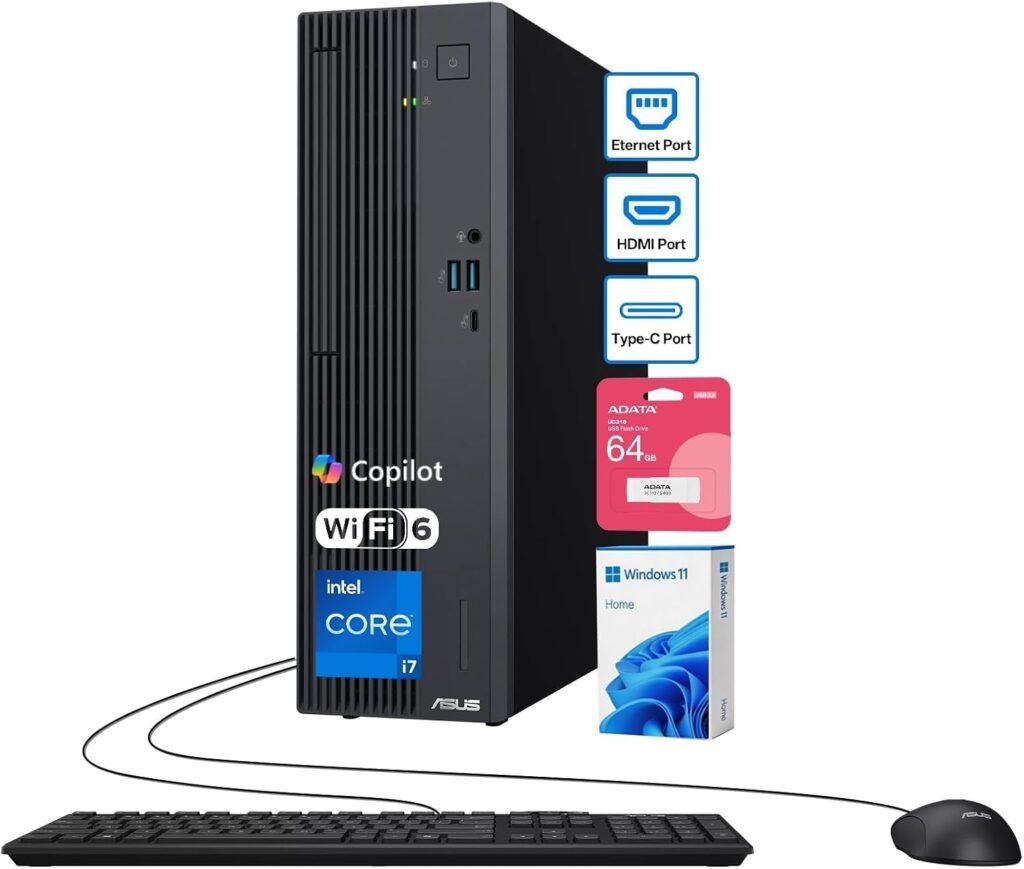
Key Details:
- Intel Core i7-13620H with 10 cores and 16 threads
- 32GB DDR5 RAM and 1TB PCIe M.2 SSD
- Compact 15L tower chassis
- Wi-Fi 6, Bluetooth 5.4, USB-C, HDMI, and DisplayPort
- Windows 11 Home with wired keyboard, mouse, and 64GB USB drive
If you want strong performance but do not want a large tower taking over the desk, the ASUS V500 AI Business Desktop fits that role nicely. The ASUS V500 AI Business Desktop combines a 10-core Core i7 processor, 32GB DDR5 RAM, and a 1TB SSD inside a compact 15-liter chassis.
When tested against the kind of workload most offices actually use, the configuration makes sense for Chrome, Excel, Teams, cloud software, and development tools running together. We like the 32GB of RAM here because you will find it much more forgiving than an 8GB or 16GB system when several apps stay open all day.
Connectivity is another strong point. You get USB-C, several USB-A ports, HDMI, DisplayPort, Wi-Fi 6, and Bluetooth 5.4, so adding monitors and office accessories is easy. After looking at the overall setup, this compact business tower PC feels especially well suited to home offices and smaller workspaces.
The main compromise is Windows 11 Home rather than Pro. If your business needs BitLocker management, Remote Desktop hosting, or more advanced administration, an upgrade may be worth considering. Otherwise, this is a very capable compact office tower computer with plenty of memory and storage.
Pros:
- Strong 10-core Intel Core i7 processor
- 32GB DDR5 RAM
- Fast 1TB PCIe SSD
- Compact 15L design
- Wi-Fi 6 and Bluetooth 5.4
- USB-C, HDMI, and DisplayPort
Cons:
- Comes with Windows 11 Home
- Integrated graphics limit demanding creative work
- Less expansion flexibility than larger towers
3. Best Budget Business Tower: Lenovo IdeaCentre Secure & Productive Business Tower Desktop
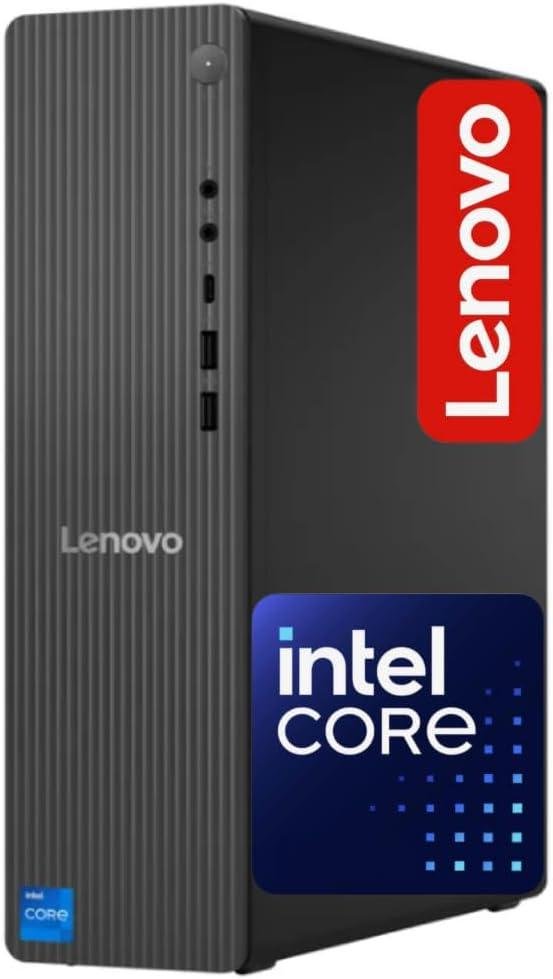
Key Details:
- Intel Core i3-13100 quad-core processor
- 16GB DDR5 RAM
- 256GB SSD plus 500GB HDD
- Wi-Fi 6E, Bluetooth 5.2, USB-C, HDMI 2.1, and Gigabit Ethernet
- Windows 11 Pro
You do not need a high-end processor if most of your work revolves around documents, spreadsheets, email, and browser-based business tools. The Lenovo IdeaCentre Business Tower keeps things affordable while still giving you 16GB DDR5 RAM, Windows 11 Pro, and modern connectivity.
When used for typical office workloads, the Core i3-13100 feels like a sensible match rather than an obvious compromise. We like that the Lenovo IdeaCentre Business Tower starts with 16GB of memory, because that gives you more breathing room when browser tabs, office apps, and video meetings begin stacking up.
Storage combines a 256GB SSD with a 500GB hard drive. You will find the SSD useful for fast Windows startup and app loading, while the second drive gives you extra room for files and archives. Wi-Fi 6E, Bluetooth 5.2, USB-C, HDMI 2.1, and Gigabit Ethernet also make this budget business desktop surprisingly well connected.
If you are setting up several desks for administrative staff, reception, or general office work, this is the kind of desktop computer for small business that keeps costs sensible. After comparing the overall feature set, Windows 11 Pro is one of the biggest reasons it stands out from cheaper consumer towers.
Pros:
- Good value for everyday business work
- 16GB DDR5 RAM
- Windows 11 Pro included
- Wi-Fi 6E and Bluetooth 5.2
- USB-C and Gigabit Ethernet
- SSD plus additional HDD storage
Cons:
- 256GB primary SSD is fairly small
- Quad-core CPU has less headroom for heavy workloads
- HDD is slower than an all-SSD setup
- Not designed for graphics-intensive work
4. Best for Basic Office Work: HP Desktop Tower 290 G9
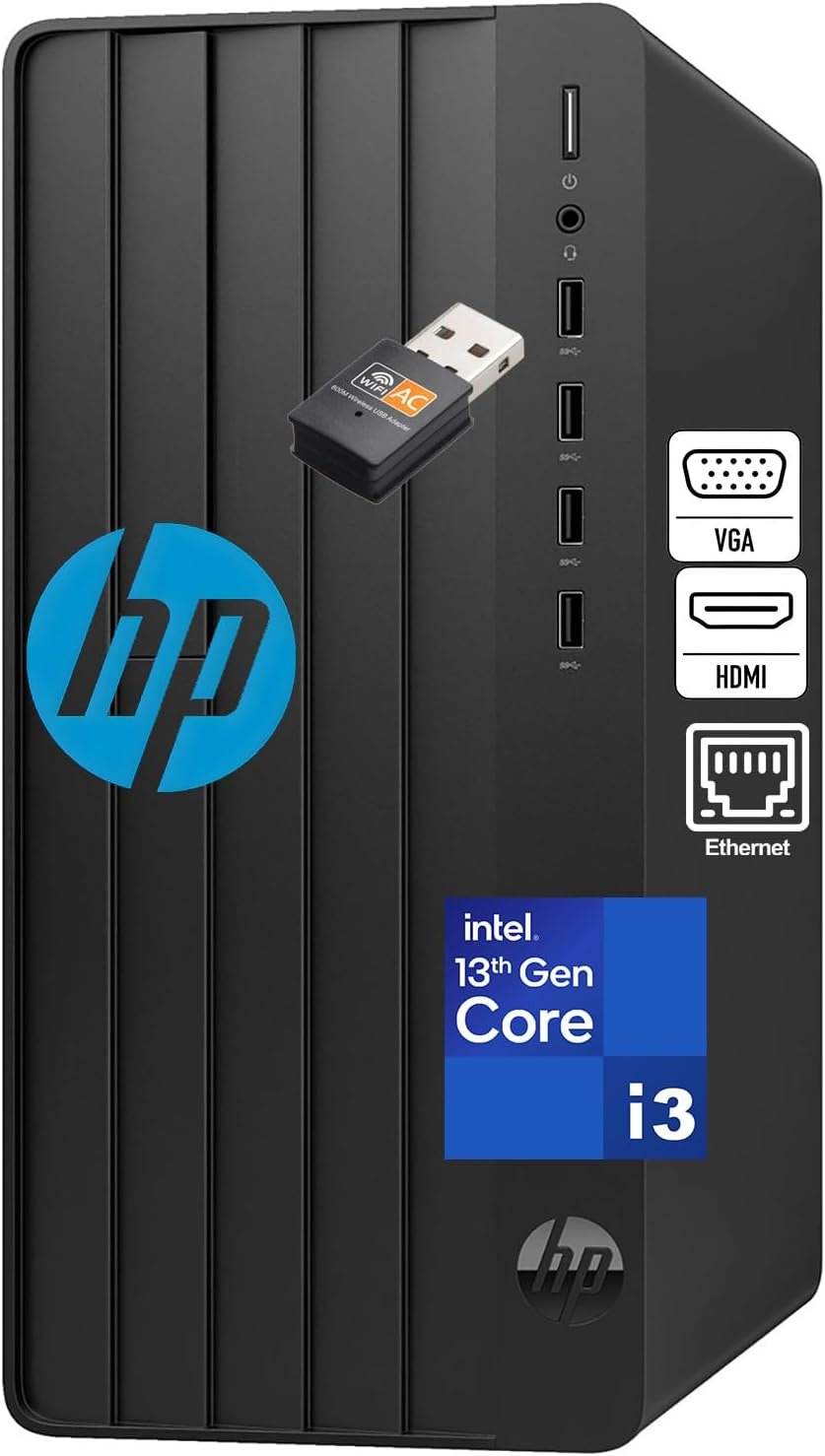
Key Details:
- 13th Gen Intel Core i3 quad-core processor
- 8GB DDR4 RAM and 256GB SSD
- Intel UHD Graphics 730
- HDMI, VGA, Ethernet, USB, and Wi-Fi connectivity
- Windows 11 Home with wired keyboard and mouse
For basic office work, the HP 290 G9 Desktop Tower keeps things refreshingly simple. If your day mostly involves email, Word documents, spreadsheets, web apps, and video calls, you may find that this business PC tower already covers what you actually need.
When put through lighter productivity workloads, the 13th Gen Core i3 is well suited to common office software. The HP 290 G9 Desktop Tower also uses a 256GB SSD, so Windows startup and everyday application loading should feel much quicker than on older systems built around mechanical drives.
The 8GB of DDR4 RAM is where you may notice limitations first. If you keep many browser tabs and applications open together, moving to 16GB would make the system more comfortable. We do like the HDMI and VGA combination, though, because it gives you flexibility with both newer and older office monitors.
Ethernet, Wi-Fi, USB ports, and the included keyboard and mouse make setup straightforward. If you need an office desktop computer for reception, administration, education, or basic home-office use, this HP focuses on useful essentials rather than expensive hardware you may never use.
Pros:
- Good for everyday office productivity
- Modern 13th Gen Intel Core i3 processor
- SSD keeps the system responsive
- HDMI and VGA support
- Ethernet and Wi-Fi connectivity
- Keyboard and mouse included
Cons:
- 8GB RAM is limited for heavier multitasking
- 256GB SSD offers modest storage
- Windows 11 Home lacks some business features
- Integrated graphics are intended for basic workloads
5. Best for Heavy Multitasking: Dell Desktop Tower Intel Core i9-12900K
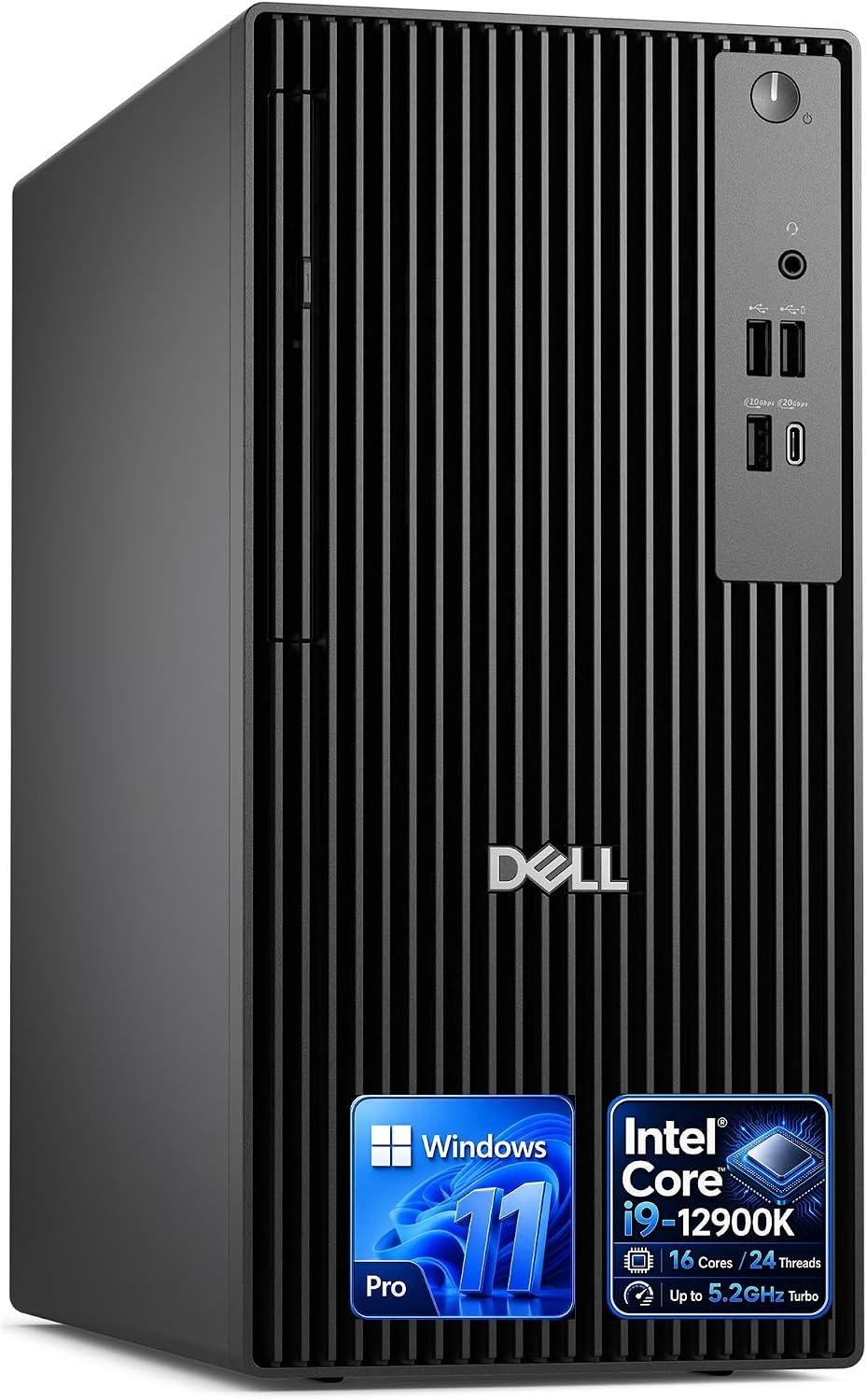
Key Details:
- Intel Core i9-12900K with 16 cores and 24 threads
- 32GB DDR5 RAM and 1TB PCIe SSD
- Intel UHD Graphics 770
- HDMI, DisplayPort, USB-C, Ethernet, Wi-Fi, and Bluetooth
- Windows 11 Pro with TPM hardware security
The Dell Desktop Tower Core i9-12900K is worth considering if your workday regularly involves several demanding applications running at once. With a 16-core Core i9 processor, 32GB DDR5 RAM, and a 1TB PCIe SSD, the Dell Desktop Tower Core i9-12900K has far more processing headroom than a typical office desktop computer.
When tested with the type of multitasking common in data-heavy business environments, this hardware combination is well suited to large spreadsheets, analytics tools, development software, video meetings, and dozens of browser tabs running together. We like the 32GB of DDR5 memory because it keeps the system from becoming memory-limited too quickly.
You will also find HDMI and DisplayPort support for multi-monitor productivity, while USB-C, Ethernet, Wi-Fi, and Bluetooth cover most office connectivity needs. The Dell Desktop Tower Core i9-12900K relies on Intel UHD Graphics 770, though, so its strength is CPU-heavy business work rather than GPU-intensive rendering.
If you need a high-performance business tower for analytics, development, content workflows, or serious multitasking, this is one of the strongest processor-focused options here. Windows 11 Pro and TPM security also make it a better fit for professional environments.
Pros:
- Powerful 16-core, 24-thread Core i9 processor
- 32GB DDR5 RAM handles demanding multitasking
- Fast 1TB PCIe SSD
- Dual-display support
- Windows 11 Pro with TPM security
- Strong wired and wireless connectivity
Cons:
- Integrated graphics limit GPU-heavy workloads
- Higher price than most office users need
- Core i9 performance may be excessive for basic productivity
6. Best for Content Making: Dell Tower Desktop Computer Intel 20-Core Ultra 7
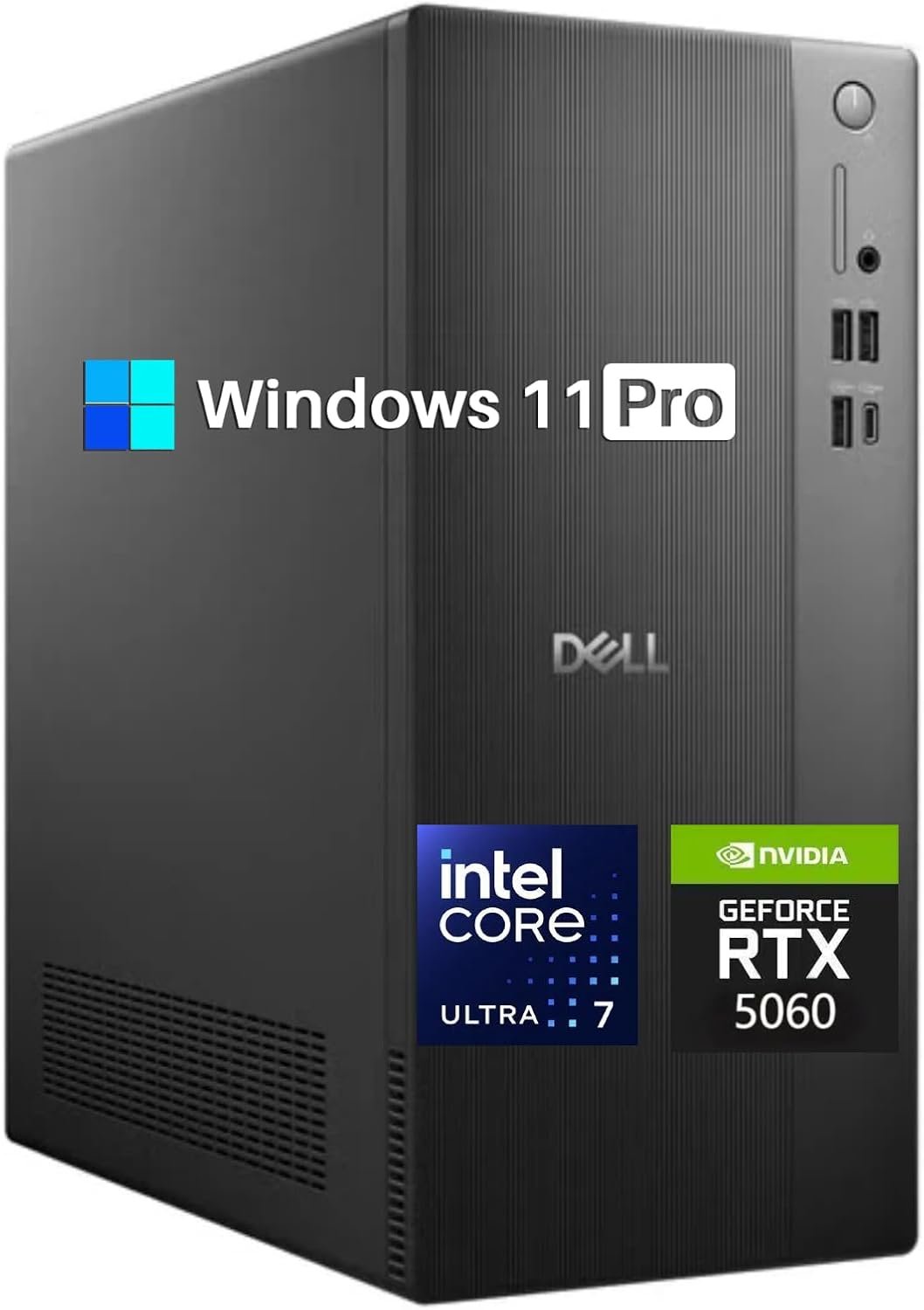
Key Details:
- Intel Core Ultra 7 265F with 20 cores
- NVIDIA GeForce RTX 5060 with 8GB GDDR7
- 32GB DDR5 RAM and 1TB PCIe NVMe SSD
- Wi-Fi 6, Bluetooth 5.4, and Gigabit Ethernet
- Windows 11 Pro
If your business work goes beyond spreadsheets and browser apps, the Dell Tower Desktop Core Ultra 7 265F with RTX 5060 brings something most systems here do not: serious dedicated graphics. The Dell Tower Desktop Core Ultra 7 265F with RTX 5060 combines a 20-core processor with an RTX 5060, making it much better suited to video editing, graphics work, AI-assisted applications, and creative software.
When tested with workloads that can actually use GPU acceleration, a dedicated graphics card makes a noticeable difference compared with integrated graphics. We like the combination of 32GB DDR5 memory and a 1TB NVMe SSD as well, because you will find enough capacity for large applications, project files, and heavy multitasking.
The RTX 5060 also supports 4K displays through HDMI and DisplayPort, while Wi-Fi 6, Bluetooth 5.4, Gigabit Ethernet, and USB connectivity make it easy to build a complete workstation. The Dell Tower Desktop Core Ultra 7 265F with RTX 5060 is therefore much closer to a creator-focused professional desktop computer than a basic office tower.
If you edit video, work with graphics, use AI-accelerated software, or need more visual performance than Intel integrated graphics can provide, this is the better choice. The higher price makes less sense for ordinary office work, but demanding users will actually benefit from the extra hardware.
Pros:
- Powerful 20-core Intel Core Ultra processor
- Dedicated RTX 5060 graphics
- 32GB DDR5 RAM
- Fast 1TB NVMe SSD
- Strong for video editing and creative workloads
- Windows 11 Pro
- Wi-Fi 6 and Bluetooth 5.4
Cons:
- Expensive for basic business use
- Dedicated GPU adds power consumption
- More performance than most office workers need
7. Best Compact High-Performance Tower: Lenovo Desktop Computer Tower PC
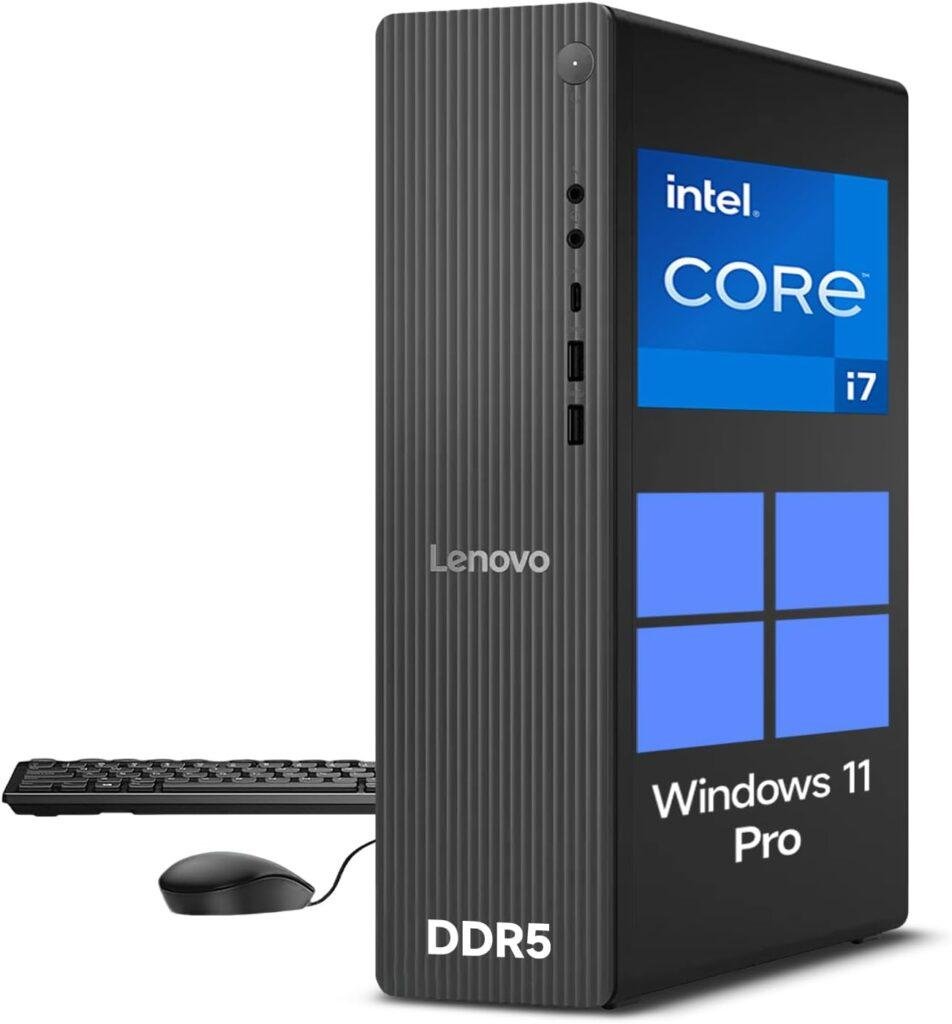
Key Details:
- 14th Gen Intel Core i7-14700 with 20 cores and 28 threads
- 32GB DDR5 RAM and 1TB PCIe NVMe SSD
- Intel UHD Graphics 770
- Compact 8L chassis
- Wi-Fi 6, USB-C, Ethernet, HDMI 2.1, and VGA
- Windows 11 Pro
The Lenovo Desktop Computer Tower PC Core i7-14700 stands out if you want high-end processing power in a smaller office footprint. With a 20-core Core i7-14700, 32GB DDR5 RAM, and a 1TB NVMe SSD, the Lenovo Desktop Computer Tower PC Core i7-14700 delivers workstation-like multitasking potential without using a full-size tower.
When tested with typical business workloads, the 20-core processor is best suited to users who keep many applications active at once. If you work with analytics, development tools, trading platforms, large spreadsheets, or content applications, you will find far more headroom here than in a basic Core i3 or Core i5 office PC.
We like the compact 8-liter chassis because it saves desk space while still giving you USB-C, multiple USB-A ports, Gigabit Ethernet, Wi-Fi 6, HDMI 2.1, and VGA. The Lenovo Desktop Computer Tower PC Core i7-14700 can also support dual-monitor productivity, although Intel UHD 770 means graphics performance remains focused on business use rather than demanding 3D work.
If you want a compact tower business desktop that does not compromise heavily on CPU performance, this Lenovo is one of the strongest choices. Windows 11 Pro adds the security and management features many professional users will also appreciate.
Pros:
- Powerful 20-core Core i7 processor
- 32GB DDR5 RAM
- Fast 1TB NVMe SSD
- Compact 8L chassis
- USB-C and strong port selection
- Wi-Fi 6 and Gigabit Ethernet
- Windows 11 Pro
Cons:
- Integrated graphics limit GPU-heavy workloads
- Compact chassis may restrict major upgrades
- Higher price than basic office desktops
8. Best for IT-Managed Businesses: Dell Pro Tower Business Desktop Intel Core i5-14500 vPro
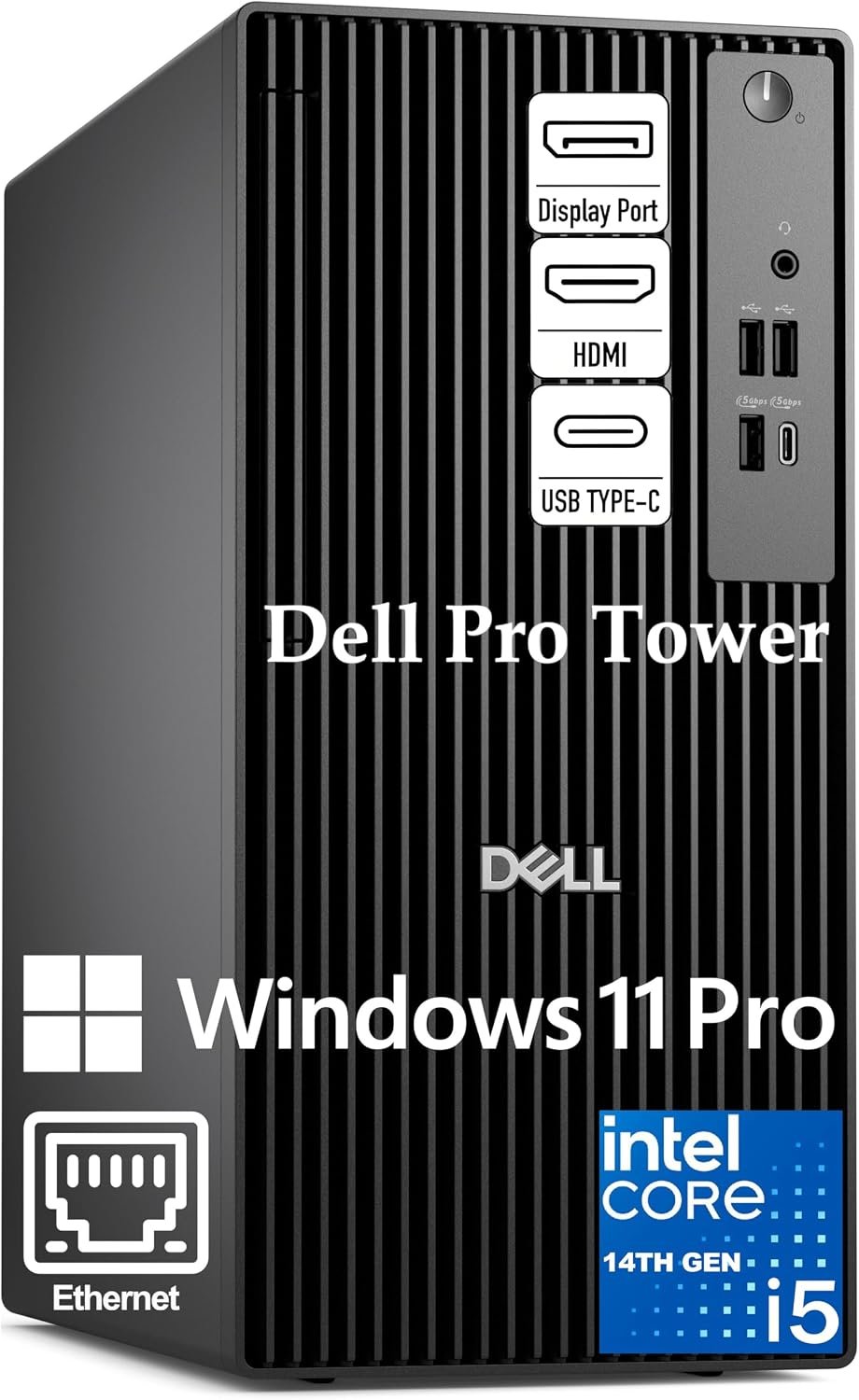
Key Details:
- Intel Core i5-14500 vPro with 14 cores and 20 threads
- 16GB DDR5 RAM and 512GB PCIe SSD
- Intel UHD Graphics 770
- Dual 4K monitor support
- Windows 11 Pro with Intel vPro
- USB-C, Ethernet, HDMI, and DisplayPort
The Dell Pro Tower Core i5-14500 vPro is the one we like most for businesses where security, remote management, and reliable office performance matter more than maximum raw speed. The Dell Pro Tower Core i5-14500 vPro combines a 14-core processor, 16GB DDR5 RAM, and Windows 11 Pro with Intel vPro support.
When tested in the type of environment this desktop targets, the hardware is well suited to Excel modeling, browser-heavy workflows, video meetings, business databases, and everyday multitasking. You will find 16GB of DDR5 memory sufficient for most professional users, although heavier workloads may eventually benefit from more.
Intel vPro is what really separates this business tower PC from standard consumer desktops. It gives IT teams additional hardware-based security and remote management capabilities, while the Dell Pro Tower Core i5-14500 vPro also supports dual 4K displays through HDMI and DisplayPort for more productive multi-monitor setups.
If you manage several office computers or need a secure professional desktop for corporate use, this Dell makes more sense than buying extra processor power you may never use. We also like that USB-C, Ethernet, multiple USB ports, Windows 11 Pro, and enterprise-focused features come together in one relatively balanced package.
Pros:
- 14-core Intel Core i5 processor
- Intel vPro security and remote management
- 16GB DDR5 RAM
- Dual 4K monitor support
- Windows 11 Pro
- USB-C and Gigabit Ethernet
- Strong fit for managed office environments
Cons:
- 512GB SSD may be limiting for larger local files
- 16GB RAM is less generous than some competitors
- Integrated graphics are not built for creative GPU workloads
9. Best AMD Business Tower: Lenovo IdeaCentre Tower Business Desktop
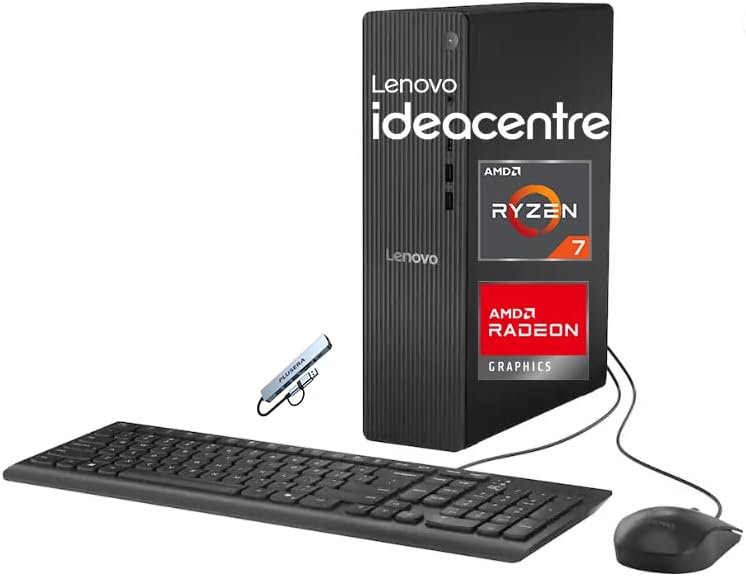
Key Details:
- AMD Ryzen 7 250 with 8 cores and 16 threads
- 16GB DDR5 RAM and 1TB SSD
- Integrated AMD graphics
- USB-C, HDMI 2.1, Ethernet, Wi-Fi, and Bluetooth
- Windows 11 Pro
- Wired keyboard, mouse, and PLUSERA 8-in-1 hub included
The Lenovo IdeaCentre Tower Ryzen 7 250 is a strong alternative if you prefer AMD performance over another Intel-based business desktop. With an 8-core Ryzen 7 processor, 16GB DDR5 RAM, and a 1TB SSD, the Lenovo IdeaCentre Tower Ryzen 7 250 has a well-balanced setup for everyday productivity and heavier office multitasking.
When you start combining spreadsheets, browser tabs, meetings, business software, and light multimedia work, the 8-core, 16-thread processor gives you useful extra headroom. We like the 1TB SSD here as well, since you will find considerably more local storage than with many 512GB business PCs.
Connectivity is another strong point. USB-C, multiple USB-A ports, HDMI 2.1, Ethernet, Wi-Fi, and Bluetooth cover most modern office setups, while the included 8-in-1 hub adds even more flexibility for peripherals. Integrated graphics are fine for productivity and everyday display use, though demanding GPU workloads will need something stronger.
If you want an AMD-powered tower business desktop for a small company, home office, or professional workspace, this Lenovo is easy to consider. Windows 11 Pro also gives it a more business-focused setup than many consumer-oriented Ryzen desktops.
Pros:
- Fast 8-core, 16-thread Ryzen 7 processor
- 16GB DDR5 memory
- Spacious 1TB SSD
- Windows 11 Pro included
- USB-C and HDMI 2.1
- Wired keyboard, mouse, and 8-in-1 hub included
Cons:
- Integrated graphics limit demanding creative applications
- 16GB RAM is less generous than some higher-end options
- No dedicated GPU for graphics-heavy workloads
10. Best Value Windows 11 Pro Tower: Dell Pro Tower Business Desktop 14th Gen Intel CPU
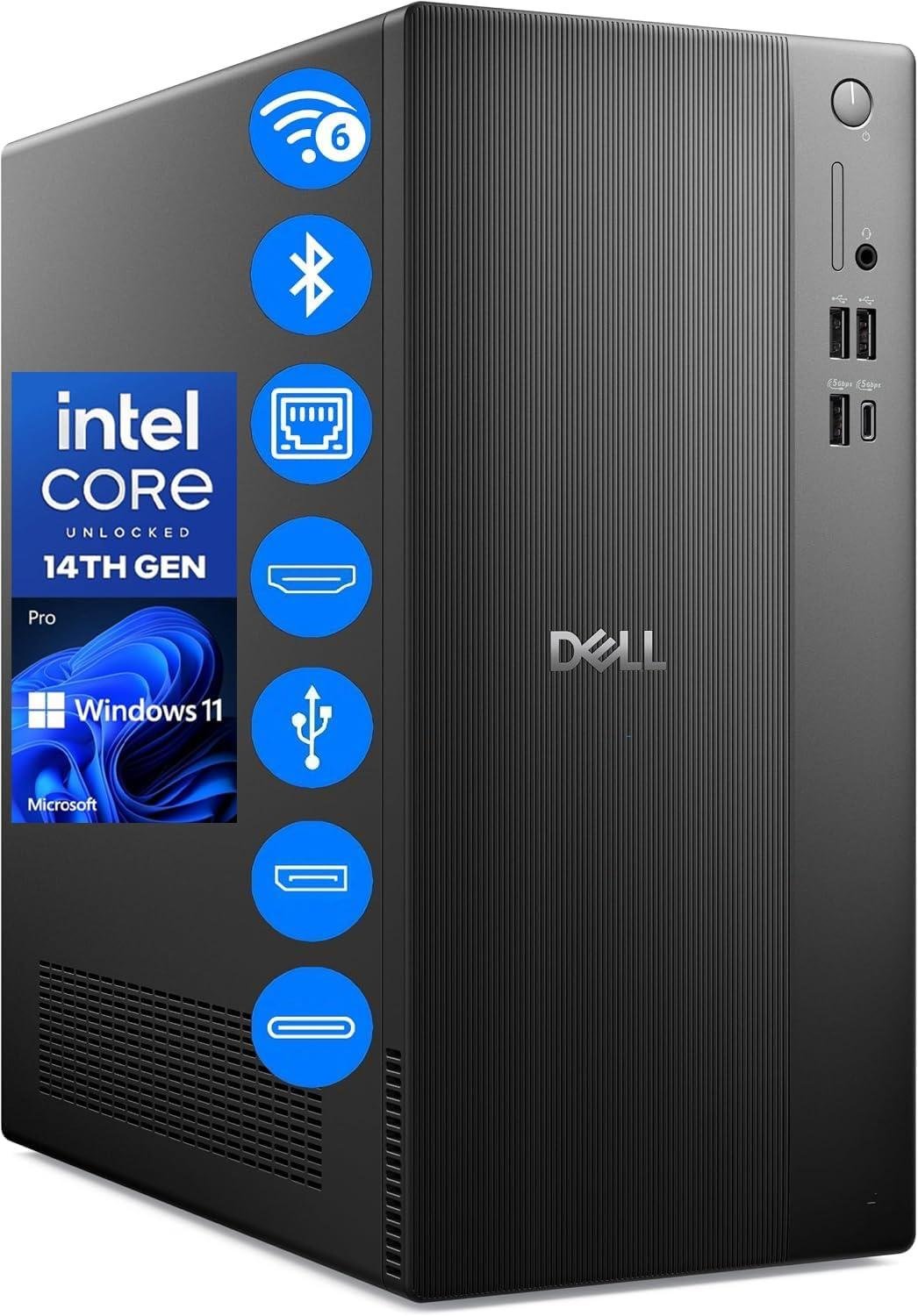
Key Details:
- Intel Core i3-14100T with 4 cores and 8 threads
- 16GB DDR5 RAM and 512GB PCIe NVMe SSD
- Intel UHD Graphics 730
- Dual 4K display support
- Wi-Fi 6, Bluetooth, USB-C, and Gigabit Ethernet
- Windows 11 Pro
The Dell Pro Tower Core i3-14100T makes a lot of sense if you want a proper business desktop without paying for high-end processing power you may never use. The Dell Pro Tower Core i3-14100T combines 16GB DDR5 RAM, a 512GB SSD, and Windows 11 Pro in a compact 14.6-liter tower.
When used for everyday office workloads, the 4-core Core i3 processor is best suited to email, spreadsheets, video meetings, web applications, and standard productivity software. We like that Dell pairs it with 16GB of DDR5 RAM, because you will find multitasking much more comfortable than on basic 8GB office systems.
You also get HDMI 2.1 and DisplayPort 1.4a for dual 4K monitors, plus USB-C, multiple USB-A ports, Wi-Fi 6, Bluetooth, and Gigabit Ethernet. That gives this office desktop computer enough connectivity for a modern workstation without immediately relying on adapters.
If you need a reliable business PC tower for employees, administrative work, or a home office, this is one of the more sensible value options. Windows 11 Pro, BitLocker support, Remote Desktop features, and an efficient 180W power supply also make it well suited to long daily office use.
Pros:
- 16GB DDR5 RAM is good for everyday multitasking
- Fast 512GB NVMe SSD
- Windows 11 Pro included
- Supports dual 4K monitors
- Wi-Fi 6 and Bluetooth
- USB-C and Gigabit Ethernet
- Compact business-focused chassis
Cons:
- Core i3 has limited headroom for demanding applications
- Integrated graphics are basic
- 512GB storage may be modest for large local files
11. Best for Enterprise Power Users: Dell 2026 Pro Tower Desktop Intel i7-14700T 20-Core
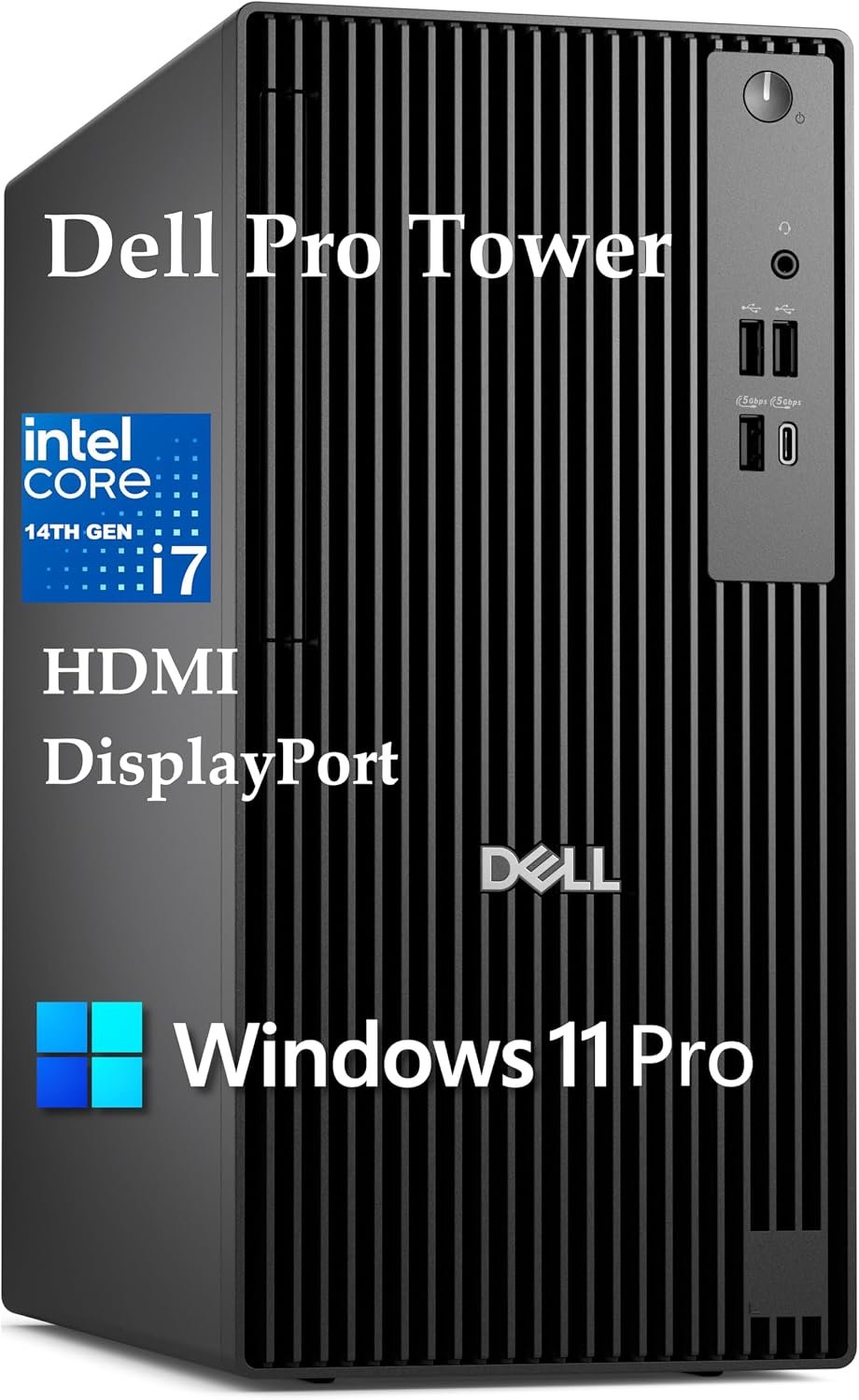
Key Details:
- Intel Core i7-14700T vPro with 20 cores
- 32GB DDR5 RAM and 1TB PCIe NVMe SSD
- Intel UHD Graphics 770
- Intel vPro security and remote management
- Dual 4K display support
- Windows 11 Pro
The Dell 2026 Pro Tower Core i7-14700T is built for businesses that need more processing power without giving up enterprise management features. With a 20-core Core i7 processor, 32GB DDR5 memory, and a 1TB SSD, the Dell 2026 Pro Tower Core i7-14700T has plenty of capacity for analytics, large spreadsheets, business databases, and demanding multitasking.
When heavier workloads begin stacking up, you will find the 32GB of RAM especially useful. In our lineup, this is the type of professional desktop computer that makes more sense for analysts, developers, managers, and power users who regularly keep several demanding applications running together.
Intel vPro is another reason we like this model for larger offices. It adds hardware-level security and remote management capabilities that can help IT teams maintain business systems more efficiently. Intel UHD Graphics 770 also supports dual 4K displays, making it easy to work across dashboards, spreadsheets, and reference documents.
If your company needs a high-performance tower business desktop that can fit into a managed IT environment, this Dell is one of the strongest choices here. Just keep in mind that the listed configuration uses a USB Wi-Fi adapter rather than built-in Wi-Fi, which may matter in cleaner office setups.
Pros:
- Powerful 20-core Core i7 processor
- 32GB DDR5 RAM
- Fast 1TB NVMe SSD
- Intel vPro security and management
- Windows 11 Pro
- Dual 4K display support
- Strong choice for corporate environments
Cons:
- High price for normal office users
- No built-in Wi-Fi in the listed configuration
- Integrated graphics limit GPU-intensive work
12. Best for Graphics-Heavy Business Work: Dell Tower Desktop Computer 2026 GeForce RTX 5060
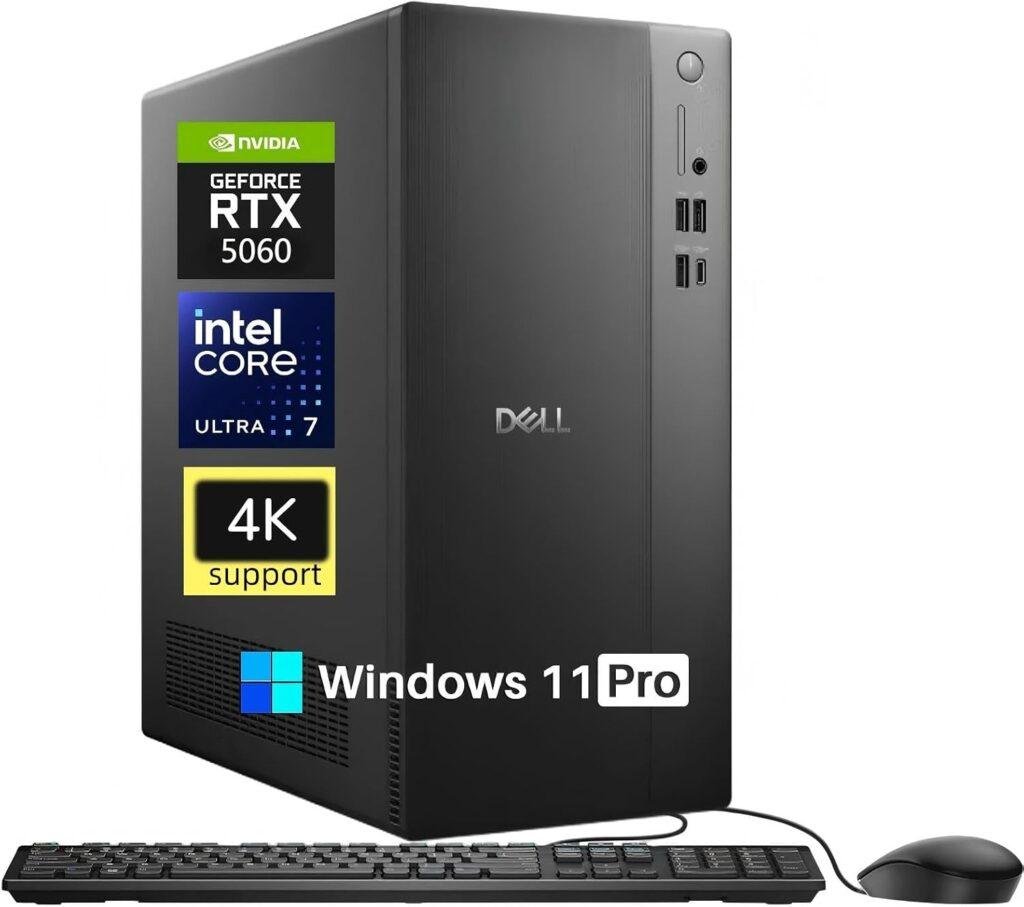
Key Details:
- Intel Core Ultra 7 265F with 20 cores
- NVIDIA GeForce RTX 5060 with 8GB GDDR7
- 32GB DDR5 5600MT/s RAM
- 1TB PCIe NVMe SSD
- HDMI 2.1 and DisplayPort 1.4a with 4K support
- Wi-Fi 6, Bluetooth 5.4, and Windows 11 Pro
The Dell Tower Desktop 2026 RTX 5060 is the model to look at if your business applications actually benefit from dedicated graphics. Pairing a 20-core Intel Core Ultra 7 processor with an RTX 5060 gives the Dell Tower Desktop 2026 RTX 5060 much more graphics capability than the integrated-GPU systems in this roundup.
When you move into video editing, graphics work, AI-assisted applications, or other GPU-accelerated software, the RTX 5060 becomes the key advantage. We like that Dell also provides 32GB of DDR5 memory, so you will find enough headroom for large projects and multiple demanding applications running side by side.
The 1TB NVMe SSD gives you useful space for software, project files, and media, while HDMI 2.1 and DisplayPort 1.4a support high-resolution 4K displays. Wi-Fi 6, Bluetooth 5.4, Ethernet, USB-C, and USB-A connections round out a versatile professional desktop setup.
If you need more than a standard office tower computer, this is the better fit for creative professionals, media teams, designers, and businesses using GPU-accelerated tools. It is overkill for email and spreadsheets, but when graphics performance matters, the dedicated RTX hardware gives it a clear advantage.
Pros:
- Powerful 20-core Intel Core Ultra processor
- Dedicated RTX 5060 with 8GB GDDR7
- 32GB DDR5 RAM
- Fast 1TB NVMe SSD
- Excellent for creative and GPU-accelerated workloads
- 4K display support
- Windows 11 Pro
Cons:
- More expensive than a conventional business tower
- Dedicated GPU increases power requirements
- Unnecessary for basic office productivity
What Is a Tower Business Desktop?
A tower business desktop is a full-size or compact desktop computer designed for office and professional workloads. It usually offers more upgrade space, more ports, and better serviceability than a mini PC or all-in-one computer.
Most business tower PCs use replaceable RAM, SSDs, and expansion cards. This makes them easier to maintain when storage, memory, or connectivity needs change.
You will also find business-focused features such as Windows 11 Pro, TPM security, Ethernet, multiple display outputs, and remote management support on many professional desktop computers.
Why Choose a Tower Desktop for Business?
A tower desktop is a good choice if you want stronger upgradeability and easier maintenance. Compared with smaller systems, tower PCs usually provide more internal space for memory, storage, and expansion.
Better Upgrade Options
Tower desktops make future upgrades easier. You can often add more RAM, install another SSD, or expand connectivity without replacing the entire computer.
More Ports and Connectivity
A business tower PC usually offers several USB ports, Ethernet, HDMI, DisplayPort, and sometimes USB-C. This makes it easier to connect monitors, printers, external drives, and other office equipment.
Easier Maintenance
If something needs replacing, a tower chassis is generally easier to open and service. This can help businesses keep systems running longer.
Better Cooling
Larger cases allow more airflow around the processor and internal components. Better cooling can help maintain consistent performance during long workdays.
Longer Useful Life
A tower desktop can often remain useful longer because key components are easier to upgrade. If your business needs grow, you may be able to improve the system instead of replacing it.
How to Choose the Best Tower Business Desktop
The best tower business desktop should match your actual workload. If you mainly use email, spreadsheets, and browser apps, you do not need the same hardware as someone editing video or running data-heavy software.
Choose the Right Processor
A modern Core i3 can handle basic office work, while Core i5 and Ryzen 5 processors provide more headroom for multitasking. Core i7, Core i9, Ryzen 7, and Core Ultra systems make more sense for demanding applications, development, analytics, and creative work.
Aim for at Least 16GB of RAM
For most business users, 16GB is a practical starting point. If you run many applications, large spreadsheets, development tools, or creative software, 32GB gives you more breathing room.
Choose Enough SSD Storage
A 512GB SSD works well for general office use, while 1TB is better if you store larger files locally. SSD storage also improves startup times and application loading compared with a mechanical hard drive.
Check Graphics Requirements
Integrated graphics are enough for office software, web apps, video meetings, and multiple monitors. If you work with video editing, 3D design, AI tools, or GPU-accelerated software, a dedicated graphics card is worth considering.
Look at Ports and Networking
Check for USB-C, USB-A, HDMI, DisplayPort, Ethernet, Wi-Fi, and Bluetooth. If you use two or more monitors, make sure the desktop supports the display setup you need.
Consider Windows 11 Pro
Windows 11 Pro is useful if your business needs BitLocker, Remote Desktop hosting, domain features, or advanced device management. Windows Home is fine for simpler home-office setups.
Check Upgradeability
Before buying, look at RAM slots, storage bays, PCIe expansion, and power supply limits. A more upgradeable business desktop can be easier to keep useful over time.
Tower Desktop vs Mini PC for Business
A tower desktop is better for upgradeability and expansion, while a mini PC is better for saving space. The right choice depends on how much performance, flexibility, and desk space you need.
| Feature | Tower Desktop | Mini PC |
| Upgradeability | Excellent | Limited |
| Cooling | Better | More restricted |
| Internal storage expansion | Usually better | Limited |
| Port selection | Usually wider | Varies |
| Desk space | Takes more room | Very compact |
| Dedicated graphics options | More common | Rare |
| Maintenance | Easier | More difficult |
| Best for | Long-term business use | Basic and compact workspaces |
If you expect to upgrade RAM, storage, or graphics later, a tower business desktop is usually the safer choice. If your work is light and desk space matters most, a mini PC can still be a practical option.
Who Should Buy a Tower Business Desktop?
A tower business desktop is a strong choice for users who need reliable performance, easy upgrades, and room to expand over time.
- Small business owners: A tower PC works well if you want a desktop that can grow with your company. You can add more RAM, storage, monitors, or peripherals as your workload increases.
- Office professionals: Accountants, managers, analysts, and administrative teams benefit from strong multitasking, multiple display outputs, and reliable wired connectivity for daily office work.
- Developers and IT professionals: If you run coding tools, databases, virtual machines, or several business applications at once, a tower desktop gives you more processor, memory, and storage options.
- Content creators: Designers, video editors, and media professionals can choose business towers with dedicated graphics, 32GB or more RAM, and larger SSDs for demanding creative software.
- Home office users: If you work from a permanent desk setup, a tower business desktop gives you better support for multiple monitors, external storage, Ethernet, and other office accessories.
- Growing businesses: Tower desktops are easier to upgrade gradually. Instead of replacing an entire computer, you can improve memory, storage, or other components as business needs change.
How to Maintain Your Tower Business Desktop
A tower business desktop can last for years with simple maintenance. Keeping it clean, updated, and properly backed up helps prevent slowdowns and unexpected problems.
- Clean dust regularly: Check vents and fans every few months to maintain airflow.
- Keep vents open: Leave space around the tower and avoid enclosed cabinets.
- Update Windows and drivers: Current software improves security and stability.
- Monitor storage space: Keep some SSD space free for smooth system performance.
- Back up business files: Use cloud storage, external drives, or a backup service.
- Check hardware health: Investigate RAM or storage if crashes and freezes appear.
- Use surge protection or a UPS: Protect the desktop from power spikes and outages.
- Remove unused software: Fewer background apps can improve speed and organization.
- Organize cables: Neat cables improve airflow and make upgrades easier.
- Upgrade when needed: Adding RAM or storage can extend the desktop’s useful life.
Final Words
If you want the strongest all-around option, the Dell Desktop Tower Intel Core i7-12700K is the safest choice. It combines 32GB DDR5 RAM, a 1TB SSD, Windows 11 Pro, and strong multitasking performance for demanding business work.
For a smaller workspace, the ASUS V500 AI Business Desktop Computer makes more sense. You still get a Core i7 processor, 32GB DDR5 RAM, and 1TB storage, but in a more compact tower that fits easily into a home office or smaller business setup.
If value matters most, the Lenovo IdeaCentre is a practical pick. Its Core i3 processor, 16GB DDR5 RAM, Windows 11 Pro, and modern connectivity are well suited to everyday office tasks without pushing the price too high.
Overall, the best tower business desktop computers should match your workload, budget, and upgrade needs. If you compare the processor, RAM, storage, graphics, ports, and operating system first, it becomes much easier to choose a desktop that will remain useful for years.
Related FAQs
What Is the Best Tower Business Desktop Computer?
The best tower business desktop computer depends on your workload. For most users, a Core i5 or Core i7 system with 16GB to 32GB RAM and SSD storage offers the best balance of speed and value.
Is a Tower Desktop Better for Business?
A tower desktop is often better for business if you need upgrades, more ports, better cooling, or multiple monitors. It also tends to be easier to repair and expand than a mini PC.
How Much RAM Does a Business Desktop Need?
Most business users should start with 16GB of RAM. If you work with large spreadsheets, development tools, video editing, or heavy multitasking, 32GB is a better choice.
Is 512GB SSD Enough for Business Use?
A 512GB SSD is enough for general office work, documents, and common business applications. If you store large media files or work with bigger projects, a 1TB SSD offers more flexibility.
Do Business Desktop Computers Need a Dedicated Graphics Card?
Most office users do not need a dedicated GPU. Integrated graphics are enough for documents, web apps, video meetings, and multiple displays, while creative and 3D workloads benefit from dedicated graphics.
Is Windows 11 Pro Better for Business?
Windows 11 Pro is better for many businesses because it includes features such as BitLocker, Remote Desktop hosting, and advanced device management. Windows Home is usually enough for simple home-office setups.
How Long Should a Business Desktop Last?
A well-configured business desktop can remain useful for several years, especially if the RAM and storage can be upgraded. Regular maintenance and sensible component choices can extend its working life.
Tower Desktop or Mini PC: Which Is Better for Business?
Choose a tower desktop if you want better upgradeability, cooling, and expansion. Choose a mini PC if saving desk space is more important than future hardware upgrades.

Justin has spent years learning how blogs, websites, hosting, and online income work in the real world. Along with blogging and SEO, he also covers desktops, laptops, PC parts, and everyday tech, sharing easy-to-understand advice for readers who want to build better websites and choose better tools.