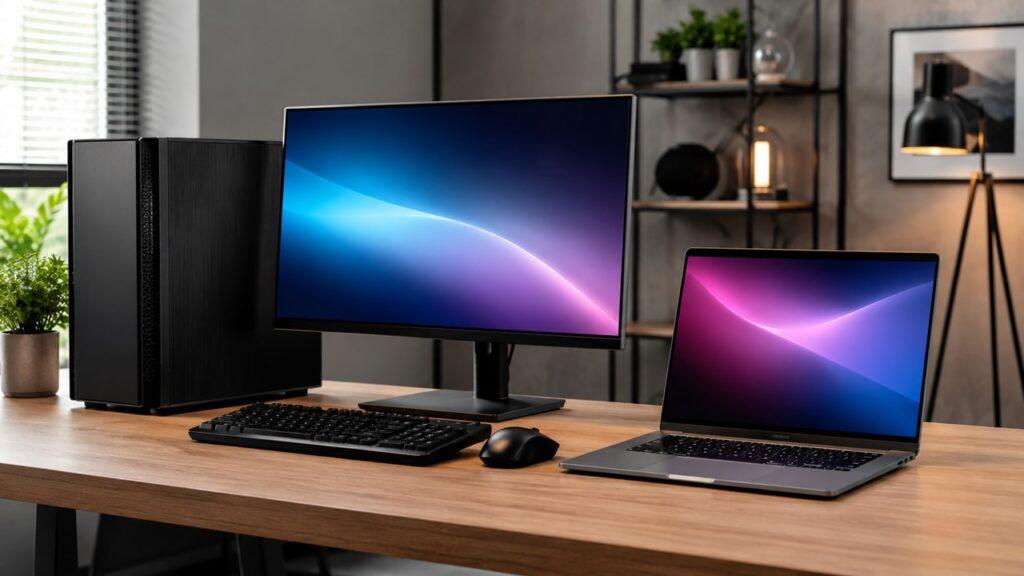
Choosing between a desktop and a laptop depends on how you work, where you use your computer, and whether you prioritize portability or performance.
A laptop is ideal if you need a portable, all-in-one device for school, work, travel, or flexible use. A desktop is better if you want stronger performance, better cooling, easier upgrades, and a fixed setup for tasks like gaming, editing, or heavy workloads.
Both can handle everyday tasks, but they suit different lifestyles.
This guide will help you understand the key differences between desktops and laptops, compare their performance, cost, and usability, and choose the right option based on your needs.
Key Takeaways
- Choose a laptop if you need portability, flexibility, and an all-in-one device.
- Choose a desktop if you want better performance, cooling, and upgrade options.
- Laptops are ideal for students, travelers, remote workers, and casual users.
- Desktops are better for gaming, heavy workloads, and long-term value.
- A laptop saves space, while a desktop gives more comfort and power.
- Your decision should depend on your daily routine, not only the specs.
Desktop vs Laptop: Quick Answer
A laptop is better if you need a portable computer for school, travel, meetings, or working from different places. A desktop is better if you want stronger performance, better cooling, easier upgrades, and more value for long-term use.
Choose a laptop if portability matters more than maximum power. Choose a desktop if performance, repairability, and upgrade options matter more than mobility.
In simple terms:
- Choose a laptop if you need portability and an all-in-one device.
- Choose a desktop if you need more power, better upgrades, and longer usable life.
- Choose both if you need a portable device and a powerful home setup.
A laptop wins for convenience. A desktop wins for performance and long-term flexibility.
Desktop vs Laptop Comparison Table
The main difference is simple: laptops are built for mobility, while desktops are built for performance and flexibility. A laptop is easier to carry and easier to set up. A desktop is easier to upgrade and usually performs better under heavy workloads.
| Feature | Laptop | Desktop |
| Portability | Excellent | Poor |
| Performance | Good, but limited by heat and power | Better sustained performance |
| Upgradability | Limited | Excellent |
| Price-to-performance | Lower | Higher |
| Lifespan | Usually shorter | Usually longer |
| Repairability | Harder and more expensive | Easier and often cheaper |
| Power usage | Lower | Higher |
| Desk space | Needs less space | Needs more space |
| Gaming | Good on gaming laptops | Better for serious gaming |
| Office work | Excellent | Excellent |
| Students | Usually better | Less convenient |
| Content creation | Good for light work | Better for heavy work |
If you only browse the internet, write documents, watch videos, and attend online meetings, a laptop may be enough. If you play demanding games, edit videos, run heavy software, or want a machine that can grow with you, a desktop is usually the stronger choice.
What Is a Desktop Computer?
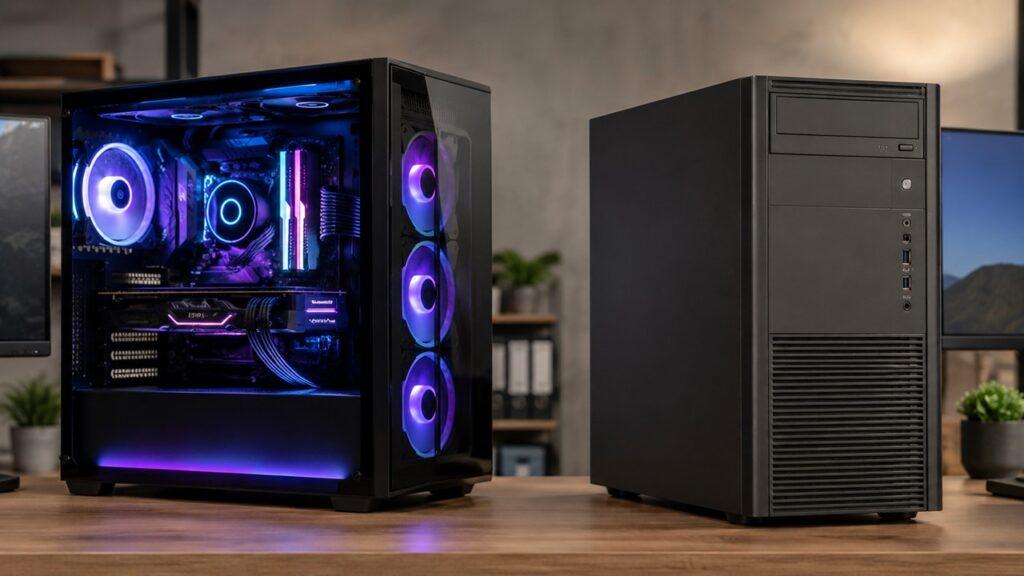
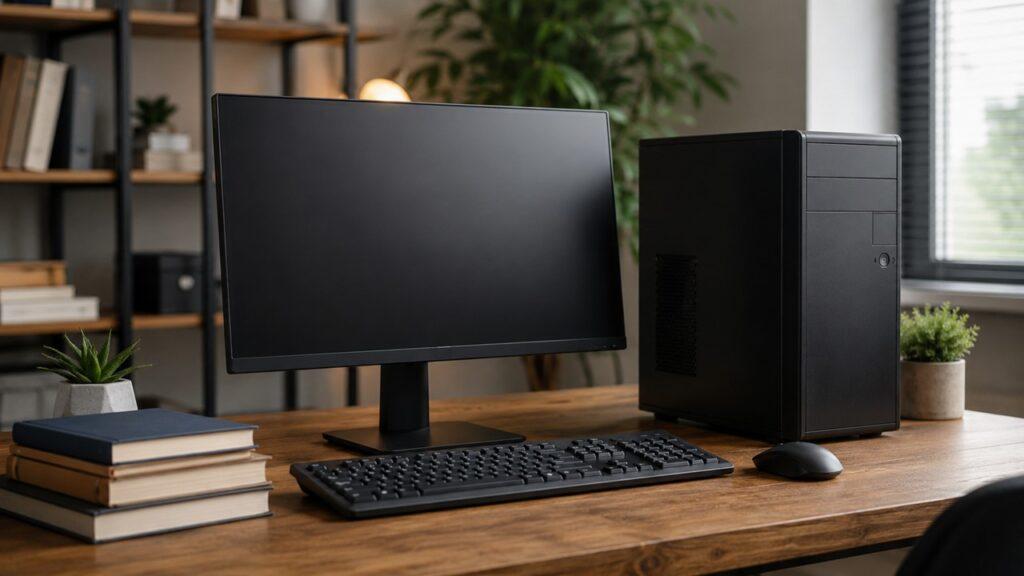
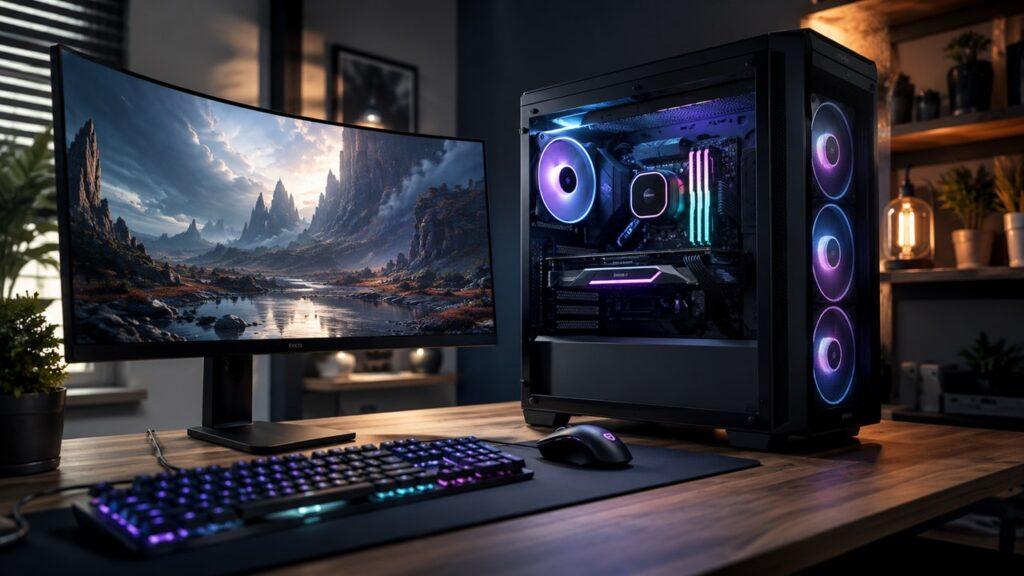
A desktop computer is a computer designed to stay in one place. It usually sits on or under a desk and connects to a separate monitor, keyboard, mouse, speakers, and power outlet.
A traditional desktop includes a tower case that holds the processor, graphics card, motherboard, memory, storage, cooling fans, and power supply. However, desktops now come in different forms. You can find tower desktops, mini PCs, all-in-one PCs, gaming desktops, and workstation computers.
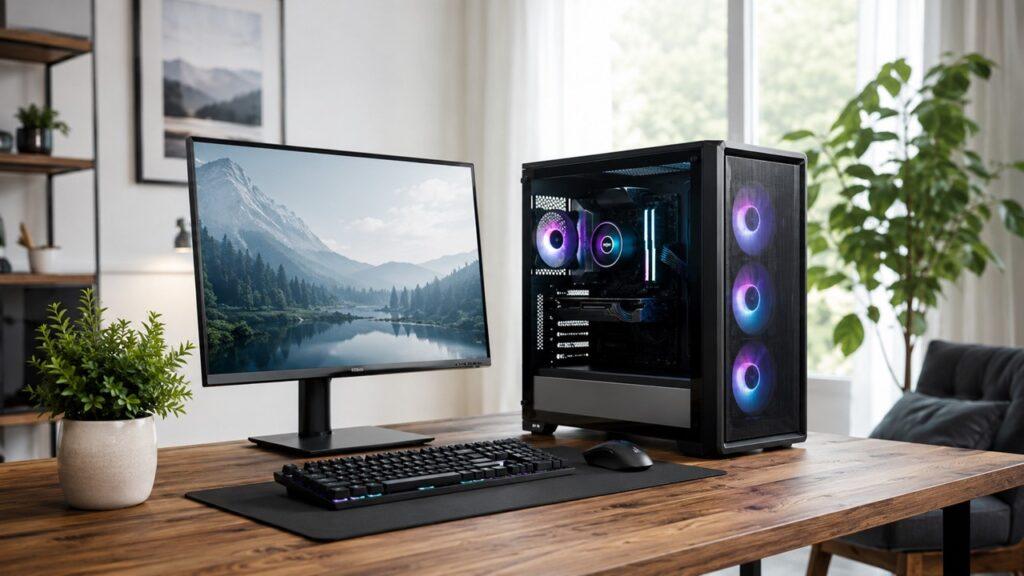
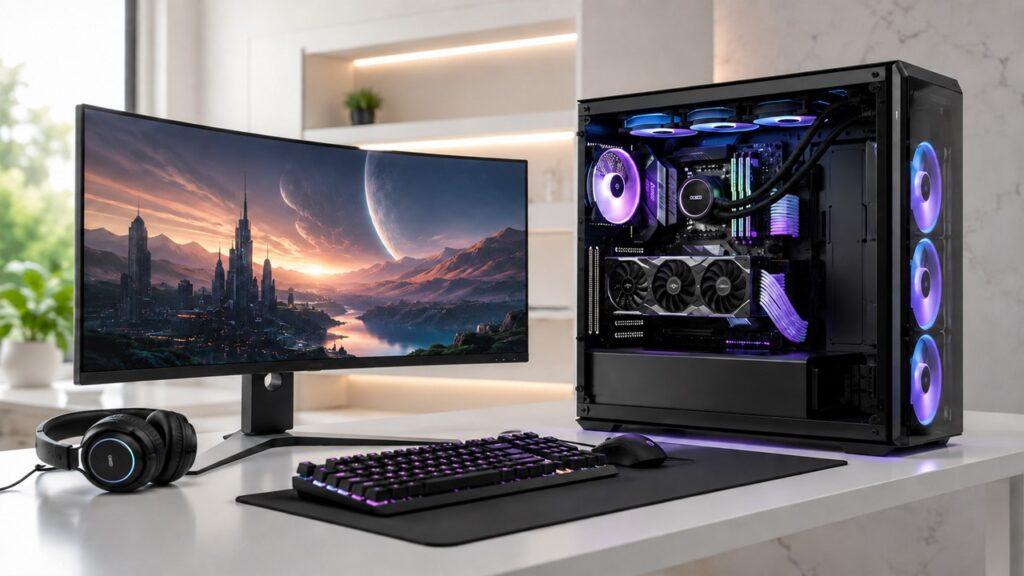
A desktop gives you more control over the setup. You can choose a large monitor, full-size keyboard, gaming mouse, external speakers, better webcam, and other accessories. You can also upgrade many desktop parts over time.
A desktop is not made for travel. It is best for users who mostly work, study, create, or play from one fixed place.
What Is a Laptop?
A laptop is a portable all-in-one computer. It includes a screen, keyboard, trackpad, webcam, speakers, battery, processor, memory, and storage in one compact body.
A laptop is designed to be carried and used in different places. You can use it at home, in class, at work, in a library, in a meeting, or while traveling. This makes laptops useful for students, remote workers, freelancers, business owners, and anyone who needs flexibility.
Laptops also come in different types. Common options include traditional laptops, ultrabooks, business laptops, gaming laptops, 2-in-1 laptops, and creator laptops. Each type is built for a different kind of user.
A laptop is convenient because it works right out of the box. You open it, turn it on, and start working. You do not need a separate monitor, keyboard, mouse, or webcam unless you want a more comfortable setup.
Key Differences Between Desktop and Laptop
Portability
Portability is the biggest advantage of a laptop. A laptop is designed to move with you. You can carry it in a backpack, use it on battery power, and work from different locations.
A desktop is designed to stay in one place. It needs a monitor, keyboard, mouse, power outlet, and usually a desk. You can move a desktop, but it is not convenient for daily travel.
If you work from many places, a laptop is better. If you work from one place, a desktop may be better.
Performance
A desktop usually gives better performance than a laptop at the same budget. This happens because desktop parts have more space, more power, and better cooling.
A laptop can still be very fast. Many modern laptops handle office work, browsing, programming, photo editing, and even gaming. However, laptops often reduce performance under heavy load because they must control heat and battery use.
A desktop is better for long, demanding tasks like gaming, video editing, rendering, streaming, and 3D design.
Cooling
Cooling affects performance, noise, and lifespan. Desktops usually have larger fans, better airflow, and more room for heat to escape. This helps the CPU and GPU run faster for longer periods.
Laptops have smaller fans and tighter internal spaces. When a laptop gets too hot, it may reduce clock speed to protect the processor. Intel describes this as throttling, where the processor lowers speed when it reaches a thermal limit [3].
This is why a desktop often performs better during long workloads. It can stay cooler and maintain performance more easily.
Upgradability
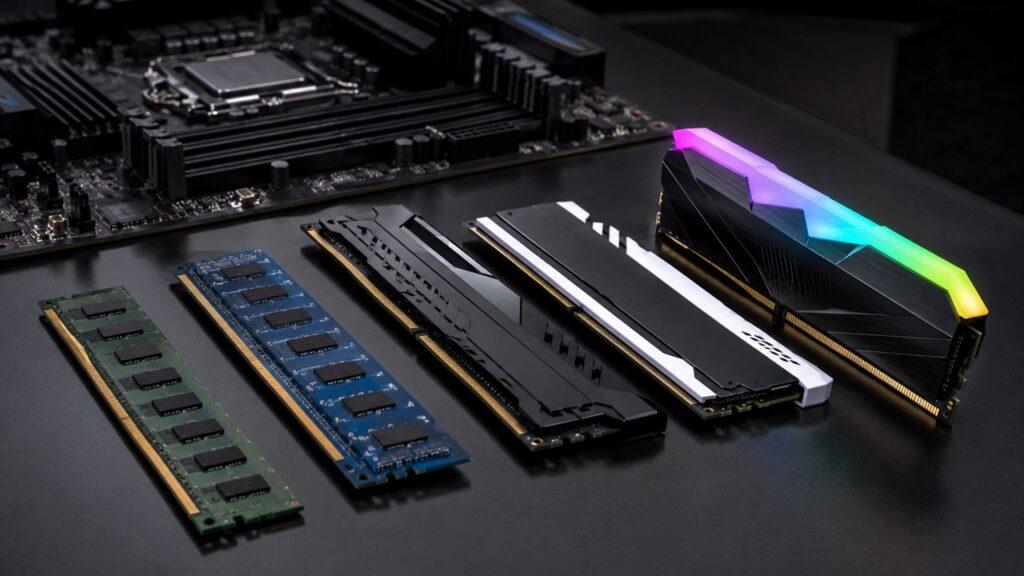
A desktop is much easier to upgrade. You can usually replace or upgrade RAM, storage, graphics cards, cooling systems, power supplies, monitors, keyboards, and sometimes processors.
A laptop is more limited. Some laptops allow RAM and storage upgrades. Many thin laptops have soldered memory, soldered storage, or tightly integrated parts. That makes upgrades difficult or impossible.
If you want a computer that can improve over time, a desktop is the better choice.
Repairability
Desktop computers are usually easier to repair. Most desktop parts are separate and replaceable. If a power supply, fan, storage drive, or graphics card fails, you can often replace that part without replacing the entire computer.
Laptop repairs can be harder and more expensive. Laptop parts are smaller, more compact, and often model-specific. A broken laptop screen, keyboard, battery, hinge, or motherboard can cost more to repair.
A desktop is better if you want easier maintenance and lower long-term repair risk.
Lifespan
A desktop often lasts longer because parts can be replaced over time. You can upgrade the RAM, add more storage, replace the graphics card, or install a better monitor without buying a completely new computer.
A laptop may age faster because of heat, battery wear, and limited upgrades. A laptop battery loses capacity over time. Thin designs can also make long-term cooling harder.
A well-maintained laptop can still last for years. However, a desktop is usually better for long-term use because it is easier to repair and upgrade.
Price and Value
A laptop includes everything in one device. You get the screen, keyboard, trackpad, battery, webcam, speakers, and computer hardware together. That makes it convenient, but it also means you pay for compact engineering and portability.
A desktop may need extra accessories, such as a monitor, keyboard, mouse, webcam, speakers, and UPS. However, desktops usually offer better performance for the same money once the full setup is considered.
If you want the most power for your budget, a desktop usually gives better value. If you want one simple device, a laptop gives better convenience.
Power Consumption
Laptops usually use less electricity than desktops. They are built for battery life and use lower-power components. EnergySage estimates that many laptops use about 30 to 70 watts, while large desktop and gaming computers may use 200 to 500 watts [2].
Desktops use more power because they can run larger processors, dedicated graphics cards, bigger cooling systems, and external monitors. Gaming desktops and workstations use the most electricity.
If energy cost matters to you, a laptop is usually more efficient.
Space Requirement
A laptop needs very little space. You can use it on a small desk, dining table, bed tray, or coffee table. When you finish, you can close it and put it away.
A desktop needs more space. You need room for the tower or mini PC, monitor, keyboard, mouse, cables, speakers, and sometimes a UPS.
If you live in a small room, dorm, or apartment, a laptop may be easier. If you have a proper desk, a desktop can give a more comfortable setup.
Pros and Cons of a Laptop
A desktop is best for users who want power, value, comfort, and long-term flexibility. It is the better choice if you mostly work from one place and want stronger performance for gaming, business, or creative work.
Laptop Pros
- Easy to carry anywhere.
- Built-in screen, keyboard, trackpad, webcam, and battery.
- Better for students, travelers, and remote workers.
- Uses less electricity than most desktops.
- Takes less desk space.
- Simple setup with fewer cables.
- Useful during power outages because of the built-in battery.
- Good for meetings, online classes, and hybrid work.
- Can be connected to an external monitor for better comfort.
Laptop Cons
- Lower performance than desktops at the same price.
- Limited upgrade options.
- Harder and often more expensive to repair.
- Battery wears down over time.
- Can overheat under heavy workloads.
- Smaller screen and keyboard can reduce comfort.
- High-performance laptops can be expensive.
- Gaming laptops can be noisy and hot.
- Some thin laptops have soldered RAM or storage.
A laptop is best when convenience matters more than maximum power. It is the right choice if you move often, work from different places, or want one simple computer that does not need many accessories.
Pros and Cons of a Desktop
Desktop Pros
- Better performance for the same budget.
- Stronger cooling and airflow.
- Easier to upgrade over time.
- Easier to repair.
- Better for gaming, editing, rendering, and heavy workloads.
- More comfortable with larger monitors and full-size keyboards.
- Can last longer with part upgrades.
- Better for multi-monitor setups.
- More flexible for custom builds and specialized work.
Desktop Cons
- Not portable.
- Needs more desk space.
- Requires a separate monitor, keyboard, mouse, and speakers.
- Uses more electricity.
- Needs a power outlet all the time.
- Can require a UPS for backup power.
- More cables and setup work.
- Harder to move between rooms or offices.
Desktop vs Laptop Performance: Which Is Faster?
A desktop is usually faster than a laptop when both cost the same. This is especially true during heavy workloads that stress the processor, graphics card, memory, and cooling system.
A laptop can feel just as fast during light tasks. For browsing, writing, email, streaming, and video calls, many laptops perform very well. The difference becomes clearer when the workload is heavy and sustained.
Everyday Performance
For everyday work, both desktops and laptops can perform well. Basic tasks do not require extreme hardware. Web browsing, email, Microsoft Office, Google Docs, Zoom, YouTube, and online banking run smoothly on most modern computers with enough RAM and SSD storage.
If your work is light, a laptop may be the more practical choice. You get enough speed, better portability, and lower power use.
Gaming Performance
A desktop is usually better for gaming. Gaming desktops can use full-size graphics cards, stronger cooling, higher power limits, and larger monitors. This helps them produce higher frame rates and better graphics settings.
Gaming laptops are useful if you need portability. However, they often run hotter, cost more, and offer less upgrade flexibility. A gaming laptop is a compromise between performance and mobility.
If you mostly game at home, a desktop is usually the smarter choice.
Video Editing and Creative Work
A desktop is better for heavy creative work. Video editing, 3D rendering, animation, large Photoshop projects, and motion graphics benefit from strong CPUs, dedicated GPUs, lots of RAM, fast storage, and good cooling.
A laptop can handle light to moderate creative work. A powerful creator laptop can edit videos, process photos, and run design software. However, long rendering sessions can push laptop cooling limits.
If you edit large 4K videos, work with heavy effects, or render often, a desktop will usually save time.
Business and Office Work
Both desktops and laptops are good for business and office work. The better choice depends on the job role.
A laptop is better for hybrid workers, managers, salespeople, consultants, and anyone who attends meetings or travels. A desktop is better for fixed desks, call centers, admin teams, customer support, accounting, and long work sessions.
For office work, comfort and reliability matter as much as speed.
Performance Table
| Task | Better Choice | Why |
| Web browsing | Tie | Both can handle it easily |
| Office work | Tie | Depends on mobility needs |
| Online classes | Laptop | Portable and built-in webcam |
| Gaming | Desktop | Better GPU power and cooling |
| Video editing | Desktop | Better sustained performance |
| Coding | Tie | Depends on workflow |
| 3D rendering | Desktop | Stronger CPU and GPU options |
| Business desk setup | Desktop | Better ergonomics and durability |
| Travel work | Laptop | Portable and battery-powered |
Desktop vs Laptop for Gaming
A desktop is usually better for gaming because it offers stronger graphics performance, better cooling, easier upgrades, and better long-term value. A gaming desktop can run high-end GPUs and larger cooling systems, which helps it maintain performance during long gaming sessions.
A gaming laptop is better if you need portability. It lets you play games while traveling, studying away from home, or living in a small space. However, gaming laptops often cost more for similar performance, run hotter, and have limited upgrade options.
Choose a gaming desktop if you want maximum frame rates, better cooling, and future upgrades. Choose a gaming laptop if you need portability and do not want a fixed setup.
A gaming laptop makes sense if you truly move around. If you mostly play at home, a desktop usually gives better performance and value.
Desktop vs Laptop for Students
A laptop is usually better for students because it is portable and easy to use in different places. Students often need to carry a computer to class, libraries, dorm rooms, group projects, and online meetings.
A laptop is also easier for note-taking, research, assignments, presentations, and video calls. It saves space in small rooms and does not require a fixed desk setup.
For most students, a laptop is better because it is:
- Better for note-taking.
- Easier to carry around campus.
- Good for online classes and video calls.
- Useful in libraries and group study sessions.
- Easier to store in small rooms.
- Able to connect to an external monitor at home.
A desktop may be better for some students. If you study video editing, 3D design, architecture, engineering, data science, or game development, a desktop can provide more power for demanding software.
A good middle option is a laptop with an external monitor, keyboard, and mouse at home. This gives students portability and a more comfortable study setup.
Desktop vs Laptop for Work From Home
Working from home changes how you should think about desktops and laptops. The best choice depends on whether you work from one fixed desk or move around during the day.
When a Laptop Is Better for Work
A laptop is better for work if you move between rooms, travel often, attend meetings, or work in hybrid environments. It gives you flexibility without needing multiple computers.
A laptop is also useful if you sometimes work from cafes, shared offices, client locations, or while traveling. You can carry your files, apps, and settings with you.
If your work includes writing, email, spreadsheets, meetings, light design, customer communication, or online tools, a laptop is usually enough.
When a Desktop Is Better for Work
A desktop is better if you work from one fixed home office. It gives you more comfort for long work sessions because you can use a larger monitor, full-size keyboard, proper mouse, and better chair position.
A desktop is also better for heavy workloads. If you edit videos, run design software, work with large files, use multiple monitors, or need strong performance all day, a desktop is usually the better choice.
A desktop can also reduce neck and wrist strain because your monitor and keyboard can be placed more naturally.
Best Hybrid Setup
Many people get the best result by using a hybrid setup. A laptop can become a desktop-like workstation with the right accessories.
A good hybrid setup includes:
- Laptop for meetings and travel.
- External monitor for better productivity.
- Keyboard and mouse for comfort.
- Docking station or USB-C hub for easier connection.
- External storage for large files.
- Desktop if the work is heavy and mostly done from one place.
This setup works well for remote workers, freelancers, business owners, and students who need flexibility and comfort.
Desktop vs Laptop for Business Use
Businesses should choose desktops or laptops based on employee roles, mobility needs, support requirements, security, repairability, and replacement cost.
A laptop is better for employees who travel, attend meetings, visit clients, or work hybrid schedules. A desktop is better for employees who stay at fixed desks and need reliable performance for long hours.
| Business User Type | Better Choice | Reason |
| Office admin | Desktop or laptop | Depends on desk-based or hybrid work |
| Sales team | Laptop | Needs mobility |
| Customer support | Desktop | Fixed desk and long working hours |
| Designer or editor | Desktop | More power and better screens |
| Manager or executive | Laptop | Meetings and travel |
| Small business owner | Laptop | Flexibility and simple setup |
Business laptops are useful because they are portable and often include security features, docking support, better keyboards, and warranty options. Business desktops are useful because they are easier to manage, repair, and keep in fixed office environments.
For a small business, the best setup often depends on the job. A receptionist may be better with a desktop. A manager may be better with a laptop. A designer may need a powerful desktop. A salesperson almost always needs a laptop.
Desktop vs Laptop for Content Creators
Content creators need a computer that matches their workload. A blogger does not need the same power as a video editor or 3D artist.
Bloggers and Writers
A laptop is usually enough for bloggers and writers. Writing, research, WordPress editing, SEO tools, email, and image uploads do not require a powerful desktop.
A laptop is also useful for writers because it allows work from different places. You can write from a desk, couch, library, cafe, or while traveling.
For blogging, prioritize a good keyboard, clear screen, enough RAM, and long battery life.
YouTubers and Video Editors
A desktop is usually better for YouTubers and video editors who work with large files, 4K footage, effects, color grading, and long exports.
Video editing benefits from a strong processor, dedicated graphics card, fast SSD storage, and plenty of RAM. Desktops handle these needs better because they have more cooling and upgrade options.
A laptop can work for light editing or travel editing. However, a desktop is better for serious editing work.
Graphic Designers
Both desktops and laptops can work for graphic design. A laptop is useful for designers who meet clients, travel, or work from different locations.
A desktop is better if you need a large color-accurate monitor, more storage, better graphics power, and a fixed creative workspace.
For serious design work, screen quality matters as much as computer speed.
3D Artists and Animators
A desktop is usually the better choice for 3D artists and animators. 3D work needs strong graphics performance, high RAM capacity, fast storage, and excellent cooling.
Rendering can run for long periods. A desktop is better for this because it can maintain performance under sustained load.
A laptop can be useful for previewing, presenting, or light work. For heavy 3D projects, a desktop is more practical.
Desktop vs Laptop for Everyday Use
For everyday use, a laptop is usually more convenient. It can handle web browsing, email, streaming, online shopping, banking, documents, online classes, and video calls.
A laptop also saves space and gives you battery backup. This makes it useful for homes, students, and casual users.
However, a desktop may be better for older users, home offices, and families who prefer a larger screen, full-size keyboard, and fixed setup. A desktop can also be better as a shared family computer because it stays in one place.
If your needs are simple, choose the device that fits your lifestyle. A laptop is better for flexibility. A desktop is better for comfort and a permanent setup.
Desktop vs Laptop Price: Which Gives Better Value?
A laptop may look like the better deal because it includes everything in one device. You do not need to buy a separate screen, keyboard, webcam, battery, or trackpad.
However, a desktop often gives better performance for the money. Desktop parts are usually less restricted by space, heat, and battery limits. This means the same budget can often buy stronger performance in a desktop.
Here is the simple value difference:
- Laptops include screen, battery, webcam, keyboard, and trackpad.
- Desktops may need extra accessories.
- Desktops usually offer better performance per dollar.
- Desktops can be upgraded part by part.
- Laptops are more expensive to repair or replace when major parts fail.
- A desktop can stay useful longer if you upgrade it over time.
If you want the cheapest complete setup, a basic laptop may be enough. If you want the strongest long-term value, a desktop often wins.
Desktop vs Laptop Lifespan: Which Lasts Longer?
A desktop usually lasts longer than a laptop because it has better cooling, more replaceable parts, and easier maintenance. A laptop can last a long time too, but battery wear, heat, and limited upgrades can shorten its practical lifespan.
Why Desktops Often Last Longer
Desktops have larger cases, better airflow, and easier access to internal parts. This makes cleaning, repair, and upgrading much easier.
If a desktop becomes slow, you can often add RAM, install a larger SSD, replace the graphics card, or upgrade the monitor. These changes can extend the computer’s usable life.
A desktop does not depend on a built-in battery, so battery degradation is not a problem.
Why Laptops May Age Faster
Laptops are compact. Their parts are packed into a small body, which makes heat harder to manage. Over time, heat can affect performance and reliability.
Laptop batteries also lose capacity with use. After a few years, a laptop may still work, but battery life can become much shorter.
Many laptops also have limited upgrade options. If the RAM, storage, or graphics chip is not upgradeable, the laptop may feel outdated sooner.
Realistic Lifespan
For many users, a laptop commonly lasts around 3 to 5 years before it starts feeling limited. A desktop can often last 5 to 8 years or more with upgrades.
Realistic expectations:
- A laptop commonly lasts around 3 to 5 years for many users.
- A desktop can often last 5 to 8 years or more with upgrades.
- Heavy gaming or editing can shorten laptop lifespan faster.
- Proper cleaning and cooling can extend both.
- Operating system support also matters. Microsoft ended Windows 10 support on October 14, 2025, which shows that software support can affect how long older computers remain secure [4].
The real lifespan depends on build quality, workload, maintenance, storage health, cooling, and software support.
Desktop vs Laptop Upgrades: What Can You Upgrade?
A desktop is much better for upgrades. A laptop is usually limited to basic changes, and some modern laptops allow very few internal upgrades.
| Component | Laptop | Desktop |
| RAM | Sometimes | Yes |
| Storage | Often | Yes |
| CPU | Usually no | Often yes |
| GPU | Usually no | Yes |
| Battery | Yes, but model-specific | Not applicable |
| Screen | Usually not practical | Yes, replace monitor |
| Keyboard | External only or repair | Easy to replace |
| Cooling | Very limited | Easy to upgrade |
| Power supply | No | Yes |
A desktop is better for people who want long-term control over their machine. You can build, repair, upgrade, and customize it over time.
A laptop is better for people who want a ready-made device that works anywhere. However, you should check upgrade options before buying, especially RAM and storage.
Desktop vs Laptop Ergonomics and Comfort
A desktop is usually more comfortable for long work sessions. You can use a larger monitor, full-size keyboard, proper mouse, and adjustable chair. You can also place the screen at eye level.
A laptop is less ergonomic by default because the screen and keyboard are attached. If the screen is at eye level, the keyboard is too high. If the keyboard is comfortable, the screen is usually too low.
This can cause neck, shoulder, and wrist discomfort during long sessions.
Important comfort points:
- Laptop screens are often too low for long use.
- Desktop monitors can be placed at eye level.
- Full-size keyboards are more comfortable.
- External mice are better for long sessions.
- Laptop users can improve comfort with a stand, keyboard, and mouse.
- A larger monitor can improve multitasking and reduce eye strain.
If you use a laptop for many hours daily, consider adding a laptop stand, external keyboard, and mouse. This simple setup can make a laptop much more comfortable.
Desktop vs Laptop Power Usage
Laptops are usually more energy-efficient than desktops because they are designed for battery life. They use lower-power processors, integrated screens, and compact components.
Desktops use more electricity because they can run stronger processors, dedicated graphics cards, larger fans, and external monitors. Gaming desktops and workstations use the most power.
According to EnergySage, many laptops use around 30 to 70 watts, while large desktop and gaming computers may use 200 to 500 watt.ENERGY STAR also notes that enabling power management on certified desktop computers can save a home office or office about $15 per year.
| Device Type | Power Use |
| Basic laptop | Low |
| Business laptop | Low to moderate |
| Gaming laptop | Moderate to high |
| Basic desktop | Moderate |
| Gaming desktop | High |
| Workstation desktop | High |
If you care about electricity cost, a laptop usually wins. If you need performance, a desktop may be worth the higher power use.
Desktop vs Laptop Security and Data Safety
Security depends more on your habits than the device type. However, desktops and laptops have different risks.
Laptop Security Concerns
Laptops are easier to steal, lose, or damage because they travel with you. A laptop can be left in a taxi, stolen from a bag, dropped, or damaged during travel.
Laptop users should take security seriously. Use strong passwords, device encryption, cloud backup, and tracking features when available.
Desktop Security Concerns
Desktops are harder to steal casually because they stay in one place. However, they depend on stable power. A sudden outage can cause data loss if files are open or the system shuts down incorrectly.
A desktop should use a surge protector. In areas with frequent power cuts, a UPS is useful because it gives you time to save work and shut down safely.
Practical Safety Tips
- Use strong passwords.
- Turn on device encryption.
- Back up important files.
- Use a surge protector or UPS for desktops.
- Use a laptop sleeve or case when traveling.
- Keep important files in cloud storage or external backup.
- Do not rely on one storage drive only.
Storage reliability varies by model, usage, and age. Backblaze publishes large-scale drive reliability reports and reported a 1.57% annualized failure rate across listed drives in its 2024 Drive Stats report [5]. Consumer use is different from data center use, but the lesson is still useful: backup matters.
Can a Laptop Replace a Desktop?
Yes, a laptop can replace a desktop for many users. If you mainly browse the web, write documents, study, attend meetings, stream videos, manage emails, and do light creative work, a laptop can be your main computer.
A laptop can also become more comfortable with a desktop-style setup.
To use a laptop like a desktop:
- Add an external monitor.
- Use a full-size keyboard and mouse.
- Use a docking station or USB-C hub.
- Keep the laptop raised for better posture.
- Use external storage for large files.
- Connect speakers or a better webcam if needed.
However, a laptop may not fully replace a desktop for serious gaming, 3D rendering, heavy video editing, large data work, or long upgrade cycles. In those cases, a desktop is usually better.
A laptop can replace a desktop for convenience. A desktop still wins for power and future upgrades.
Can a Desktop Replace a Laptop?
Yes, a desktop can replace a laptop if you do not need portability. A desktop can handle home office work, gaming, content creation, business tasks, family use, and long work sessions.
A desktop is a strong choice if you mostly use your computer from one desk. It gives you better comfort, larger screens, stronger performance, and easier repairs.
The main limitation is mobility. You cannot easily take a desktop to class, meetings, cafes, or travel. If you never need to move your computer, that may not matter.
A desktop can replace a laptop for fixed use. It cannot replace a laptop for mobile work.
Who Should Buy a Laptop?
You should buy a laptop if you need a portable, simple, all-in-one computer. A laptop is best when you value flexibility more than raw performance.
Choose a laptop if:
- You travel often.
- You are a student.
- You work from different places.
- You have limited desk space.
- You want one simple all-in-one computer.
- You attend many online meetings.
- You need battery backup during power cuts.
- You do mostly light to moderate tasks.
- You want fewer cables and a cleaner setup.
- You prefer convenience over upgrades.
A laptop is the better choice for students, remote workers, freelancers, writers, business travelers, and everyday users who need flexibility.
Who Should Buy a Desktop?
You should buy a desktop if you mostly work from one place and want better performance, comfort, upgrades, and long-term value.
Choose a desktop if:
- You mostly work from one place.
- You want better performance for the money.
- You play demanding games.
- You edit videos or create 3D work.
- You want to upgrade parts later.
- You want a bigger monitor setup.
- You care about long-term repairability.
- You want better cooling and sustained performance.
- You need multiple monitors.
- You want a computer that can grow with your needs.
A desktop is the better choice for gamers, video editors, designers, 3D artists, office desks, family computers, and users who want stronger long-term value.
Desktop vs Laptop by User Type
This table gives a quick answer, but your daily routine matters most. A student who edits 4K videos may need a desktop. A business owner who works only from one desk may prefer a desktop. A gamer who travels often may still need a gaming laptop.
| User Type | Best Choice | Reason |
| Student | Laptop | Portable and convenient |
| Office worker | Depends | Laptop for hybrid, desktop for fixed desk |
| Gamer | Desktop | Better cooling and GPU power |
| Video editor | Desktop | Better sustained performance |
| Blogger or writer | Laptop | Portable and enough performance |
| Programmer | Depends | Laptop for flexibility, desktop for heavy workloads |
| Business owner | Laptop | Flexible and easy to use |
| Family computer | Desktop | Shared fixed setup |
| Traveler | Laptop | Easy to carry |
| 3D artist | Desktop | Better GPU and cooling |
The best device is the one that matches your real use, not the one that sounds better in general.
Common Mistakes When Choosing Between Desktop and Laptop
A desktop can still offer better value, but you should calculate the full setup cost.
Buying a Laptop Only Because It Looks Convenient
A laptop is convenient only if you actually need portability. If your laptop stays on the same desk every day, you may be paying extra for mobility you do not use.
A desktop may give you better performance, comfort, and long-term value if you never move your computer.
Buying a Desktop Without Considering Space
A desktop needs space. You need room for a monitor, keyboard, mouse, tower or mini PC, speakers, and cables.
Before buying a desktop, check your desk size, room layout, power outlets, and cable management needs.
Ignoring Upgrade Limits
Many buyers forget to check upgrade options. This is especially important with laptops.
Before buying a laptop, check whether the RAM and storage can be upgraded. Before buying a desktop, check the power supply, motherboard compatibility, and case space.
Upgrade options affect how long the computer remains useful.
Underestimating Cooling
Cooling affects performance and lifespan. A powerful laptop with poor cooling can slow down under load. A desktop with poor airflow can also become noisy and hot.
If you plan to game, edit videos, or run heavy software, do not ignore cooling.
Forgetting Extra Costs
A laptop includes most things you need. A desktop may require extra accessories.
Possible desktop extras include:
- Monitor.
- Keyboard.
- Mouse.
- Speakers.
- Webcam.
- Wi-Fi adapter.
- Surge protector.
- UPS.
- Desk space.
- Monitor arm.
Desktop vs Laptop: Final Verdict
A laptop is better if you need portability, flexibility, and a simple all-in-one computer. It is the right choice for students, travelers, remote workers, casual users, and people with limited space.
A desktop is better if you want stronger performance, better cooling, easier upgrades, and better long-term value. It is the right choice for gamers, video editors, 3D artists, fixed office workers, and users who want a powerful setup.
In short:
- For portability, choose a laptop.
- For performance, choose a desktop.
- For gaming, choose a desktop.
- For students, choose a laptop.
- For heavy creative work, choose a desktop.
- For everyday use, choose a laptop if convenience matters.
- For long-term value, choose a desktop.
- For hybrid work, use a laptop with an external monitor setup.
The best computer is the one that matches your daily routine. Do not choose based only on specs, design, or price. Choose based on where you work, what you do, how much power you need, and how long you want the device to stay useful.
Related FAQs
Is a Desktop Better Than a Laptop?
A desktop is better for performance, upgrades, cooling, and long-term value. A laptop is better for portability, convenience, and flexible work.
Is a Laptop Better Than a Desktop for Students?
Yes, a laptop is usually better for students because it is portable and easier to use in class, libraries, dorm rooms, and group study sessions.
Which Lasts Longer, Desktop or Laptop?
A desktop usually lasts longer because it has better cooling and replaceable parts. Laptops may age faster because of battery wear, heat, and limited upgrades.
Which Is Better for Gaming, Desktop or Laptop?
A desktop is usually better for gaming because it offers stronger graphics performance, better cooling, and easier upgrades. A gaming laptop is better only if you need portability.
Can I Use a Laptop as a Desktop?
Yes. You can connect a laptop to an external monitor, keyboard, mouse, and docking station for a desktop-like setup.
Is a Desktop Cheaper Than a Laptop?
A desktop often gives better performance for the money. However, you may need to buy a monitor, keyboard, mouse, webcam, and speakers separately.
Which Is Better for Working From Home?
A desktop is better for a fixed home office. A laptop is better if you move between rooms, travel, or work in hybrid environments.
Should I Buy Both a Desktop and a Laptop?
Buying both makes sense if you need portability and strong performance. Many people use a laptop for travel and a desktop for serious work at home.
Is a Laptop Enough for Everyday Use?
Yes, a laptop is enough for browsing, email, documents, streaming, video calls, online classes, and light office work.
Is a Desktop Worth It Anymore?
Yes, a desktop is still worth it if you want better performance, easier upgrades, larger monitors, better cooling, and stronger long-term value.

Justin has spent years learning how blogs, websites, hosting, and online income work in the real world. Along with blogging and SEO, he also covers desktops, laptops, PC parts, and everyday tech, sharing easy-to-understand advice for readers who want to build better websites and choose better tools.