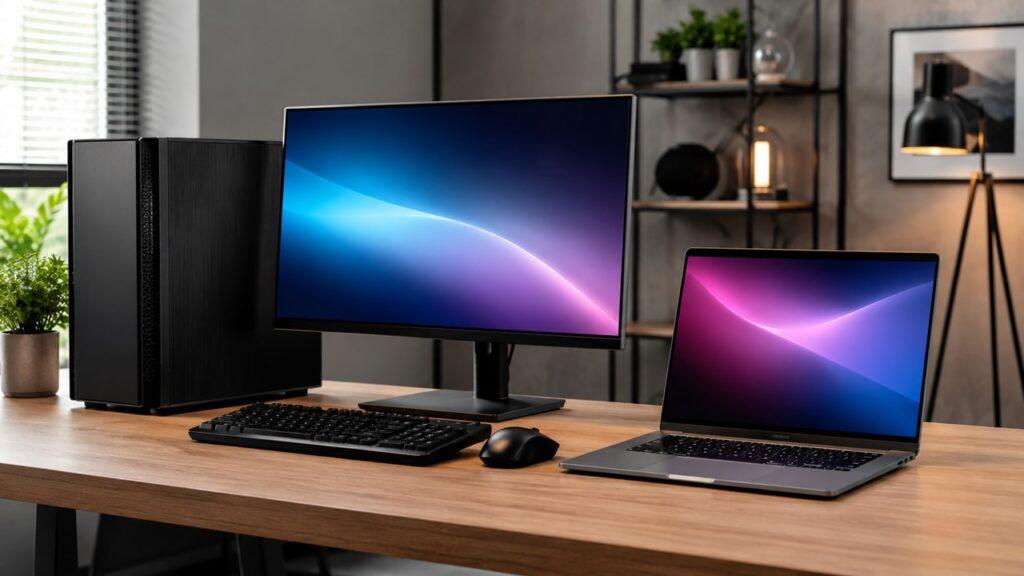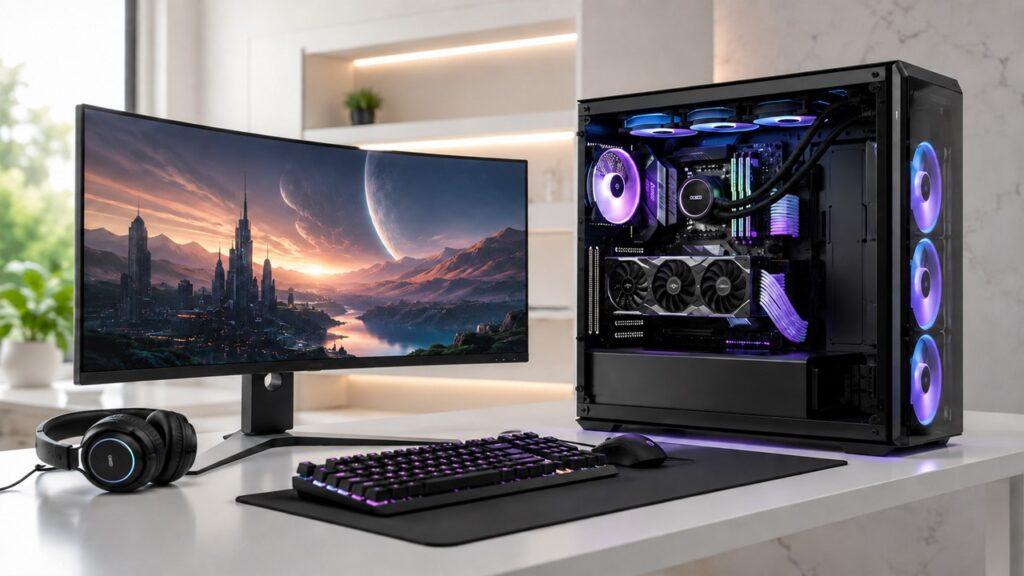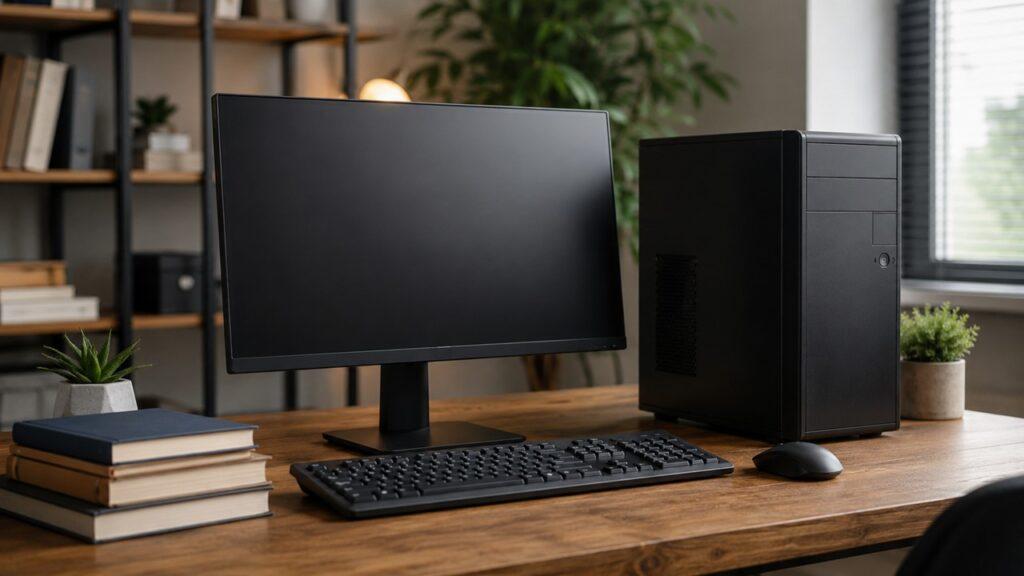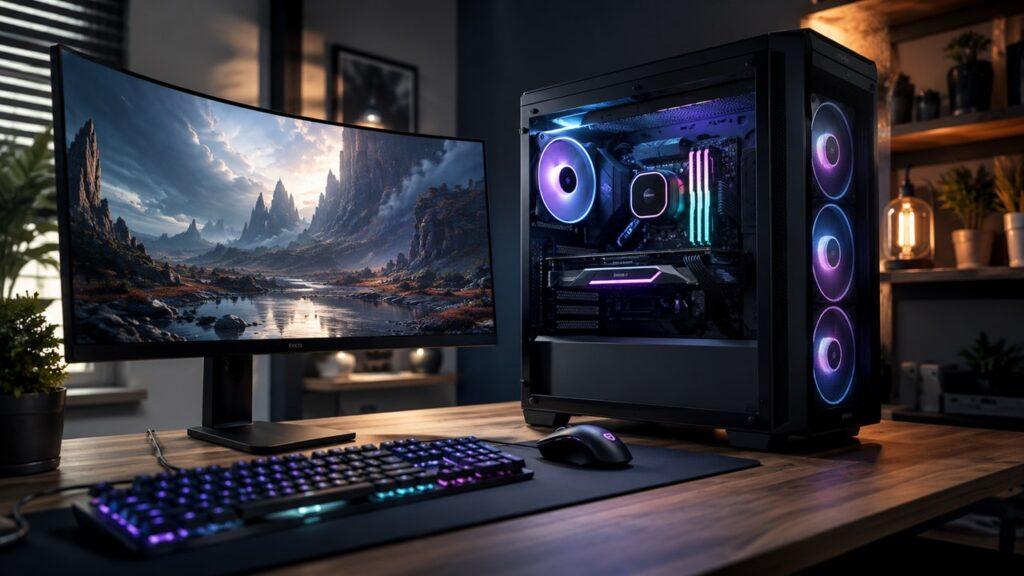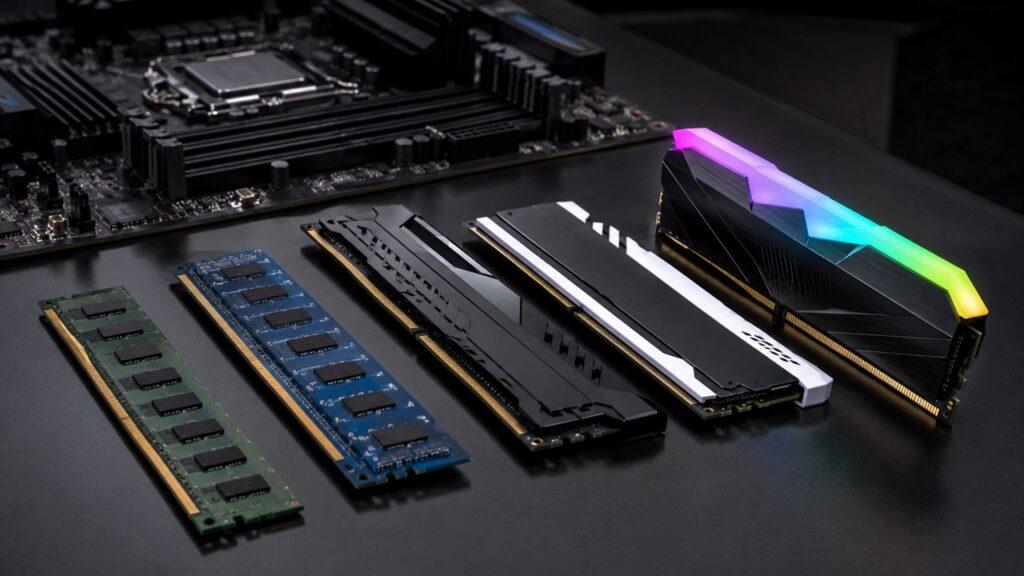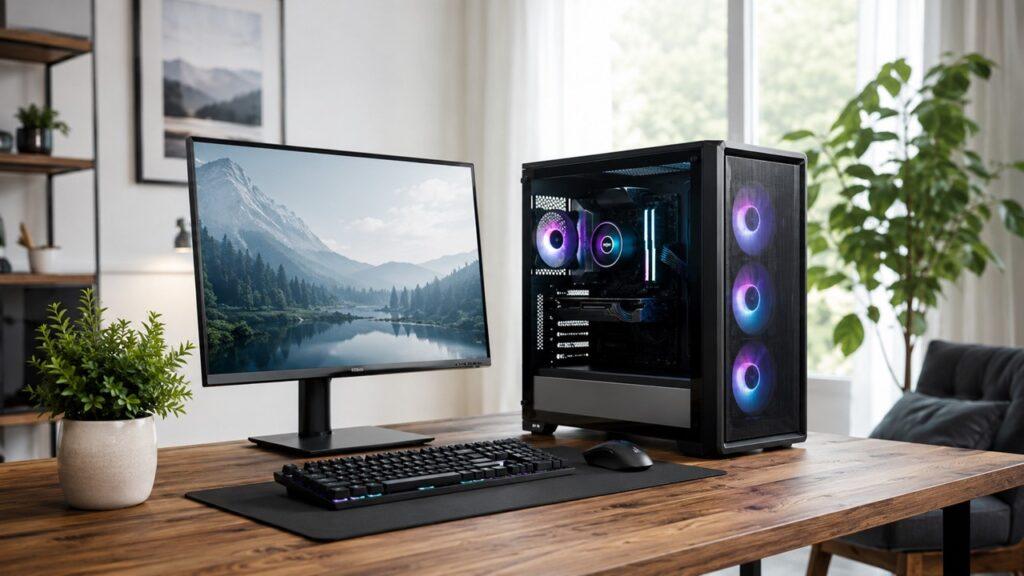
Yes, you can use a gaming PC for office work. It handles documents, spreadsheets, email, video calls, and multitasking with ease and often feels faster than a standard office computer.
However, for basic tasks like Word, Excel, email, and meetings, a gaming PC is usually more powerful than necessary. A regular office PC can handle these tasks just fine.
A gaming PC makes more sense if you also game, edit videos, use design software, run heavy tools, or want one system for both work and entertainment.
Key Takeaways
- Gaming PCs can easily handle all office tasks
- They are often more powerful than needed for basic work
- Best suited for multitasking, creative work, or dual use (work + gaming)
- A standard office PC is usually enough for simple productivity tasks
Quick Answer: Can a Gaming PC Be Used for Office Work?
Yes, a gaming PC can be used for office work. In fact, most gaming PCs are much more powerful than standard office desktops. They usually include a strong processor, dedicated graphics card, enough RAM, fast SSD storage, and better cooling.
A gaming PC is good for:
- Microsoft Word, Excel, PowerPoint, and Outlook
- Google Docs, Sheets, Slides, and Gmail
- Email, research, and web browsing
- Zoom, Teams, and video meetings
- Heavy multitasking with many browser tabs
- Multiple monitor setups
- Accounting, CRM, and business tools
- Photo editing, video editing, and design work
- Streaming, recording, and content creation
- 3D, CAD, and other graphics-heavy tasks
For basic work, a gaming PC will feel fast and smooth. The main question is not whether it can do office work. The real question is whether you need that much power for the type of work you do.
If you already own a gaming PC, you can use it for office work without worry. If you are buying a new computer only for basic office tasks, a regular office PC may be the more cost-effective choice.
Gaming PC vs Office PC: What Is the Real Difference?
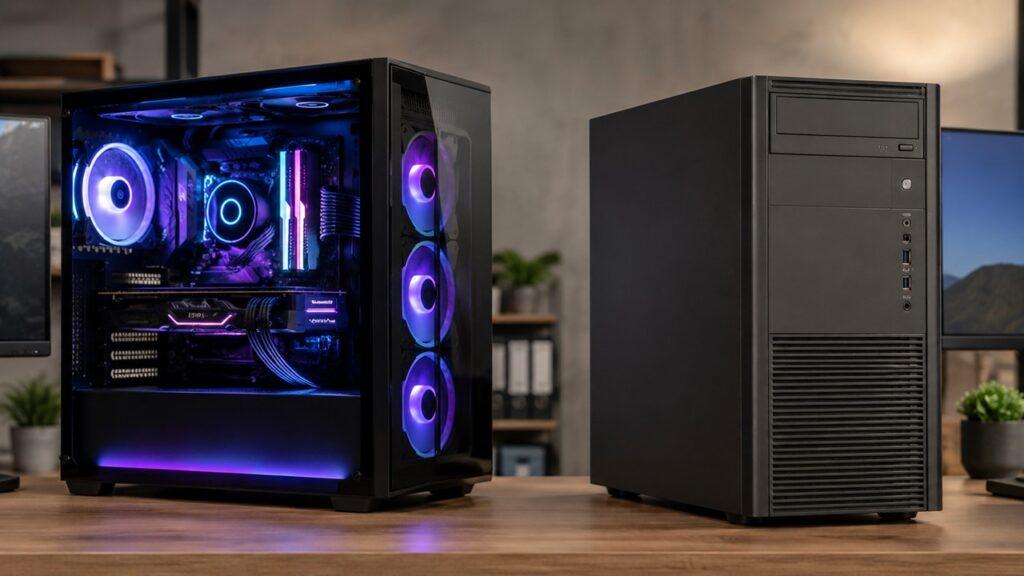
A gaming PC and an office PC can both run everyday programs. The difference is that a gaming PC is built for performance, graphics, cooling, and upgrades. An office PC is usually built for simple productivity, lower cost, quiet operation, and business use.
| Feature | Gaming PC | Office PC |
| Main purpose | Gaming, graphics, multitasking, and performance | Productivity and basic business tasks |
| CPU | Usually faster and more powerful | Usually moderate |
| GPU | Dedicated graphics card | Integrated graphics or basic GPU |
| RAM | Often 16GB to 32GB or more | Often 8GB to 16GB |
| Storage | Fast SSD, often with larger capacity | SSD or basic storage |
| Cooling | Stronger cooling system | Simpler cooling system |
| Noise | Can be louder under heavy load | Usually quieter |
| Power use | Higher, especially during gaming | Lower |
| Design | RGB lights, glass panels, bold cases | Simple, compact, professional |
| Upgrade options | Usually better | Often limited |
| Price | Usually higher | Usually more affordable |
The biggest difference is not basic office performance. Both can open documents, browse the web, send emails, and run video calls. The biggest difference is the extra hardware inside a gaming PC.
A gaming PC usually has a dedicated graphics card. This helps with gaming, video editing, 3D work, multiple monitors, and visual software. A standard office PC often uses integrated graphics, which is enough for simple work but limited for heavy visual tasks.
Gaming PCs also tend to have better cooling and upgrade options. You can often add more RAM, replace the graphics card, install more storage, or improve cooling later. Many compact office PCs are harder to upgrade.
For someone who only works with documents and emails, an office PC is usually enough. For someone who works, games, edits videos, or uses many programs at once, a gaming PC can offer more long-term value.
Is a Gaming PC Overkill for Normal Office Work?
For normal office work, a gaming PC is often overkill. Tasks like typing documents, checking email, using spreadsheets, browsing websites, and attending online meetings do not need a powerful gaming graphics card.
Microsoft 365 apps can run on much lower hardware than most gaming PCs. That means a modern gaming PC has far more power than needed for Word, Excel, Outlook, and PowerPoint. This is why basic users may not notice a huge productivity difference compared with a good office PC.
However, overkill does not mean useless. It only means you are paying for extra performance that basic work may not fully use. The PC will still work perfectly. It may also feel faster, smoother, and more responsive than an old or low-end office computer.
For example, if you only write documents and join Zoom calls, a gaming PC will not make your work dramatically better. A regular office PC can already do that well. But if you edit videos, use large spreadsheets, manage multiple monitors, run design tools, or play games after work, a gaming PC becomes much more practical.
Practical note: A gaming PC will not make email or Word documents faster in a meaningful way if your current PC is already modern. The real benefit appears when you multitask heavily, work with large files, connect multiple monitors, or run creative software.
When a Gaming PC Makes Sense for Office Work
A gaming PC makes sense for office work when your daily workload needs more than basic computing power. It is most useful when you multitask heavily, use creative software, work with large files, or want one system for both work and gaming.
You Work With Many Apps at Once
A gaming PC makes sense if your normal workday involves heavy multitasking. Strong CPUs, more RAM, and fast SSD storage can help your system stay smooth when many apps are open at the same time.
A gaming PC helps when you regularly keep open:
- 20 to 50 browser tabs
- Zoom or Teams meetings
- Large spreadsheets
- Cloud apps
- Email and calendar apps
- CRM software
- Accounting tools
- Project management apps
- Design or editing software
- Multiple communication tools
For light multitasking, a regular office PC is fine. Moreover, for heavy multitasking, a gaming PC can reduce freezing, lag, and slow app switching.
For example, a remote worker may use Chrome, Slack, Zoom, Google Sheets, Gmail, Notion, and a CRM tool at the same time. A low-end PC may slow down in that situation. A gaming PC with 16GB or 32GB of RAM will usually handle it more smoothly.
You Use Multiple Monitors
A gaming PC is useful for multiple monitor setups because most dedicated graphics cards support more than one display. This can make office work easier if you need more screen space.
For example, you can write on one monitor, research on another, and keep email, chat, or video calls open on a third screen. This is helpful for writers, analysts, marketers, developers, traders, designers, and remote workers.
A regular office PC can also support multiple monitors in some cases. However, a gaming PC usually gives more display flexibility, especially if you want higher resolutions or several screens.
A multiple monitor setup can improve workflow because it reduces constant window switching. You can compare data, write faster, monitor communication, and keep reference material visible while working.
You Do Creative or Technical Work
A gaming PC is more useful when office work includes creative, visual, or technical tasks. These workloads can benefit from a stronger CPU, more RAM, and a dedicated GPU.
A gaming PC is useful for:
- Video editing
- Photo editing
- Graphic design
- 3D modeling
- CAD work
- Animation
- Streaming
- Screen recording
- Data visualization
- Game development
- AI-assisted creative workflows
- Large file processing
For these tasks, a gaming PC is not just for gaming. The same hardware that runs games can also speed up rendering, previews, exports, and visual workloads.
For example, Adobe Premiere Pro can use GPU acceleration for video editing tasks. This means a dedicated graphics card can help with smoother playback, faster rendering, and better performance in some editing workflows.
A graphic designer may also benefit from extra RAM and a strong GPU when working with large Photoshop files, Illustrator projects, or multiple creative apps at the same time.
You Want One PC for Work and Gaming
A gaming PC makes sense if you want one desktop for both work and entertainment. Instead of buying a separate office desktop and gaming system, one strong gaming PC can handle both.
This is useful for remote workers, students, freelancers, content creators, and home office users who work during the day and play games after work.
The main benefit is dual-purpose value. The PC may cost more upfront, but it can serve as both a productivity machine and a gaming setup.
If you already plan to game, edit videos, or create content, a gaming PC may be a better investment than buying a cheap office PC now and upgrading later.
When You Should Not Use a Gaming PC for Office Work
A gaming PC is powerful, but it is not always the smartest choice. Some users are better served by a normal office PC, mini PC, or business laptop.
You Only Do Basic Office Tasks
If your work is limited to email, documents, web browsing, online meetings, and simple spreadsheets, you probably do not need a gaming PC. A regular office desktop or business laptop can handle those tasks well.
In this case, a gaming PC may cost more without giving you a clear productivity advantage. You may be better off spending money on a good monitor, ergonomic keyboard, comfortable chair, webcam, or backup storage.
For many office users, comfort matters more than raw performance. A better chair, larger monitor, and quieter keyboard may improve daily work more than a powerful graphics card.
You Need a Quiet Office Setup
Gaming PCs can be quiet during light office work, but they may become louder when the CPU or graphics card is under load. Poor airflow, cheap fans, or dust buildup can also increase noise.
Common noise sources include:
- GPU fans
- CPU cooler
- Case fans
- Power supply fan
- Hard drives
- Poor airflow
- Dust buildup
- Aggressive fan settings
If silence is very important, choose a quiet case, efficient components, larger fans, and a balanced fan curve. A small business desktop may still be quieter for basic office use.
Noise matters more if you record audio, attend many video calls, work in a shared office, or need a distraction-free workspace.
You Care About Electricity Costs
A gaming PC usually uses more power than a basic office PC, especially during gaming, rendering, or other demanding tasks. However, it does not always run at full power.
During basic office work, modern CPUs and GPUs reduce their speed and power use. That means writing documents or checking email will not use the same power as playing a demanding game.
Still, if you work long hours every day and only need basic productivity, a low-power office PC can be more efficient.
ENERGY STAR also recommends using sleep settings because low-power sleep mode can reduce wasted energy when a computer is inactive.
You Need a Formal Business Look
Some gaming PCs have RGB lighting, glass side panels, large cases, and aggressive designs. That may not fit a formal office or client-facing workspace.
This is easy to solve. You can choose a clean case, turn off RGB lighting, use a simple black or white setup, and keep the desk minimal.
For a home office, appearance may not matter much. For a corporate office, a standard business PC may look more professional.
If your gaming PC appears on camera during meetings, keep the background clean. Turn off bright lights, hide cables, and use a neutral webcam angle.
Pros and Cons of Using a Gaming PC for Office Work
A gaming PC can be excellent for office work, but it has both benefits and drawbacks. The best choice depends on your workload, budget, workspace, and personal habits.
| Pros | Cons |
| Very fast for multitasking | More expensive than basic office PCs |
| Handles office software easily | Can use more electricity |
| Great for multiple monitors | May look too flashy |
| Useful for video editing and design | Can be noisy under heavy load |
| Better upgrade options | Gaming can become a distraction |
| Long usable lifespan | Takes more desk space |
| Good for work and entertainment | Not always needed for basic tasks |
| Strong performance for creative work | Business support may be limited |
A gaming PC is not a bad choice for office work. It can do everything a normal office PC does and much more. The issue is whether the extra cost, power use, size, and gaming-focused design make sense for your situation.
If you already own a gaming PC, using it for office work is completely fine. If you are buying a new computer only for basic office tasks, a regular office PC may be the smarter choice.
Common Office Tasks a Gaming PC Can Handle
A gaming PC can handle almost every common office task smoothly. The table below shows where it is useful and where it may be more powerful than needed.
| Office Task | Gaming PC Performance | Is It Overkill? |
| Word processing | Excellent | Yes |
| Excellent | Yes | |
| Web browsing | Excellent | Usually |
| Zoom or Teams calls | Excellent | Slightly |
| PowerPoint presentations | Excellent | Usually |
| Google Workspace | Excellent | Yes |
| Excel spreadsheets | Excellent | Depends on file size |
| Accounting software | Excellent | Usually |
| CRM tools | Excellent | Usually |
| Project management apps | Excellent | Usually |
| Multiple monitors | Excellent | No |
| Video editing | Excellent | No |
| Photo editing | Excellent | No |
| Graphic design | Excellent | No |
| 3D or CAD work | Excellent | No |
| Streaming and recording | Excellent | No |
For light office tasks, a gaming PC feels smooth but unnecessary. For heavier office workloads, the extra CPU power, RAM, graphics card, and fast storage can save time.
This is why the answer depends on the user. A writer may not need a gaming PC. A video editor, designer, CAD user, or multitasking remote worker may benefit from one.
If your work is mostly browser-based, focus on RAM, SSD storage, internet speed, and monitor quality. If your work includes creative software, focus more on CPU, RAM, GPU, and cooling.
Does a Gaming PC Improve Office Productivity?
A gaming PC can improve office productivity, but only in the right situation. If your current computer freezes, loads slowly, or struggles when many apps are open, a gaming PC can make work feel smoother.
However, if your current office PC is already fast enough for your daily tasks, a gaming PC may not improve your productivity much. It will not make you type faster, write better emails, or become more focused by itself.
A gaming PC may improve productivity if:
- Your current PC freezes often
- You use large spreadsheets
- You work with many browser tabs
- You use two or more monitors
- You edit photos or videos
- You run demanding software
- You switch between many programs
- You record or stream your screen
- You need faster exports or renders
- You want one PC for both work and gaming
The biggest productivity gain comes from removing slowdowns. If your work is already smooth, the better upgrade may be a larger monitor, better chair, better keyboard, or improved workspace.
Productivity is not only about speed. It is also about comfort, focus, screen space, and workflow. A gaming PC solves performance problems, but it does not solve poor work habits or a messy setup.
Will a Gaming PC Use Too Much Power for Office Work?
A gaming PC uses the most power during gaming, rendering, 3D work, or other heavy tasks. During simple office work, modern hardware usually reduces speed and power usage automatically.
That means a gaming PC does not consume maximum power all day just because it has powerful parts. Still, it can use more electricity than a small office desktop, especially if it has a powerful graphics card, RGB lighting, many fans, or high-performance settings.
| Usage Type | Power Use Level |
| Email and documents | Low to moderate |
| Web browsing | Low to moderate |
| Video calls | Moderate |
| Large spreadsheets | Moderate |
| Multiple monitors | Moderate |
| Gaming | High |
| Video rendering | High |
| 3D work | High |
| Streaming while gaming | High |
For normal office work, power use is usually manageable. But if electricity cost is a major concern, a small office desktop, mini PC, or business laptop may be more efficient.
To reduce power use:
- Use balanced power mode
- Turn off RGB lighting
- Close unused apps
- Let the PC sleep when inactive
- Avoid high-performance mode during simple work
- Shut down the PC when not needed
- Use efficient components when building a PC
If you work eight or more hours per day, energy efficiency matters. A gaming PC can still be practical, but you should use sensible power settings instead of running everything at maximum performance all day.
Are Gaming PCs Too Loud for Office Work?
Most gaming PCs are not loud during simple office work. Tasks like typing, browsing, and email usually do not push the hardware hard enough to make fans spin loudly.
However, a gaming PC can become louder during gaming, video editing, rendering, or heavy multitasking. Noise can also increase if the case has poor airflow, the fans are low quality, or the PC is dusty.
Ways to reduce gaming PC noise for office work:
- Keep the PC clean
- Remove dust from fans and filters
- Improve case airflow
- Use larger, quieter fans
- Set a balanced fan curve
- Avoid blocking vents
- Place the PC beside or under the desk
- Use an SSD instead of a hard drive
- Use headphones during calls if needed
- Avoid unnecessary high-performance settings
If you need a very quiet workspace, choose components carefully. A well-built gaming PC can be quiet, but a cheap or poorly cooled gaming PC may be distracting.
For video calls, microphone placement also matters. A good headset or directional microphone can reduce background fan noise and make your voice clearer.
Can You Use a Gaming Laptop for Office Work?
Yes, you can use a gaming laptop for office work. It can handle documents, browsing, video calls, spreadsheets, and creative software. However, a gaming laptop has different trade-offs compared with a gaming desktop or business laptop.
Gaming Desktop vs Gaming Laptop for Office Work
A gaming laptop can also be used for office work, but it has different trade-offs. It is portable, but it may be heavier, louder, hotter, and have weaker battery life than a business laptop.
| Factor | Gaming Desktop | Gaming Laptop |
| Performance | Higher and more stable | Strong, but heat-limited |
| Portability | Not portable | Portable |
| Noise | Easier to control | Often louder under load |
| Battery life | Not relevant | Usually poor |
| Upgrade options | Better | Limited |
| Cooling | Stronger | More restricted |
| Desk setup | Better for permanent setup | Better for flexible locations |
| Office use | Excellent | Good, but bulky |
Main Problem With Gaming Laptops
The main problems with gaming laptops are battery life, heat, noise, weight, and charger size. They are built for performance, not all-day portability.
A gaming laptop can work well at a desk, especially when plugged in. But if you travel often, attend meetings, or work away from power outlets, a business laptop may be more practical.
Gaming laptops also tend to run warmer because powerful parts are packed into a smaller body. This can make fans louder during heavier work.
When a Gaming Laptop Makes Sense
A gaming laptop makes sense if:
- You need one laptop for work and gaming
- You travel occasionally
- You mostly work near a power outlet
- You edit videos or use design tools
- You do not want a desktop
- You need strong performance in a portable device
- You are comfortable with extra weight and fan noise
For office work only, a business laptop is usually better. For work plus gaming or creative tasks, a gaming laptop can be a good compromise.
How to Set Up a Gaming PC for Office Work
A gaming PC can become a strong productivity machine if you set it up correctly. The goal is to reduce distractions, lower noise, save power, and make the workspace comfortable.
Create a Separate Work Profile
A separate work profile helps you stay focused and keeps your work environment clean. This is especially helpful if the same PC is used for gaming and entertainment.
Set up your work profile with:
- A separate Windows user account
- No game shortcuts on the desktop
- A work-only browser profile
- Separate bookmarks
- Separate email accounts
- Work-only notification settings
- Focus mode during work hours
- A clean desktop layout
A separate profile can also protect your workflow. You can keep work files, browser extensions, saved passwords, and notifications separate from your gaming setup.
Turn Off RGB During Work
RGB lighting can look good for gaming, but it may be distracting during office hours. It may also look unprofessional during video calls if the PC is visible behind you.
Turn off RGB lights during work, or set them to a simple static color. This makes the setup feel cleaner and more professional.
A simple visual setup can also help your mind separate work time from gaming time.
Use Balanced Power Mode
Balanced power mode is usually better for office work because it reduces heat, fan noise, and unnecessary power use.
Settings to consider:
- Use balanced power mode for office work
- Use sleep mode after inactivity
- Use high performance only for gaming or rendering
- Turn off unnecessary startup apps
- Close game launchers during work
- Keep drivers updated
- Avoid overclocking for normal office work
You do not need maximum performance for email, documents, or browsing. Balanced settings are usually enough for daily productivity.
Choose Office-Friendly Peripherals
Gaming peripherals are not always ideal for long office sessions. A loud mechanical keyboard or aggressive gaming mouse may not be comfortable for every worker.
Choose office-friendly accessories such as:
- Comfortable keyboard
- Ergonomic mouse
- Good webcam
- Clear microphone
- Adjustable monitor
- Monitor arm
- Supportive office chair
- Desk lamp
- Wrist rest if needed
- Noise-reducing headset
For office work, comfort matters. A powerful PC will not help much if your chair hurts your back or your monitor causes eye strain.
Keep Work and Games Separate
The biggest non-technical issue with using a gaming PC for office work is distraction. Games, launchers, notifications, and shortcuts can make it harder to focus.
Keep work and games separate by using different profiles, separate folders, separate browser accounts, and work-only notifications. You can also schedule gaming after work hours instead of keeping games visible during the day.
If you struggle with distraction, remove game shortcuts from your work profile. You can also disable notifications from Steam, Epic Games, Discord, or other gaming apps during work hours.
Best Gaming PC Specs for Office Work
The best specs depend on the type of office work you do. You do not need the most expensive gaming PC for basic productivity. A mid-range gaming PC is already more than enough for most office users.
| Office Use Case | Recommended Specs |
| Basic office work | Modern 4-core or 6-core CPU, 8GB to 16GB RAM, SSD |
| Heavy multitasking | 6-core or 8-core CPU, 16GB to 32GB RAM, SSD |
| Multiple monitors | Dedicated GPU or strong integrated graphics, 16GB RAM |
| Video editing and design | 8-core CPU, 32GB RAM, dedicated GPU, fast SSD |
| 3D, CAD, or rendering | High-end CPU, 32GB to 64GB RAM, powerful GPU |
| Work and gaming | 6-core or better CPU, 16GB to 32GB RAM, dedicated GPU |
| Streaming and recording | 8-core CPU, 32GB RAM, dedicated GPU, large SSD |
For basic office work, do not overspend on the most powerful graphics card. The CPU, RAM, SSD, monitor, keyboard, and internet connection may matter more for daily productivity.
For creative work, gaming, 3D, or video editing, a stronger GPU becomes more important. In that case, a gaming PC can be a practical investment.
A good general setup for work and gaming is a modern 6-core or 8-core CPU, 16GB to 32GB RAM, a fast SSD, and a mid-range dedicated GPU. This is more than enough for most home office users.
Gaming PC vs Business PC: Which Is Better for Work?
A business PC is usually better for simple office work, corporate environments, quiet operation, and lower power use. A gaming PC is better for people who need stronger graphics, better upgrades, multiple monitors, or one machine for work and gaming.
| User Type | Better Choice | Why |
| Basic office worker | Business PC | Cheaper, quieter, and efficient |
| Remote worker with many apps | Gaming PC or strong business PC | Better multitasking |
| Writer or blogger | Business PC | Usually enough for writing and research |
| Designer or video editor | Gaming PC | GPU helps creative work |
| Accountant | Business PC | Usually enough for accounting tools |
| CAD user | Gaming PC or workstation | Needs stronger graphics |
| Software developer | Depends | Gaming PC helps with heavy workloads |
| Gamer who also works | Gaming PC | One system for both |
| Corporate office | Business PC | Better support and cleaner design |
| Home office user | Depends | Gaming PC works well if budget allows |
Business PCs often offer simpler support, lower power use, cleaner designs, and better fit for office environments. Gaming PCs offer more raw power, stronger graphics, better upgrade options, and better entertainment value.
For most basic office users, a business PC is the better financial choice. For users who combine work, gaming, and creative tasks, a gaming PC can be the better all-in-one option.
If you work for a company, also consider IT policies. Some workplaces prefer business PCs because they are easier to manage, secure, repair, and support.
Is It Professional to Use a Gaming PC for Work?
Yes, it can be professional to use a gaming PC for work, especially in a home office, remote job, freelance setup, design studio, content creation workspace, or development environment.
The only concern is appearance. A flashy case with bright RGB lights may not fit every workplace. If the PC is visible during meetings or client calls, a cleaner setup may look better.
You can make a gaming PC look professional by turning off RGB, using a simple case, keeping cables organized, using a clean desk, and choosing a neutral webcam background.
In most cases, clients and coworkers will care more about your work quality than the type of PC you use.
A gaming PC may even look normal in creative fields. Designers, editors, developers, streamers, and content creators often use powerful desktops because their work needs stronger hardware.
Should You Buy a Gaming PC Just for Office Work?
Usually, you should not buy a gaming PC only for basic office work. If your daily tasks are email, documents, spreadsheets, browsing, and video calls, a regular office PC is more cost-effective.
However, a gaming PC is worth considering if your work goes beyond basic productivity or if you also want to game on the same machine.
Buy a gaming PC for office work if:
- You also play modern games
- You do creative work
- You edit videos or photos
- You use multiple monitors
- You need strong multitasking
- You run demanding software
- You want better long-term upgrade options
- You want one PC for both work and entertainment
Do not buy a gaming PC for office work if:
- You only use basic office apps
- Your budget is limited
- You need a silent setup
- You want a compact desktop
- You want the lowest electricity use
- You need business-grade support
- You do not play games
- You do not use creative software
The best choice depends on your real daily use. Do not buy a gaming PC just because it sounds more powerful. Buy it when the extra performance matches your work, hobbies, or long-term needs.
If you are unsure, ask yourself this simple question: will the gaming hardware help my actual work or only make the PC sound better on paper?
Decision Guide: Office PC, Gaming PC, or Workstation?
This simple decision table can help you choose the right type of computer.
| Choose This | If You Need |
| Office PC | Basic work, low cost, quiet setup, low power use |
| Gaming PC | Work plus gaming, editing, multitasking, multiple monitors |
| Workstation | Certified professional software, advanced CAD, engineering, scientific workloads |
For most people, the choice is between an office PC and a gaming PC. A workstation is only necessary for specialized professional work that needs certified hardware, ECC memory, or workstation-class graphics.
If you are working from home and also gaming, a gaming PC is often the most flexible option. If you only need a reliable machine for simple work, an office PC is usually the smarter purchase.
A workstation is different from a gaming PC. Workstations are built for professional workloads where stability, certification, memory reliability, and software support matter more than gaming performance.
Final Verdict
A gaming PC is excellent for office work, but it is not always necessary. It can easily handle documents, spreadsheets, email, video calls, web browsing, and multitasking. It becomes even more useful when your work includes multiple monitors, video editing, design, 3D, CAD, streaming, or heavy software.
For simple office work, a regular office PC is usually cheaper, quieter, smaller, and more efficient. For work, gaming, content creation, and long-term flexibility, a gaming PC can be a smart all-in-one choice.
The best answer is simple. If you already have a gaming PC, use it for office work without worry. If you are buying a new computer, choose a gaming PC only when the extra power fits your daily work or personal use.
Related FAQs
Can a Gaming PC Run Microsoft Office?
Yes. A gaming PC can easily run Microsoft Word, Excel, PowerPoint, Outlook, and other office apps. These programs require far less power than most modern games.
Is a Gaming PC Good for Working From Home?
Yes. A gaming PC is good for working from home, especially if you use video calls, multiple monitors, many browser tabs, or creative software. It may be more powerful than needed for simple remote work.
Is a Gaming PC Too Powerful for Office Work?
For basic office tasks, yes, a gaming PC can be more powerful than needed. However, that extra power helps with multitasking, editing, design, gaming, and long-term use.
Does a Gaming PC Use a Lot of Electricity for Office Work?
A gaming PC uses less power during office work than during gaming. However, it can still use more electricity than a small office desktop or business laptop.
Can a Gaming PC Be Used in a Professional Office?
Yes, a gaming PC can be used in a professional office. For a more formal look, turn off RGB lighting, use a clean case, and keep the desk organized.
Is a Gaming Laptop Good for Office Work?
Yes, a gaming laptop is good for office work, but it may be heavier, louder, and have shorter battery life than a business laptop. It works best when plugged in at a desk.
Should I Buy a Gaming PC or Office PC for Work?
Choose an office PC for simple tasks like email, documents, and browsing. Choose a gaming PC if you also game, edit videos, use design software, or need heavy multitasking.
Can a Gaming PC Handle Multiple Monitors for Office Work?
Yes. Most gaming PCs with dedicated graphics cards can handle multiple monitors easily. This is useful for research, writing, meetings, dashboards, and multitasking.
Will a Gaming PC Be Noisy During Office Work?
Usually, a gaming PC stays quiet during light office work. It may become louder during gaming, rendering, editing, or heavy workloads.
Is a Gaming PC Better Than a Normal PC for Productivity?
It depends on the workload. A gaming PC is better for heavy multitasking, creative work, and multiple monitors, but a normal PC is enough for basic productivity.

Justin has spent years learning how blogs, websites, hosting, and online income work in the real world. Along with blogging and SEO, he also covers desktops, laptops, PC parts, and everyday tech, sharing easy-to-understand advice for readers who want to build better websites and choose better tools.